Language Learning for Visual Learners: Tools That Fit
Language learning for visual learners works best with images, colour and context. Ideas for building a picture-rich routine, plus what LingFit offers.
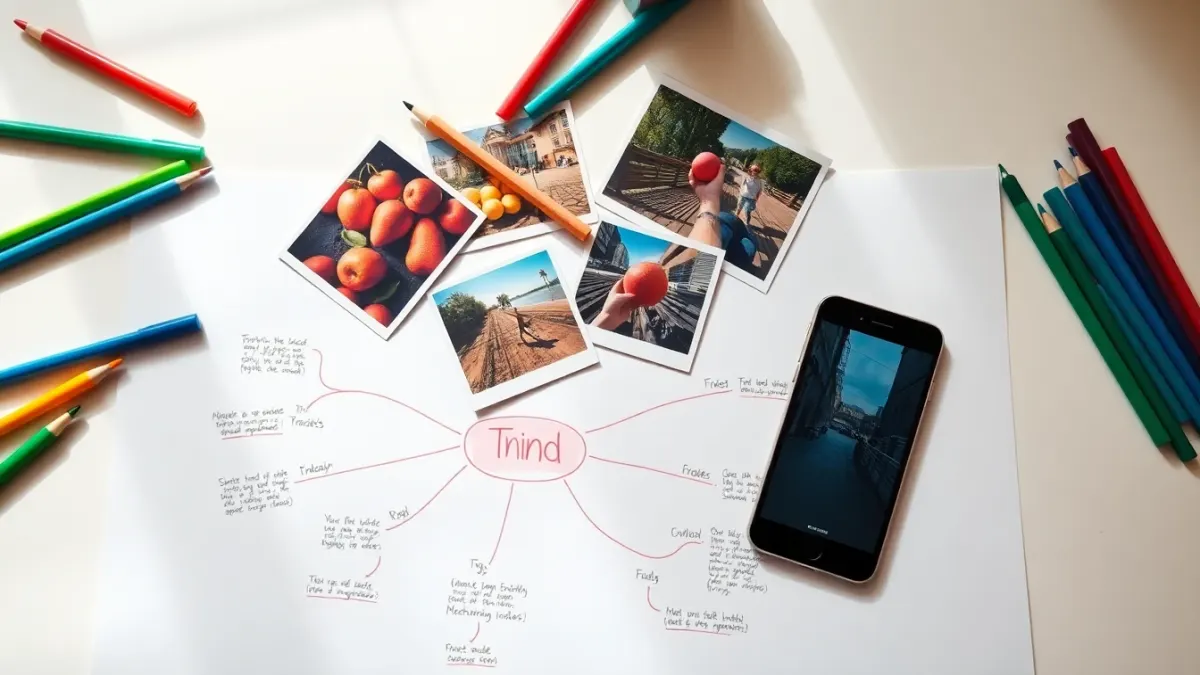
If long lists of words slide right off your memory but you can still recall the layout of a page you read last year, you may lean visual. Language learning for visual learners works best when words are tied to pictures, colour, space and scenes, rather than to bare translations. Here is how to build that kind of routine.
A quick caution about "learning styles"
Researchers have found little evidence that teaching strictly to a "style" improves outcomes. But preferences are real, and pictures genuinely help most people remember concrete words. So treat this as a toolbox rather than a label: use images whenever they help, and mix in listening and speaking.
Tie words to pictures, not just translations
When you learn the word for "dog" by pairing it with a picture, you build a direct link between the image and the new word, instead of routing everything through your own language. This works especially well for nouns and everyday objects.
LingFit's Extra Packs are good for this. You give the app a topic or a list of up to 20 words, and it generates a custom chapter that includes audio, images and game exercises. A "kitchen" pack or a "city street" pack means you are matching words to scenes. (One note: for certain sensitive topics the app skips images on purpose, so it is not always the case.)
Use colour and layout in your own notes
Even with a great app, a paper notebook can help a visual mind:
- Colour-code by gender or word type if your language has them, such as one colour per article.
- Draw quick sketches next to new words. Bad drawings work.
- Make mind maps around themes: "travel", "food", "feelings".
- Photograph things around you and label them in the target language.
Read: stories are scenes
Easy-language stories give your imagination something to hold. Because the text is pitched at your level, you can picture the scene without stopping every few words. When you meet a new word, tap it for a translation and decide on a mental image for it. Visual readers often remember "the hat in that story" more than "the hat" in a list.
Watch: video as context
Video is the most visual part of the app: short clips with subtitles you tap to translate any word. Seeing a speaker's gestures, locations and objects while hearing the word gives your visual memory a lot of anchors. Pause on a frame, read the subtitle, then say it.
Save words with a mental snapshot
When you save a word to your personal shelf, add the context: where did you see it? Who said it? What was on screen? Later, when you review it as a card, recall that scene first. This trick turns an abstract entry into a memory.
Grammar for visual minds
Rules can feel abstract. Try tables, colour-coded endings and sentence diagrams. LingFit has grammar classes explained in your own language, and you can combine them with your own sketches. A single colour for each verb ending, written on a sticky note by your desk, gives grammar a spatial home.
Do not neglect sound
Visual preference does not excuse skipping pronunciation. Say words aloud, and use speech recognition in the app to check yourself. Connect each sound to an image of your mouth or a rhythm on a line if that helps.
A weekly mix
- Three main course sessions.
- One picture-rich Extra Pack for a theme you care about.
- One story and one video session.
- A short review of your saved words, with sketches.
You can try it at lingfit.app. LingFit is a subscription app with a 7-day free trial on the annual plan.
FAQ
Are visual learners better with apps that use images?
Many people, visual or not, remember concrete words better with pictures. Choose tools that show images and context, then check what works for you.
Do I need to draw?
No. Drawing helps some people, but labelled photos or colour-coding work too.
How do I learn abstract words visually?
Use scenes, gestures or emotions instead of single objects. Context from stories and videos helps.
Does LingFit use pictures?
Extra Packs include generated images, audio and exercises, though some sensitive topics intentionally have no images.