Turn Screen Time Into Language Learning, Keep Your Phone
Turn screen time into language learning: swap scrolling minutes for subtitled videos, easy stories and quick games. A realistic plan that keeps your phone.
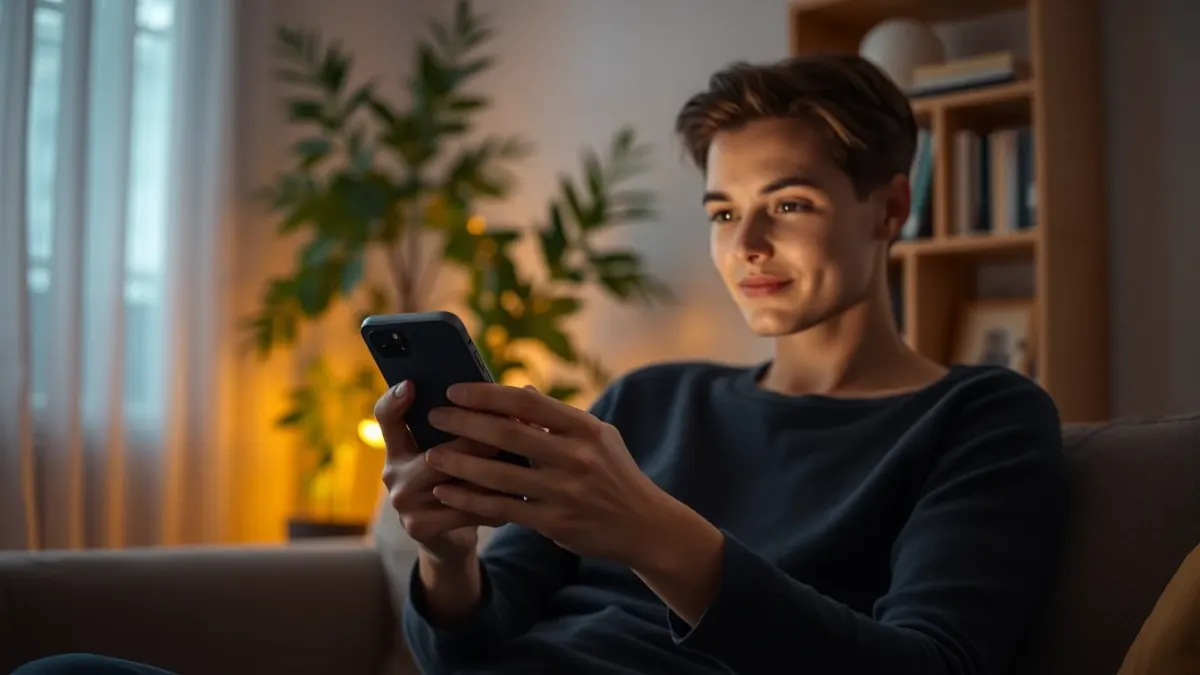
Most of us check our phones for hours a day. You can feel bad about it, or you can use it. If you want to turn screen time into language learning, you don't need to delete anything or become a monk. You just need to redirect a slice of the minutes you already spend.
Start by looking at your real numbers
Open your phone's screen time report. Find the apps that eat your time and note the moments: waiting in line, on the sofa, in bed, on the train. These are "gap minutes", low-value time that could be turned into something with a small return.
You don't need to convert all of it. Trading 15 to 20 minutes of scrolling per day is enough to make a real difference over a year.
Swap passive scrolling for active input
The key idea: the same device, a different diet.
- Instead of short videos in your language, watch short videos in the target language. A TikTok-style feed of clips with tappable, translated subtitles keeps the same scrolling rhythm while you pick up vocabulary. That is exactly what the video feed in LingFit is built around: tap a word in the subtitle and you see its translation.
- Instead of news headlines, read an easy story. Easy-language stories are written so you can follow them while still meeting new words.
- Instead of mindless puzzle games, play a language game. Quick rounds of Flash, Ping-Pong or Tug-of-War practise recall while giving you the small hit of competition.
Set up your phone to help you
- Move your language app to the first home screen, in the spot where your most-used social app is now.
- Move the distracting app one screen away or into a folder. Friction is real.
- Use notification reminders you control, set to a time when you're usually idle.
- Use a widget or shortcut if your phone offers one, so starting takes one tap.
Replace specific scrolling moments
Rather than "I'll scroll less", choose triggers:
- Waiting for the kettle: review five saved words.
- On the toilet or in line: one short video with subtitles.
- Bed, before lights out: one easy story page, with brightness low.
- Commute: a lesson or a game round.
If you keep the trigger consistent, the new habit replaces the old one.
Bookmark words as you go
The best part of learning on a phone is that your content is everywhere. When you encounter a word you like, save it. In LingFit you can bookmark words from the tooltip and also send text to the app from other apps with "Share to LingFit". Later you can practise that shelf as vocabulary cards, so your accidental discoveries turn into study material.
Keep it fun, or it won't last
A common mistake is trading doomscrolling for a grim drill. Keep a mix: some light entertainment, some structured lessons, a game. If you hate it by day four, swap the format.
Be realistic about the limits
Passive watching alone will not teach you a language. You need active moments: tapping to check a word, repeating a phrase aloud, answering a quiz. Use video and stories as the enjoyable layer, and add a short structured lesson to anchor what you learn.
Also watch your sleep and eyes. Learning on a phone isn't magic; if screens are a problem for you, set time limits and use the lesson time as part of your daily budget, not an addition.
A 20-minute swap, for example
- 5 minutes: video clips with subtitles, tapping unknown words.
- 10 minutes: one structured lesson.
- 5 minutes: a quick game round or review of saved words.
Do it in place of a scroll session. After a month, notice how many words you recognise in the clips you watch.
FAQ
Can you really learn a language from your phone?
Yes, as a daily practice tool. Phones are good for short sessions, vocabulary review and input. Add speaking and writing practice elsewhere for balanced skills.
How do I reduce screen time and still learn?
You don't have to reduce it overall. Replace some low-value scrolling with language content, and set time limits for entertainment apps.
Is watching videos with subtitles good for learning?
It can be, especially when you can look up words and the level is right. Combine it with active practice such as quizzes or review.
What is the easiest way to start?
Put your language app on your home screen and commit to one 10-minute session at the time you usually scroll.