Hand Tracking in VR Games Explained: Pros, Limits, Tips
Hand tracking in VR games explained: how it works, where it shines and where controllers win, plus tips for playing tower defense with your bare hands.
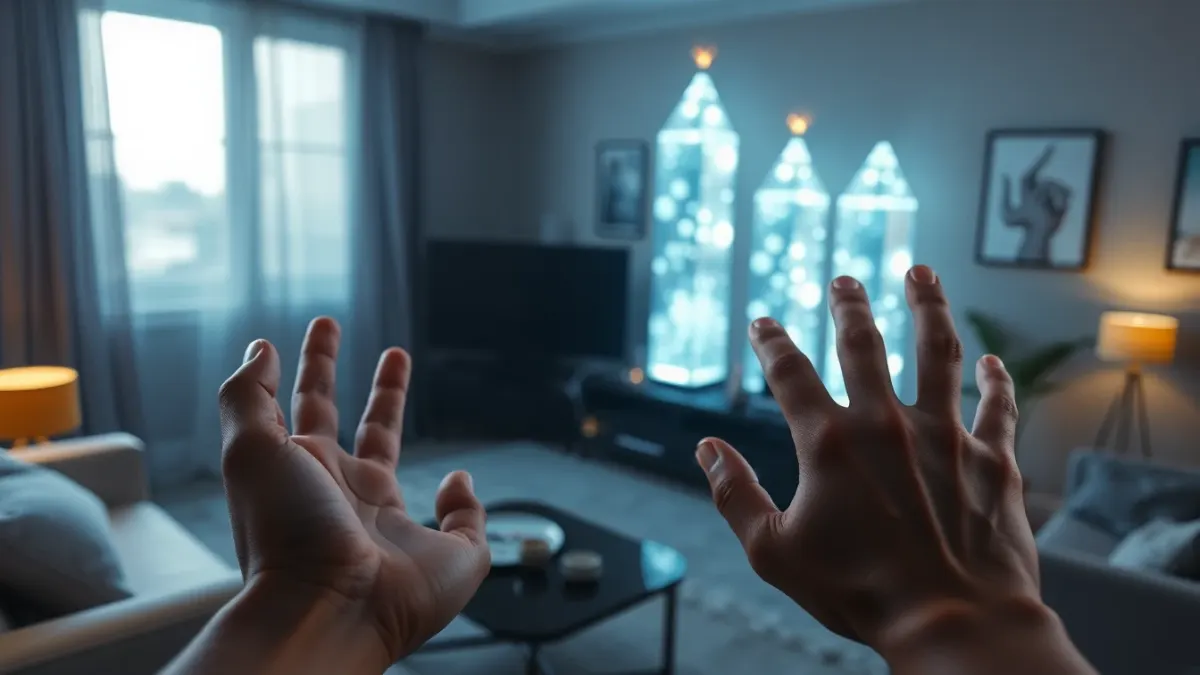
Put on a Quest headset, set the controllers aside and your own hands appear in the game. That is hand tracking, and for some game types it feels like magic. This guide explains how it works in plain terms, where it excels, where controllers are better and how it fits a hands-on tower defense game like Sozo.
How hand tracking works, in plain terms
The headset's cameras look for your hands, work out the position of your fingers and pass that pose to the game. No gloves or extra hardware are needed. The game then treats your hand as an input: pointing, pinching, grabbing or, in some games, punching.
Because it relies on cameras, hand tracking needs two things: you must enable it in your headset settings, and your room needs reasonable light.
Where hand tracking shines
- Natural interaction. Pointing at a thing and acting on it needs no learning.
- Accessibility for newcomers. No button map to memorise.
- Immersion. Seeing your actual hands reinforces presence.
- Quick access. Nothing to charge, pick up or lose.
Where controllers still win
- Reliability. Controllers track precisely, even in bad light or fast movement.
- Buttons. Some actions work better with a physical trigger.
- Haptics. Controllers can vibrate to confirm actions.
- Long sessions. Holding a controller is often less tiring than holding hands in the air.
Neither is universally better. They suit different games and moods.
Hand tracking in tower defense
Tower defense is a good match because most of its interactions are simple: select, place, upgrade, aim. Sozo Tower Defense supports both Touch controllers and hand tracking, and can switch automatically. With your hands you can point, punch and cast, and the game's description for flyers is that you can shoot them yourself and punch them out of the sky.
Tips for better hand tracking
- Enable it in your headset settings.
- Light the room well. Dim rooms reduce tracking quality.
- Keep your hands in view. Tracking works when the cameras can see you.
- Avoid clutter behind your hands. Plain backgrounds help.
- Move deliberately. Very fast gestures can lose tracking.
- Have controllers nearby. Switching is part of the flexibility.
If your hands are not detected in Sozo, the first checks are exactly these: tracking enabled and the room well lit.
Comfort considerations
Raising your arms repeatedly is a workout in disguise. Play in shorter sessions, rest your arms between levels, and stop if you feel pain, dizziness or discomfort. Keep your play area clear because you will reach, aim and punch.
Privacy note
Hand tracking uses position and pose data from your headset. Sozo uses head, controller and hand tracking only for gameplay, does not use eye, face or body tracking, and sends nothing to the developer's servers.
Choosing for yourself
- Try hands first if you want the most natural feel.
- Use controllers if you prefer precision or play in a dim room.
- Mix them. Since the game can switch automatically, you can adapt to your mood.
Trying it for the first time
Start in a bright room, enable hand tracking in your headset settings and play a calm level. Give yourself a few minutes to learn how far your hands need to reach and how the game responds to your gestures. If it feels frustrating, switch back to controllers without guilt and try again another day; tracking tends to feel more natural with practice.
Before you blame the game for a missed gesture, check the boring things first: a well-lit room, a clear view of both hands and hand tracking switched on in the headset settings. Most dropped gestures trace back to one of those three, and fixing them takes about a minute.
FAQ
Does hand tracking work without controllers?
Yes, if the game supports it and you enable it in your headset settings. Sozo supports both.
Why is my hand tracking unreliable?
Common causes are dim lighting, hands out of view or the feature being disabled in headset settings.
Is hand tracking better than controllers?
It depends on the game and your preference. See Sozo on the Meta store.