Quest 2 Strategy Games Worth Playing in 2026
Still on a Quest 2? Sozo Tower Defense runs on it in full VR mode. Here is what to expect and how to get the most out of an older headset.
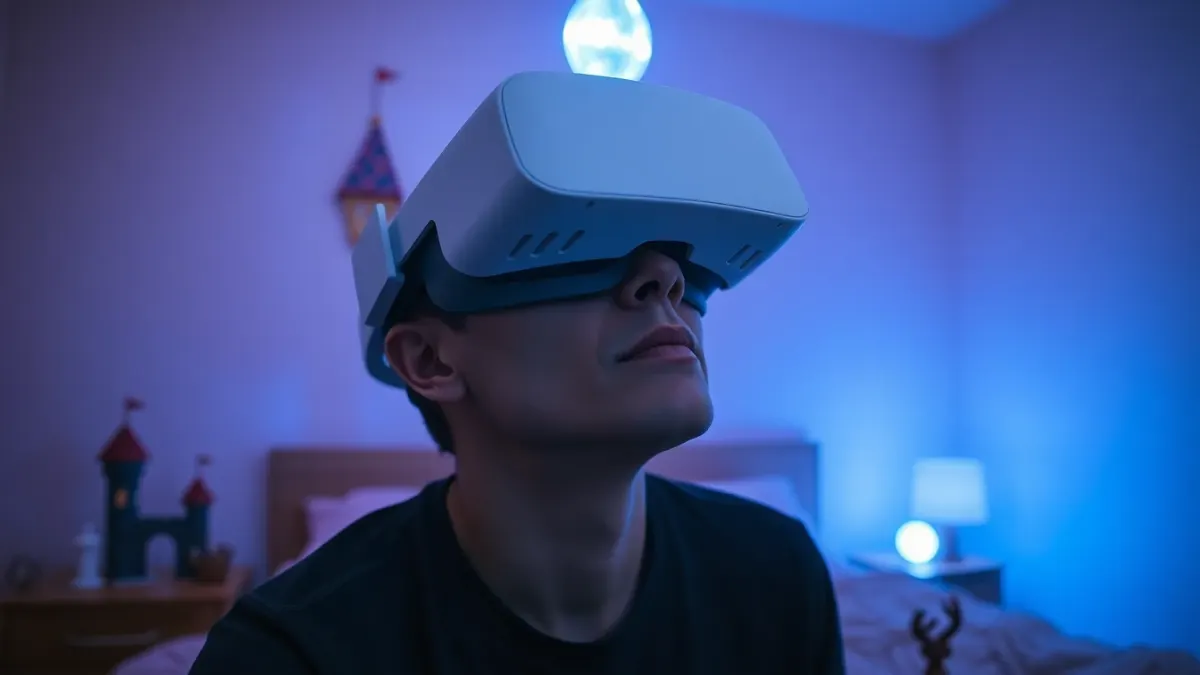
New headsets get the headlines, but a lot of people are still happily playing on a Quest 2. If that is you, you might wonder whether new releases leave you behind. For Quest 2 strategy games, the answer for Sozo Tower Defense is encouraging: it is listed as supported on Meta Quest 2, in full VR mode.
What works on a Quest 2
According to the game's requirements, Sozo runs on Meta Quest 2, Quest Pro, Quest 3 and Quest 3S, and VR mode works on every supported headset. That means the whole tower defense game is open to you: 160 levels across 8 realms, 8 tower types with three tiers, 48 enemy types, five difficulty modes and the Meteor, Stasis and Overcharge powers.
Your headset will not be shut out of the strategy part. What differs is mixed reality.
The mixed reality caveat
The game notes that mixed reality looks best with the colour passthrough of Quest 3 and 3S. The materials do not promise a particular experience on Quest 2 passthrough, so we will not make a claim either way. If mixed reality is your main reason to buy, a Quest 3 or 3S is the intended hardware. If you just want a good fantasy tower defense in VR, a Quest 2 is enough.
Why strategy suits an older headset
Strategy games ask for thinking, not raw spectacle. You look at a battlefield, place towers and watch the result. The fantasy realms of Verdant Hollow, Ember Wastes, Frostbite Reach and the rest are meant to be explored, not sprinted through. That makes tower defense a fine match for hardware that has been around for a while.
Setting up for the best Quest 2 session
- Charge and fit well. Adjust the strap and lenses; a sharp image matters more than any setting.
- Clear the play area. The game expects standing or room-scale play and you will reach, aim and punch.
- Light the room. Hand tracking in particular needs light.
- Choose controllers or hands. Sozo supports Touch controllers and hand tracking. If your hands are not detected, enable hand tracking in the headset settings.
- Start on a gentle difficulty. Casual or Normal will teach you the towers.
Making the most of VR mode
Since you are playing fully in VR, lean into the worlds. Each realm has its own scenery and its own enemy twist. Try a different tower mix in each: slow with the Frost Spire, blast with the Cannon, burn with the Flamethrower, keep a Missile Battery for flyers. Learn what the realm punishes, then build to answer it.
Planning your play time
A long campaign suits a headset you use regularly. Twenty levels per realm makes natural stopping points. Take breaks, play in short sessions and stop if you feel dizzy. Progress, stars, upgrades and settings are saved locally on your headset.
Should you upgrade?
Do not upgrade just for this game. Upgrade if you want the full colour passthrough experience of mixed reality. If you enjoy the idea of fantasy tower defense inside a virtual world, you can start on your Quest 2 today, and the game will still be there if you move to a Quest 3 later, as the purchase lives with your Meta account.
Links
The Sozo Tower Defense page has the feature list, and the store listing has current availability.
Older headset, same habits
A Quest 2 does not need special treatment, but good habits help any headset. Wipe the lenses, keep the strap snug but not tight and take the headset off between sessions to let your eyes rest. If you wear glasses, check that the spacer or lens inserts you use fit comfortably before a long session. A comfortable fit makes a bigger difference to enjoying a game than any graphical setting.
FAQ
Does Sozo Tower Defense work on Quest 2?
Yes. Quest 2 is listed among supported headsets, and VR mode works on all of them.
Can I play mixed reality on Quest 2?
The game says mixed reality looks best with the colour passthrough of Quest 3 and 3S. We make no claims about Quest 2 passthrough.
Is the content the same on every headset?
The game's content, 160 levels across 8 realms, is described for all supported headsets in VR mode.
Can I use hand tracking on Quest 2?
Sozo supports hand tracking and controllers. Make sure hand tracking is enabled in your headset settings.