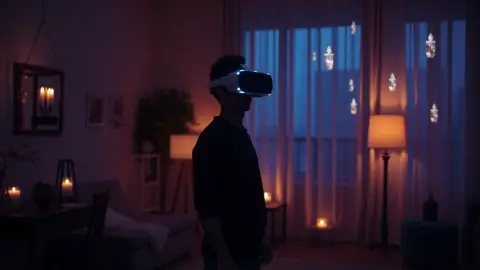
VR Mode vs Mixed Reality Mode in Sozo Tower Defense
VR mode vs mixed reality mode in Sozo Tower Defense: how each one plays, what hardware and room setup you need, and which to choose for your session.
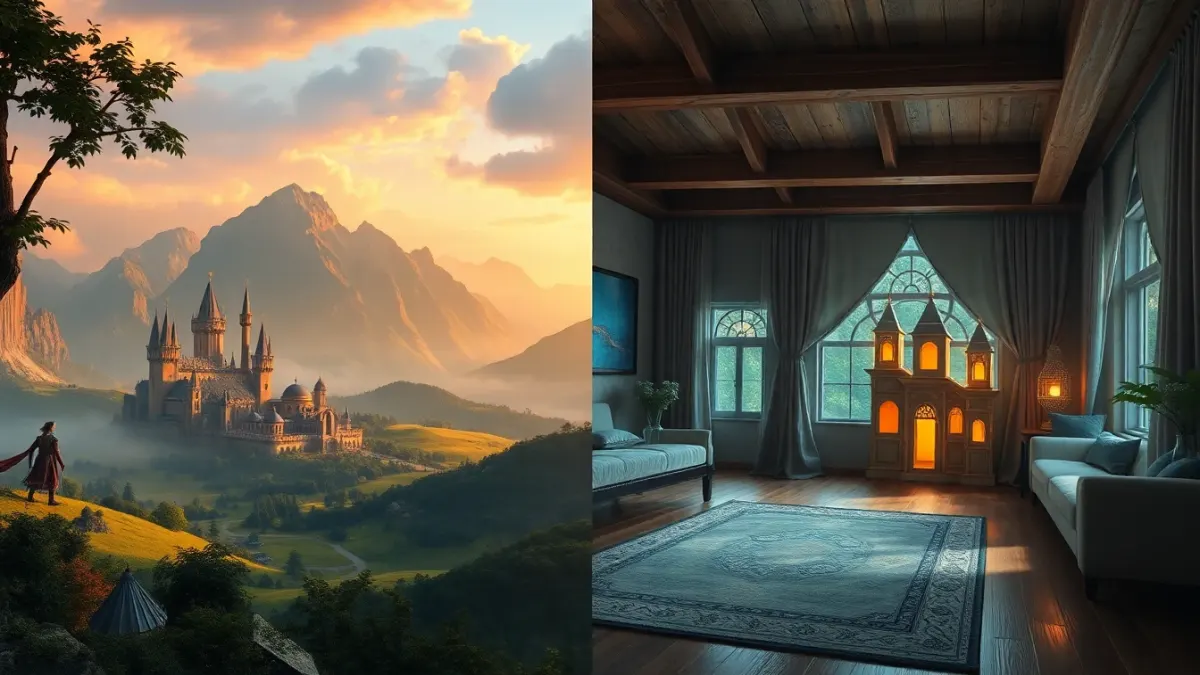
Sozo Tower Defense can be played in two ways: full VR, where you stand inside a fantasy world, or mixed reality, where the battlefield appears in your own room. Both are the same tower defense game. The difference is where the game happens and what you need to set up. Here is a practical comparison to help you choose.
The short version
| VR mode | Mixed reality mode | |
|---|---|---|
| Setting | Immersive fantasy worlds | Your real walls and floor |
| Headsets | Quest 2, Pro, 3, 3S | Looks best on Quest 3 and 3S (colour passthrough) |
| Setup | Clear your play area | Run Space Setup once |
| Feel | Escapist | Tabletop-like, in your room |
VR mode: stepping into the realm
In VR mode the headset replaces your surroundings. You play classic tower defense inside immersive fantasy worlds, with each realm showing its own look, from Verdant Hollow to Neon Overdrive. Because the room disappears, the game has total control over lighting, scale and atmosphere.
Choose VR mode when:
- you want the full fantasy mood,
- you are on a Quest 2 or Quest Pro,
- your room is cluttered or poorly suited to passthrough,
- you want to play in the evening with the lights low.
Mixed reality mode: the crystal in your living room
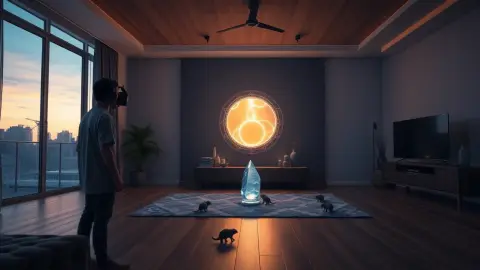
In mixed reality, Sozo opens portals in your real walls, and the monsters march across your real floor toward the crystal. You see your room through passthrough, with the game layered on top.
For this to work, you run your headset's Space Setup once so it knows your walls, floor and furniture, then choose mixed reality in the game. If you rearrange the room, re-run Space Setup and confirm the room again in the game.
Choose mixed reality when:
- you own a Quest 3 or 3S and want the best passthrough,
- you like seeing the game belong to your own space,
- you want to stay aware of your surroundings,
- you want to show friends or family something impressive.
Does strategy change between modes?
The towers, enemies, realms and rules are the same: eight tower types, three tiers of upgrades, 48 enemy types and your Meteor, Stasis and Overcharge powers. What changes is perception. In mixed reality the path follows your actual room, so your floor shape and furniture influence how the battlefield feels. In VR, the realm's designed environment sets the stage.
Comfort and safety in each mode
- Keep your play area clear of cables, pets and fragile objects.
- Play in a well-lit room, especially for mixed reality and hand tracking.
- Take regular breaks and stop immediately if you feel dizziness, nausea or discomfort.
- In mixed reality, passthrough is composited by the headset. The game does not access or store camera images, and your room layout stays on the headset.
Which should you try first?
If you have a Quest 3 or 3S, try mixed reality for a few levels to see the novelty, then play VR when you want immersion. If you have an older headset, VR mode is the full experience; you are not missing any game content, only the colour passthrough look.
Making the most of each mode
In VR mode, take a moment to look around each realm before the first wave. Environmental detail is part of the pleasure, and knowing where the path bends helps you plan placement. In mixed reality, walk the room once with the passthrough on so you know where the path will run and where you can safely step.
Hand tracking and controllers work in both modes. If you prefer controllers for precision, or hands for a more natural feel, you can choose either, and the game can switch between them automatically. Whatever you pick, keep your sessions short at first until you know how your body feels in the headset.
FAQ
Do I need a Quest 3 to play Sozo Tower Defense?
No. Sozo supports Meta Quest 2, Quest Pro, Quest 3 and Quest 3S. VR mode works on all of them, while mixed reality looks best with the colour passthrough on Quest 3 and 3S.
How do I set up mixed reality mode?
Run Space Setup on your headset, then choose mixed reality in the game. If you rearranged the room later, redo Space Setup and confirm the room again in the game.
Can I switch between VR and mixed reality?
Both modes are part of the game, so you can choose the one that suits your session. Details are on the official store page.