Playing Mixed Reality in Different Rooms: What to Know
Moving your headset between living room, bedroom and a friend's house? How to play mixed reality in different rooms and keep the game lined up.
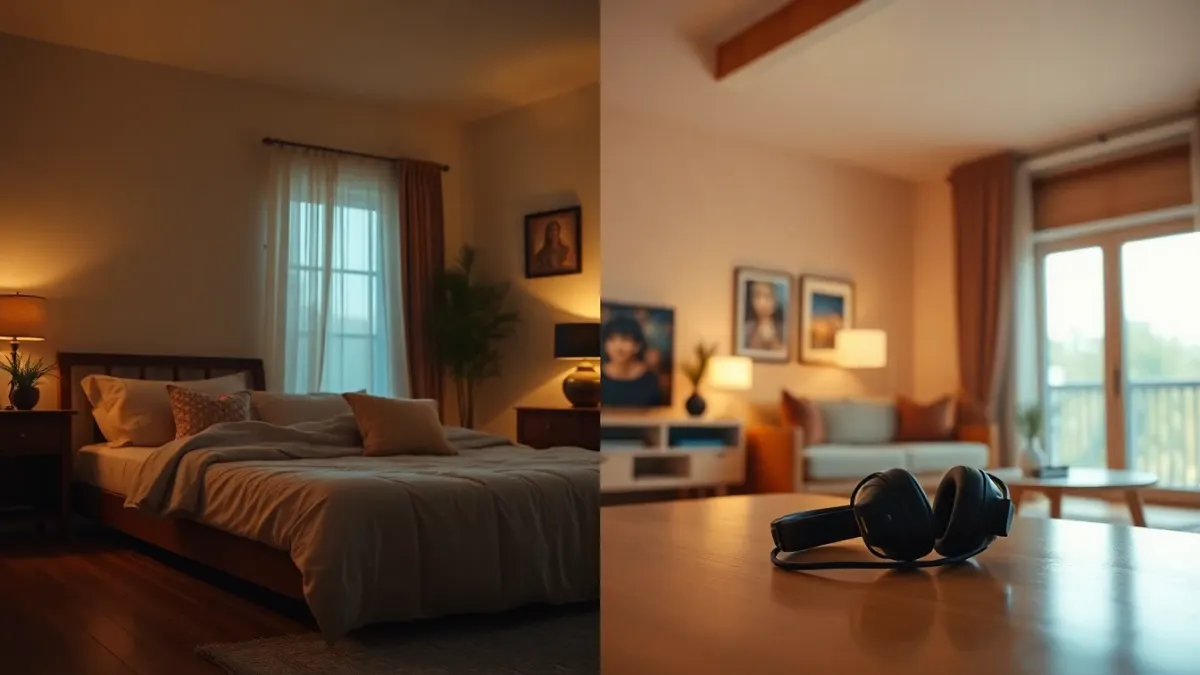
One of the nicest things about a mixed reality game is that your room becomes the level. The catch is that the room changes when you do. A bedroom has a bed and a wardrobe; a living room has a sofa and a coffee table; a friend's flat has whatever it has. To play mixed reality in different rooms without the arena drifting out of place, you need a small routine. Here it is, using Tank Avenger: Mixed Reality as the example.
Why the room matters to the game
Tank Avenger places its battlefield on your real floor, furniture and walls using the room layout you capture in your headset's room setup. If you carry the headset into a different space but the system still thinks you're in the old one, objects can float or sit in the wrong place. The support FAQ says to make sure room setup is up to date and to restart the game so it re-reads the layout.
The new-room routine
- Clear first. Remove obstacles and cables, and move fragile items.
- Turn on the lights. A well-lit room helps the headset and you.
- Run or select the room setup for this space. Capture floor, walls and the furniture you want used.
- Restart the game so it picks up the new layout.
- Walk the boundary slowly before you really start.
Whether your headset stores several rooms and switches between them automatically depends on your system software, so look in its settings rather than assuming.
Picking rooms that work
- Living room: usually the best; open floor plus a coffee table as an arena.
- Bedroom: bed edges and wardrobes make tight, awkward spaces. Use a table or clear patch if you have one.
- Office or spare room: good when you can slide a chair away.
- Another person's house: ask first, scan carefully, and keep breakables in mind.
The support FAQ suggests roughly 2 × 2 metres of clear floor, with a table making a great arena. The Level Builder can also shape battlefields around whatever space you have.
Make the Level Builder your friend
Levels you make with the Level Builder are designed around your real-world play space and stored locally on your headset. If you build a battlefield in the living room and then play in the bedroom, don't expect the same layout to fit. Build separate arenas for rooms you use often.
Hygiene and etiquette when visiting
If you bring a headset to someone else's home, tell them what the room scan involves and, if people are around, remind them that cameras are active in passthrough. The game's privacy policy says it never receives images of your surroundings, but guests deserve to know the headset is looking at the room.
Packing up
Keep the headset in a protective case or at least out of direct sunlight, and bring any cables you need. For quick checks on what the game offers, see the Tank Avenger page.
Make a travel kit
If you carry your headset between homes, a small kit saves time: a microfiber cloth, a charging cable, a spare strap or cover if you use one, and a note of the steps in this article. Having the routine written down means you won't skip the scan when you're excited to show a friend.
At a new place, spend two minutes walking the room first. Look for glass, stairs, open fireplaces and breakables. It's better to decide on the safest corner before you put the headset on than to find out afterwards.
Think about each room's own character
A tiled kitchen echoes and reflects light; a carpeted bedroom absorbs it. Each room has its own risks, such as slippery floors, stairs or bunk beds. Thirty seconds of observing the room's character helps you adapt your setup, rather than assuming what worked in the living room works everywhere.
FAQ
Do I need to rescan every time I change rooms?
You should make sure your headset's room setup matches the space you're in. If the game's arena looks off, redo it and restart the game.
Can I take Tank Avenger to a friend's house?
Yes, as it's saved on the headset, but you need a clear, safe space and the friend's permission.
Will my custom levels fit another room?
They're designed around the space you built them for, so build a new arena for different rooms.
Does the headset keep my old room?
That depends on your system software; check your headset's settings.