HAUNTED Hand Tracking vs Controllers: Which to Pick
HAUNTED: Are You Alone supports both Touch controllers and hand tracking. Compare how each feels for scares, swinging, aiming and drawing secrets.
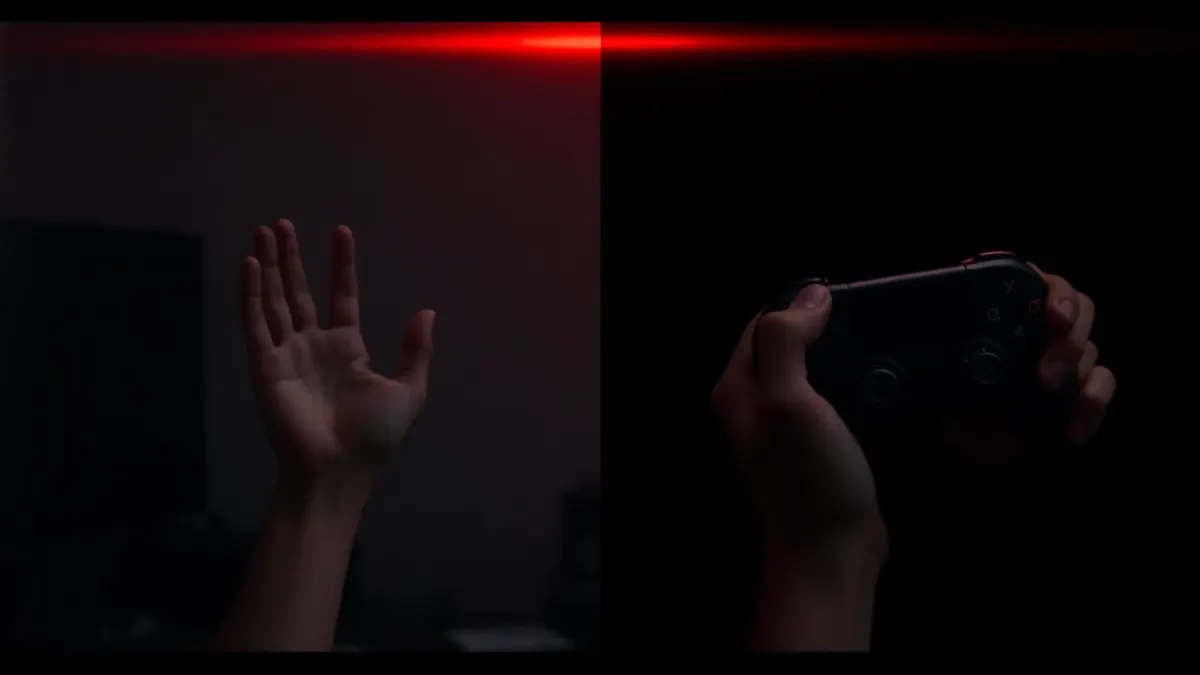
HAUNTED lets you play two ways: with Touch controllers, or with your bare hands. The page says you can put the controllers down and use your hands. This guide to HAUNTED hand tracking vs controllers helps you choose, because the right setting can make the scares land harder or your aim steadier.
What the game supports
Both. The feature list says hand tracking and controllers are supported, and the privacy policy adds that head, controller and hand tracking let you aim, swing and draw secret symbols. Nothing in the sources says one is required or better.
When controllers shine
Controllers give you physical buttons, a stable grip and reliable tracking in dimmer rooms. If you want rock-steady aim, or you are playing in a room you cannot light well, controllers are the safe pick. They also feel better for long sessions because you are holding something.
When hands shine
Bare hands make you feel like the room really is yours. Reaching for a flashlight, shaking it back to life or drawing a symbol on the shop floor with your own fingers can feel remarkably direct. Hands trade some reliability for presence, which suits a horror game.
Lighting is the deciding factor
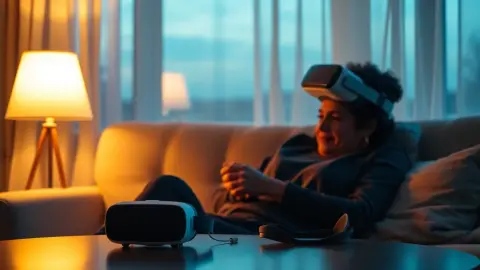
The support FAQ gives practical advice: if your hands are not detected, check that hand tracking is enabled in your headset settings and that the room is well lit. So the real question is whether your play space has decent light. If you want a dark room for atmosphere, controllers are less demanding.
Think about the chapter
Swinging an axe feels natural with a controller in hand. Shaking a flashlight is easy either way. Drawing a symbol on the shop floor is a precision task, so use whichever input you find cleaner. You can switch between sessions; there is no commitment.
Comfort and fatigue
Holding controllers for a long time can tire your wrists; holding your hands in the air can tire your shoulders. Take breaks between chapters, whichever you choose.
A simple decision
- Well-lit room, want immersion: hands.
- Dim room, want reliability: controllers.
- Unsure: start with controllers for the first chapter, then try hands in a calmer moment.
Troubleshooting
If hands drop out mid-scare, do not panic. Bring them back into view, check your lighting and consider a quick switch to controllers after the chapter. Re-running Space Setup can also help if your room layout has changed.
Safety reminder
Whichever input you use, clear your play area. Hands waving in the air are just as good at knocking over a lamp as controllers are.
See the HAUNTED page for the feature overview.
Practice swaps outside the scary bits
If you are curious about the other input, try it in a calm moment rather than mid-chapter. Spend a few minutes in the shop, where nothing is chasing you, and test how it feels to draw, point and gesture. Learning a new input under pressure is a recipe for frustration. You can also have a friend watch your hands from outside the play area to tell you whether they look steady.
Think about your headset
All supported headsets (Quest 2, Pro, 3 and 3S) can run the game, but the colour passthrough on Quest 3 and 3S makes hands feel more natural in a mixed reality scene. On older headsets the passthrough is less detailed, so controllers may feel more reliable. That is a general point about passthrough quality rather than a claim about the game's code.
One last tip
Whichever you choose, keep your hands visible and your arms relaxed. Both input methods reward calm, deliberate motion more than frantic waving.
FAQ
Does HAUNTED support hand tracking?
Yes. You can play with Touch controllers or with your bare hands.
Is hand tracking better for scares?
It can feel more immersive, but reliability depends on lighting.
Why are my hands not detected?
Check that hand tracking is enabled in your headset settings and that the room is well lit.
Can I switch between controllers and hands?
The page does not describe any limits on switching, so try it in your headset settings.