Playing VR Horror with Friends Watching: What Works
Hosting a VR horror night? Tips for playing a Quest horror game like HAUNTED with friends watching, from safe spacing to turn-taking and casting.
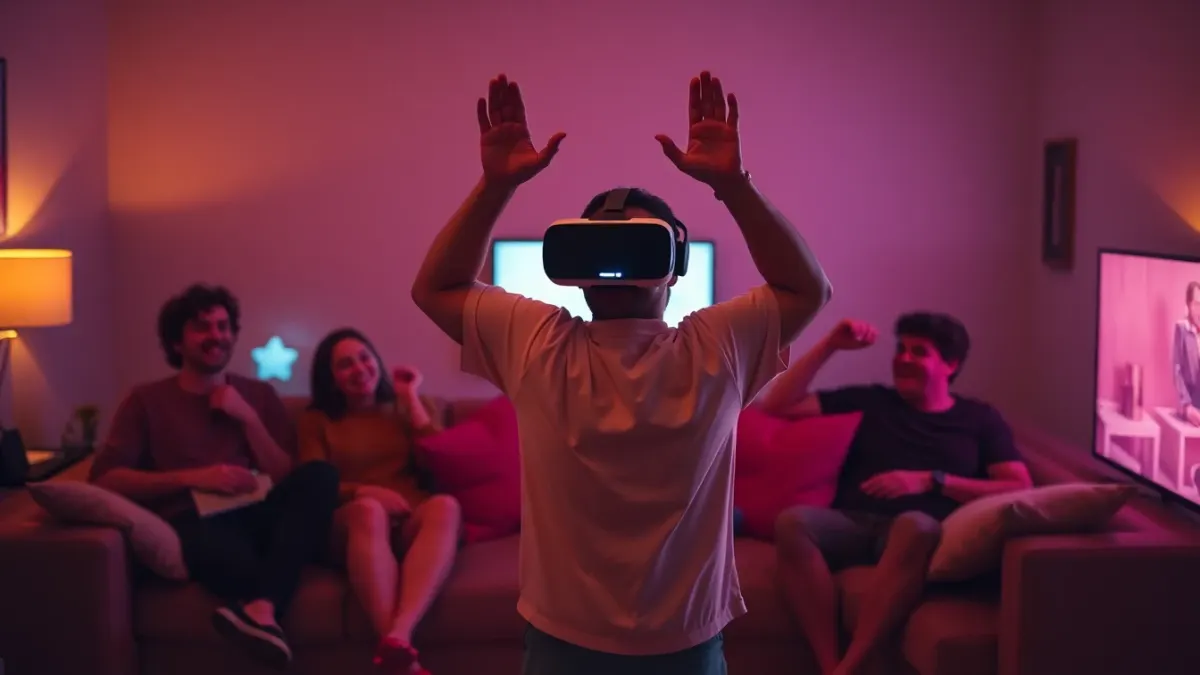
A horror game is half the fun when someone else gets to watch you scream. If you plan VR horror with friends watching, a few simple decisions make the night safer and better. HAUNTED: Are You Alone? is a single-headset experience built around your own room, so the party format is mostly about how you arrange the room, who plays when, and how everyone else can see what you see. This guide covers the practical side. Nothing here is a game feature; it is general Quest etiquette.
Know what the game is (and is not)
According to the HAUNTED page, the game is a mixed reality horror experience for Meta Quest in which the nightmare happens in your real room. It does not list a multiplayer or co-op mode, so the evening works as a "one player at a time, everyone else watching" format. Take advantage of that: the spectators are the audience, and the player is the show.
Set the stage
- Clear the play area first, then place seating well outside the swing radius. Spectators should sit at the edge, not at arm's length.
- Seat people behind the player's front-facing direction rarely; better to have them to the sides or at a distance where flailing arms cannot reach them.
- Remove drinks and snacks from the floor and any low table.
- Keep walkways clear so nobody walks through the middle during a scare.
The terms of service say to keep away from people and pets while playing, and that applies to everyone in the room.
Showing the headset view
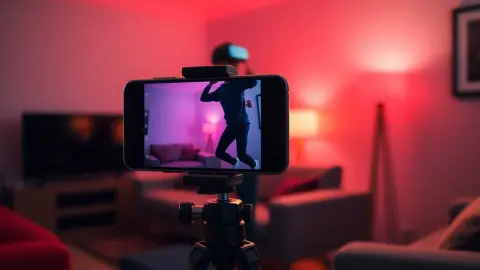
Meta Quest headsets have built-in casting options that can mirror the headset view to a phone, a computer or a supported TV. The exact menu names change with software updates, so check Meta's current instructions on your headset. Casting lets spectators see what the player sees, which is half the entertainment. Be aware that casting can add a little load to the headset and may introduce slight delay, so test it before guests arrive.
Turn-taking that works
- Agree on an order so nobody feels forced.
- Keep each turn short. A single chapter is a natural unit.
- Let the player stop whenever they want, no teasing. The support guidance says to take the headset off whenever you feel unwell, and nothing is lost.
- Clean the face interface between users, and adjust the headset fit each time.
- Decide whether progress is shared. The game stores progress locally on the headset, so the next player continues where the last one stopped unless you start fresh.
Be kind to nervous players
Horror night works best when it is fun for the player, not a test. Avoid shouting warnings that spoil scares unless the player asked for it. Do not grab or touch someone who is in the headset; sudden contact is a safety risk and a bad scare. If you want to touch them, speak first.
Mind the noise
HAUNTED includes sudden loud sounds and spatial audio. Spectators will hear only what comes through the headset speakers or your casting setup, so the room is quieter than the player's experience. If you want spectators to hear more, check your casting settings; but keep volume reasonable for neighbours.
Who should not be in the audience
The content warning says the game is not suitable for children, people who are pregnant, or anyone with epilepsy, heart conditions or anxiety disorders. Gore and flashing light can affect onlookers too if they are casting to a screen, so consider whether everyone present is comfortable with that content. Do not invite young children to watch a stream of intense horror.
Make it a night, not just a game
Keep the lights soft but visible, pick a time when nobody has to leave early, and have a calm break plan. After a few intense sessions, switch to something lighter. A room full of friends makes jump scares funnier and less frightening for most players, which can be a good way to try the game if you are nervous alone. See our "too scary" guide for solo play.
FAQ
Can friends play HAUNTED with me at the same time?
The official materials do not mention multiplayer or co-op. Treat it as a one-headset game and take turns.
Can others watch my headset view?
Meta Quest headsets offer casting features. Check Meta's current instructions for the exact steps on your device.
Is it safe for people to stand near the player?
Keep spectators outside the play area. The terms advise keeping away from people and pets while playing.
Does the next player keep my progress?
Progress is stored locally on the headset, so a new player continues from the saved state unless it is removed by uninstalling the game.