Horror Clip Ideas for Short-Form Video Creators Using VR
Making short horror clips? Ideas for filming reactions with HAUNTED on Meta Quest, from the wall-smash moment to the doll dance, plus framing tips.
Short-form video loves a flinch. If you are building a feed, VR horror clip ideas are easy to come by when the game does the scaring for you. This guide is about turning HAUNTED: Are You Alone? into thirty-second moments, with practical filming and safety advice and nothing invented about the game.
Why VR horror clips work
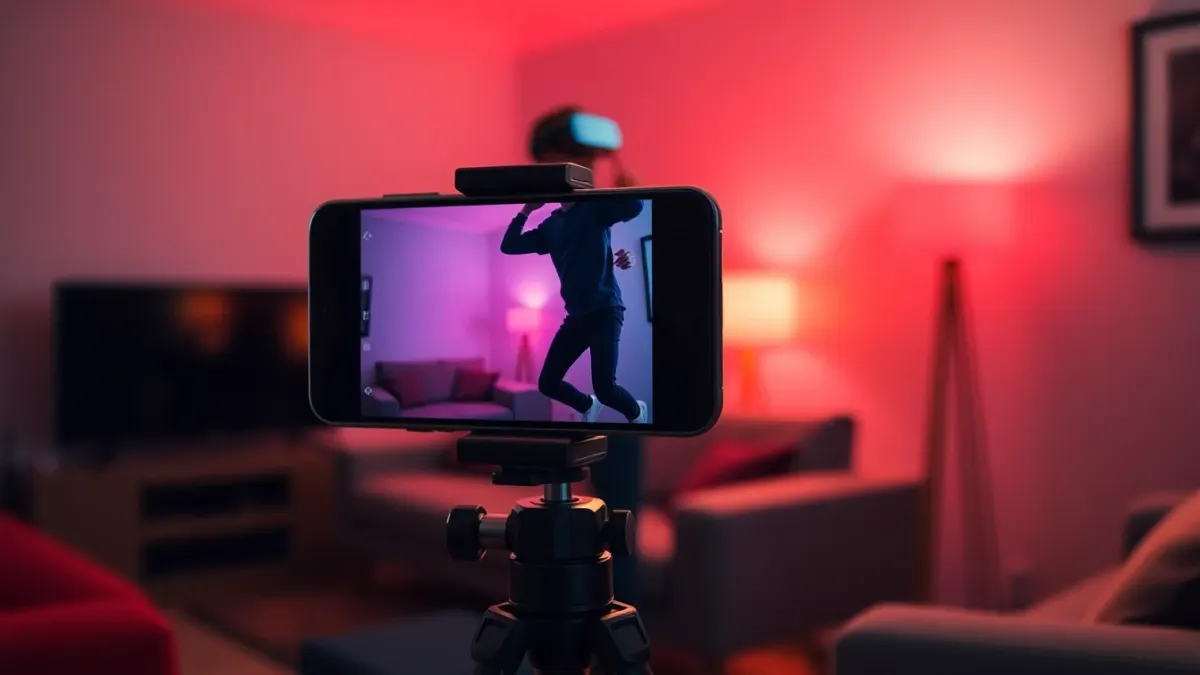
The format is built on contrast. Viewers see a person in an ordinary room, then react to something they cannot see. HAUNTED is mixed reality, so the room in the clip is the actual room, which makes it easy to cut between the filmed player and the headset view if you have capture set up. The terms of service allow sharing screenshots and videos of your play, including streaming and reviews.
Moments worth filming
Based on the game's own descriptions of its chapters:
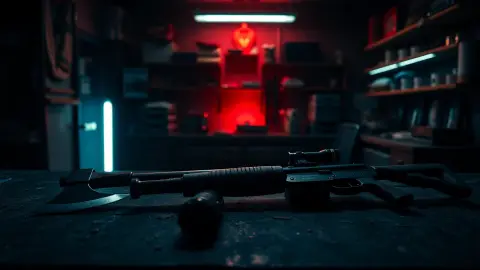
- The wall smash: enormous arms burst through your walls, and you chop them apart.
- Skulls from the floor: they crawl out and explode; freeze them with the flashlight.
- Flashlight panic: the light flickers out and you have to shake it back to life, fast.
- The drills: they follow your eyes, so "don't look away" becomes a challenge.
- The puppy: "What could go wrong?" is already a caption.
- The doll dance: a quiet build, then it ends the dance.
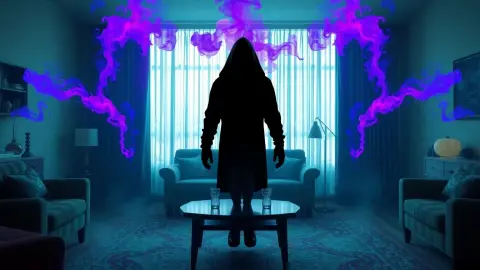
- The Cursed Nun reveal: she has been in your hallway the whole time.
- The Teleporting Witch: in front, gone, behind.
Filming setup
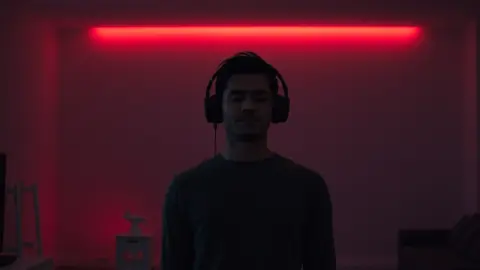
- Fixed camera, wide shot. Frame the player and the room, and keep the lens out of the swing zone.
- Light for the camera. A dim room with a soft lamp reads well and helps headset tracking.
- Test capture first. Headset-view capture depends on your method; check a short test.
- Keep takes short. Intense play is tiring; use bursts.
- Get consent. Anyone appearing in a clip should agree before you post.
Formats that need no scripts
- "Rate my fear" challenges: the player scores each scare out of ten.
- Tag-team: the headset changes hands after each scare.
- Hands-only runs: the game supports hand tracking and Touch controllers.
- Secret hunts: invite viewers to guess the strange symbols. The only public hint is a circle with a dot in the middle on the shop floor; two secret chapters are hidden behind others.
Be responsible with the content
Put a note in your caption and keep children out of your target audience, since the game is not suitable for them. It contains sudden loud sounds, flashing and darkened light, gore and intense jump scares; because flashing light is a genuine risk for viewers with epilepsy, consider opening the clip with a warning.
Physical safety for the shoot
Your player will swing, duck and turn. Clear cables (including tripod and light cables), keep the camera away from the play area and stay inside the boundary. Take the headset off whenever someone feels unwell.
Get the game
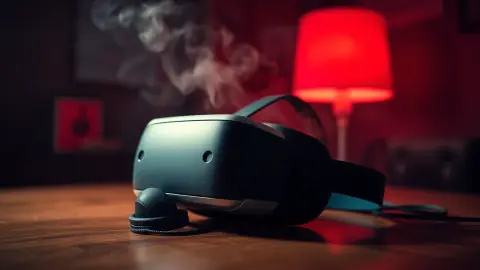
Supported headsets: Meta Quest 2, Quest Pro, Quest 3 and Quest 3S. Find it on the Meta Horizon Store.
Editing tips for punchy clips
Short clips live on timing. Cut in just before the scare, hold on the reaction and end quickly. Add a caption that sets up the question, such as what could go wrong, and let the player's face answer it. Keep audio clean: sudden loud sounds in the game can distort recordings, so check levels. If you feature friends, get consent, and consider a short warning card about flashing light at the start so sensitive viewers can skip.
Thumbnails and titles
Even a short clip needs a hook. Freeze on the moment just before the player reacts, or crop tightly on a face. Keep titles honest: promise a reaction, not a miracle. Do not claim the game is the scariest ever made, since nobody can prove that, and viewers punish exaggeration. Instead, let the footage speak, credit the game by name and link the store page so interested viewers can check the details.
FAQ
Can I post HAUNTED footage online?
The terms of service say you may share screenshots and videos of your play, including for streaming and reviews. Check the current terms.
What is the best moment to film?
Wall smashes, flashlight panic and the doll dance all give clear, readable reactions.
Do I need a Quest 3 for good clips?
The game supports Quest 2, Pro, 3 and 3S. Quest 3 and 3S show colour passthrough.
Should I add a warning?
Yes, mention flashing light, loud sounds, gore and jump scares.