Quest 3S Mixed Reality Horror Game: Why HAUNTED Fits
Got a Quest 3S? HAUNTED is a mixed reality horror game that uses colour passthrough to turn your actual room into the nightmare. Setup and tips.
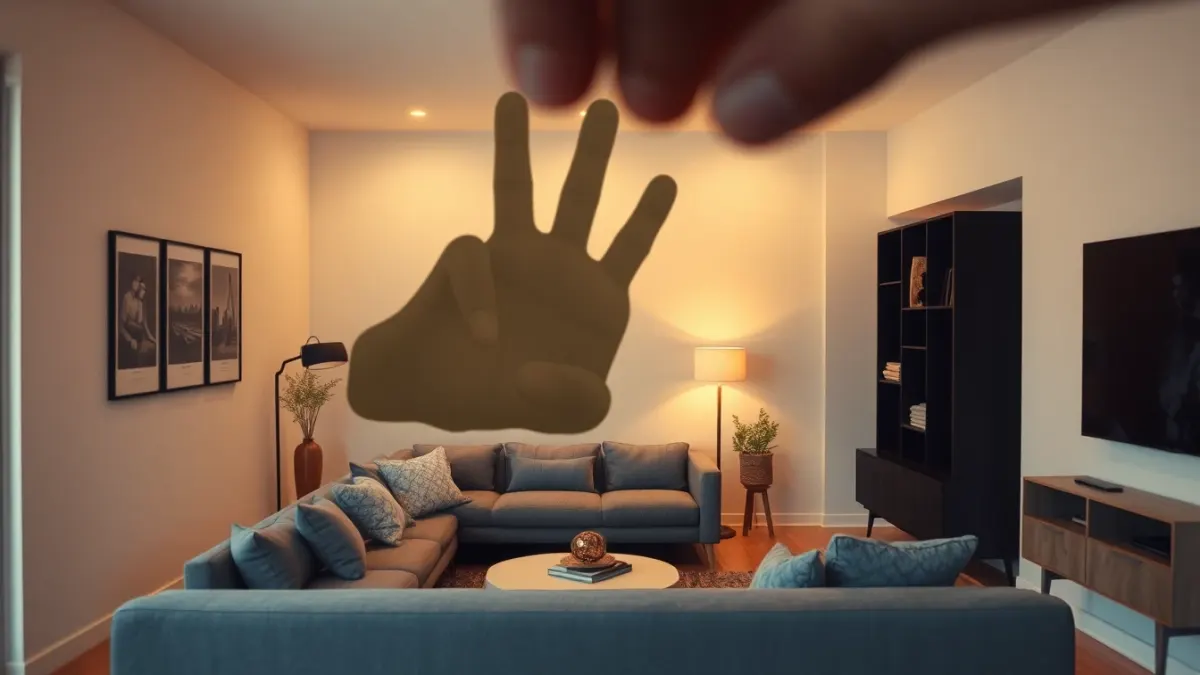
The Quest 3 and Quest 3S were built with colour passthrough, and horror is one of the genres that benefits most. If you are looking for Quest 3S mixed reality horror, HAUNTED: Are You Alone? is made for exactly this hardware: it is at its scariest on Quest 3 and 3S, where colour passthrough makes the nightmare look like your actual home.
Why passthrough matters so much here
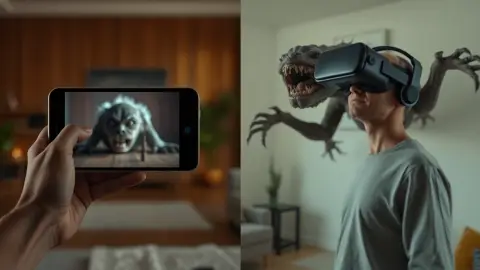
The game's concept depends on recognition. It shows you your own sofa, lamp and doorway, then breaks them. Colour passthrough makes those things look like themselves, so the damage feels real. When arms smash through your walls or skulls crawl out of your floor, the contrast with the familiar room is the scare.
The game also reads your layout from Space Setup: walls, floor and furniture. That means blood can rise in your room and monsters can stand in your doorways, not in an empty void.
What you do in it
Eight chapters, each a different nightmare, plus two secret chapters. In practice:
- Cut apart arms coming through the walls with an axe or sword.
- Shoot or freeze crawling skulls with your flashlight beam; shake it back to life when it flickers out.
- Defend a graveyard with pistols, a shotgun and an AK-47.
- Survive the drills, the puppy cave, the cursed doll, the Cursed Nun and the Teleporting Witch.
- Upgrade every weapon in the shop between chapters.
Setting up your Quest 3 or 3S well
- Do Space Setup carefully. Include floor, walls and large furniture.
- Re-run after moving furniture, then restart the game so it loads the new layout.
- Light the room. Good lighting helps tracking, which matters for hand tracking.
- Choose your input. Touch controllers or bare hands.
- Clear the floor. Even with passthrough, you need to see and avoid real obstacles.
- Stay inside your boundary.
Hand tracking on Quest 3 and 3S
If you want to feel exposed, put the controllers down. The game supports hand tracking, so you can swing weapons and draw symbols with your hands. If your hands are not detected, check that hand tracking is enabled in your headset settings and that the room is well lit.
The secret hunt
On the shop floor, try drawing a circle with a dot in the middle. Something might happen. Other strange symbols unlock two secret chapters. The game does not tell you which, and it is a good use of hand tracking.
What not to expect
I will not promise performance numbers or graphical settings, because the developer does not publish them in the product facts. For anything like that, check the store listing.
Content warning
The Quest 3S shows the nightmare in colour, which makes the listed content hit harder: sudden loud sounds, flashing and darkened light, gore and intense jump scares. Skip it if you are pregnant, a child, or live with epilepsy, a heart condition or an anxiety disorder, and take the headset off whenever you feel unwell.
Get it
The game is on the Meta Horizon Store and also supports Quest 2 and Quest Pro.
Make the most of colour passthrough
Because the effect depends on recognising your room, tidy it before you play. Remove clutter you do not want to see broken, keep a few recognisable objects in view, and play in your most familiar space. Decent lighting helps both the colour image and the tracking. Then let the game do the rest: the more your room looks like your room, the more personal the scares feel. Re-run Space Setup whenever you move furniture so the layout stays accurate.
Room layout tips for the best effect
Rooms with a clear structure, such as a visible door, a few large pieces of furniture and unbroken walls, tend to give the game clean information to work with. Very cluttered or mirrored spaces can confuse any room scan. If you can, play in the room where you spend the most time, because familiarity is what the horror attacks. Avoid reflective surfaces when you can, and keep the floor free for your own safety.
FAQ
Is HAUNTED made for Quest 3S?
It supports Quest 2, Pro, 3 and 3S, and the developer says it is at its scariest on Quest 3 and 3S thanks to colour passthrough.
Does it use my real room?
Yes. It reads your Space Setup layout and uses passthrough to place the horror in your actual space.
Do I need to scan my room every time?
Run Space Setup once; re-run it if you rearrange the room, and restart the game.
Does the game record my room?
The privacy policy says room data is processed on the headset in real time and is never recorded, stored by the developer or transmitted.