Quest Boundary Safety for Mixed Reality Horror Games
Why you should keep your Quest boundary on for mixed reality horror like HAUNTED, how it protects you when startled and how to set it up well.
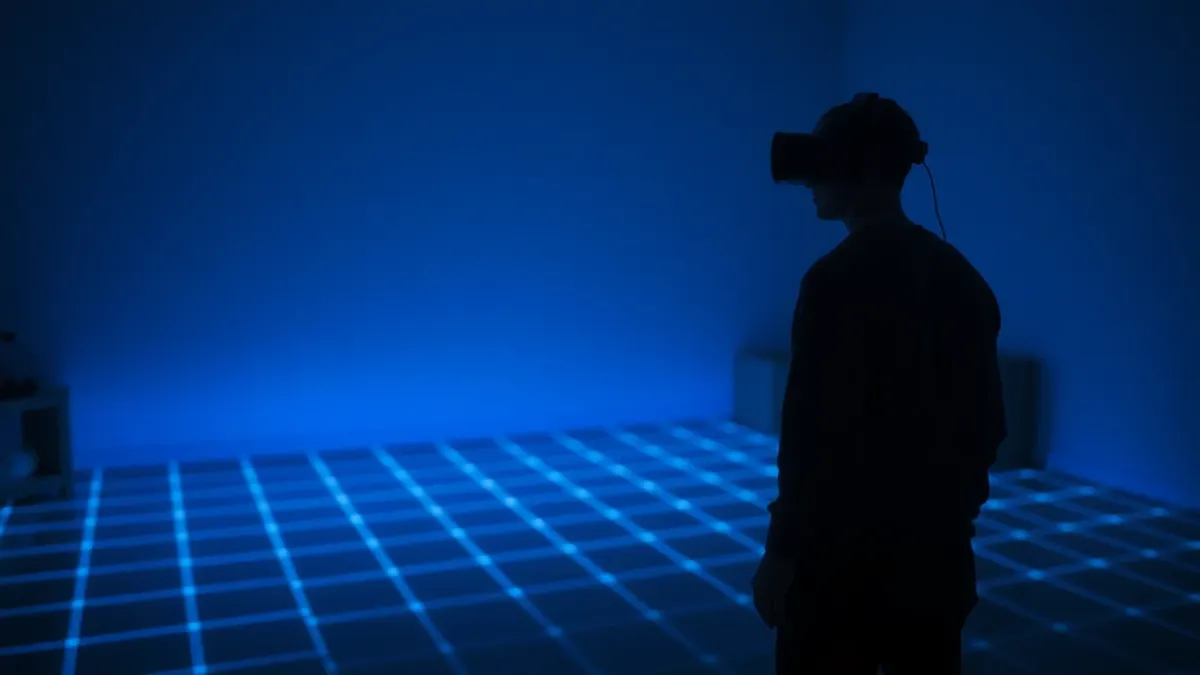
It is tempting to switch off the boundary grid. It flashes up at the worst moment, in the middle of a fight, and spoils the illusion. But for a game that startles you on purpose, Quest boundary safety is the one feature you should leave alone. The terms of service for HAUNTED: Are You Alone? say to complete your headset's room setup and keep its boundary features enabled, and to stay inside your boundary. This guide explains why, and how to make the boundary work for you instead of against you.
What the boundary is for
Your headset's boundary is a virtual limit that shows when you approach the edge of your safe play space. In a passthrough game, you can see the real room anyway, but your attention is on the game, not on the wall behind you. The boundary acts as a second warning system. The exact name and behaviour of these features vary by headset model and software version, so check Meta's current settings, and I will describe them in general terms.
Why horror makes it more important
HAUNTED asks you to swing an axe or sword, aim firearms, duck, and turn around quickly. The content warning describes sudden loud sounds, flashing and darkened light, and intense jump scares. Combine that with startle reflexes and you have a recipe for stepping back without looking. The boundary is the last chance to stop before you reach a wall.
Draw it properly
A boundary that is too tight is annoying; one that is too loose is dangerous.
- Clear the room first. Remove obstacles, cables and fragile objects.
- Run your headset's room setup and let it capture floor, walls and large furniture. The game needs this anyway.
- Set the boundary inside the clear area, with a margin from walls and furniture, not right at them.
- Test it by walking slowly toward each edge with the headset on.
- Redo it when the room changes, then restart the game as the support page advises for room layout.
Leave a buffer for your swing
Arms extend beyond your feet. If your boundary sits at the wall, a swing can still hit the wall. Leave at least a full arm and weapon swing between your standing area and the edge. See our room size and furniture articles.
Respond to the warning, don't ignore it
When the grid appears, you are already close. Step back toward the middle slowly and check where you are. Do not keep swinging and hope. If it keeps appearing, you are probably playing too near the edge or the space is too small. Adjust your position or the boundary.
What about sitting or lying?
Boundary behaviour for seated or stationary setups depends on the headset's settings. The game itself describes standing, swinging, ducking and turning. If you need a different setup, read Meta's guidance and our article on playing sitting down.
People and pets
The boundary does not know about a person who walks in. Keep doors closed and tell people you are playing. The terms say to keep away from people and pets.
Do I need passthrough on for safety?
On Quest 3 and 3S, colour passthrough shows your real room as part of the game, which is also how the nightmare appears in your home. Even then, treat it as part of the experience rather than a safety system. Trust your cleared space and your boundary.
Boundary and privacy
The room layout from Space Setup is processed on the headset in real time, according to the privacy policy. The game does not store or transmit it. You can delete your room layout at any time in the headset's Space Setup settings.
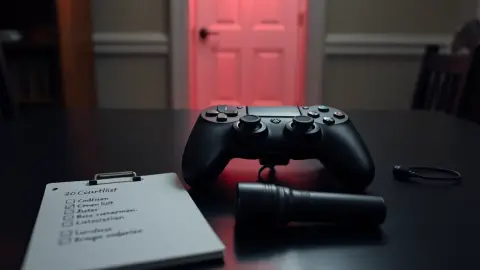
Quick boundary checklist
- Boundary enabled
- Margin from walls and furniture
- Room setup current
- Cables and objects cleared
- Respect the grid when it shows
- Take the headset off if you feel unwell
Find out more about the game on the HAUNTED page.
FAQ
Should I turn off the boundary for horror games?
No. The terms advise keeping boundary features enabled and staying inside your boundary.
Does HAUNTED need my room layout?
Yes. Room setup is a requirement so the game knows where your walls, floor and furniture are.
What if the boundary keeps appearing?
You are near the edge. Move toward the centre or adjust the boundary.
Does the boundary protect me from people walking in?
No. Keep doors closed and tell others you are playing.