Wearing Glasses with a Quest Headset for Horror Games
Tips for wearing glasses with a Quest headset during mixed reality horror like HAUNTED: fit, fogging, scratches and comfort for long sessions.
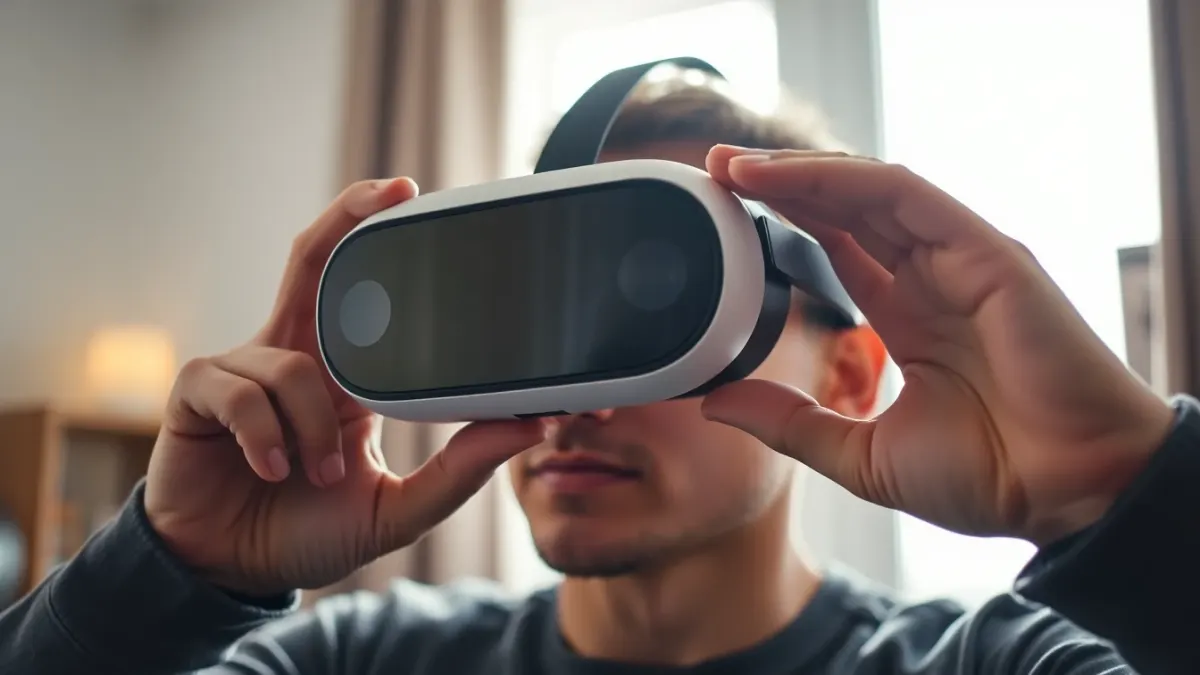
If you wear glasses, a scary game has one extra enemy: a blurry or uncomfortable image that kills the mood before the first jump scare. Plenty of players manage wearing glasses with a Quest headset without problems, and a few habits make a real difference. This guide is general, because comfort depends on your headset model and frame size. For HAUNTED: Are You Alone?, the stakes are a bit higher: you see your real room through passthrough, and good clarity helps you judge distances.
Start with the basics: fit
Quest headsets are designed with glasses in mind, but not every frame fits. Look at these factors.
- Frame size. Large, thick or very wide frames are more likely to press on the lenses.
- Frame shape. Round and rectangular frames of moderate size usually sit best.
- Lens spacing. Many Quest headsets let you adjust the distance between lenses. Set it so the image is sharp, then check text edges.
- Strap tension. Too tight and the glasses press on your nose and temples. Too loose and the picture floats.
Use the spacer, if your headset has one
Some Quest models come with a glasses spacer or an accessory that gives more room. If yours does, try it. It increases the distance between your glasses and the lenses, reducing the risk of contact and scratches. Check the manufacturer's accessory list for your specific model, since the details differ.
Protect lenses and glasses
Glasses can touch the headset lenses when you flinch. Over time this can scratch the headset lenses or your own. To reduce risk:
- Put the headset on slowly, bottom first.
- Check that your glasses are straight before tightening.
- Avoid pressing the headset against your face during jump scares.
- Store the headset with lens covers or in a case.
Never wipe lenses with rough cloth. Use a microfibre cloth and the manufacturer's cleaning advice.
Prescription lens inserts
Some players use third-party prescription inserts that attach inside the headset. These are made by other companies, and I cannot recommend or describe specific products. If you consider them, buy from reputable sellers who clearly list compatibility with your headset model, and read the headset manufacturer's guidance.
Fogging and sweat
Horror raises your body heat and your breathing, and both fog lenses. Tips:
- Keep the room cool and let some air in before playing.
- Pause the headset on your head with the front slightly lifted for a moment if it fogs, then put it down properly.
- Avoid anti-fog products that are not recommended by the manufacturer.
- Take breaks between chapters.
Glasses and passthrough
With colour passthrough on Quest 3 and 3S, you see your home through the headset cameras. HAUNTED is at its scariest there, according to the developer, because it makes the nightmare look like your actual home. Your glasses do not change what the cameras see, but they change how you see the display. If the picture looks soft, try adjusting the lens spacing and headset position before changing anything else.
Comfort for long sessions
Pressure marks and headaches come from poor fit, not from the game. If your glasses hurt after twenty minutes, adjust the strap, move the headset slightly up or down, or try a different pair of frames. Because the terms advise stopping if you feel discomfort or pain, treat repeated soreness as a reason to adjust or take a break.
Contact lenses as an alternative
If glasses are too awkward, contact lenses are an option for many people. Speak to your eye care professional about what suits you; I cannot give personal advice. Eyes can feel dry in a headset, so keep drops handy if your optician recommends them.
Lighting and eye strain
A very dark room makes your eyes work harder. Moderate lighting reduces strain and also helps tracking, according to the support page. Rest your eyes during breaks by looking at something far away.
Quick checklist for glasses wearers
- Choose a moderate frame size
- Adjust lens spacing and strap tension
- Use a spacer if available
- Keep lenses clean
- Take breaks for fogging and strain
Learn more about the game on the HAUNTED page.
FAQ
Can I wear glasses with a Quest headset?
Many people do. Choose moderate frames, adjust lens spacing and strap tension, and use a spacer if your headset provides one.
Will glasses scratch the lenses?
They can if they touch. Put the headset on carefully and avoid pressing it against your face during startles.
Does HAUNTED support prescription lenses?
The game does not handle your eyesight; that is a headset matter. Check your headset manufacturer's guidance for options.
Should I take breaks if my eyes feel tired?
Yes. Stop if you feel discomfort, as the terms advise.