Hand Tracking Horror Game: Play HAUNTED Without Controllers
A hand tracking horror game on Quest? HAUNTED lets you swing, shoot and draw secret symbols with bare hands. Setup, lighting and when to use controllers.
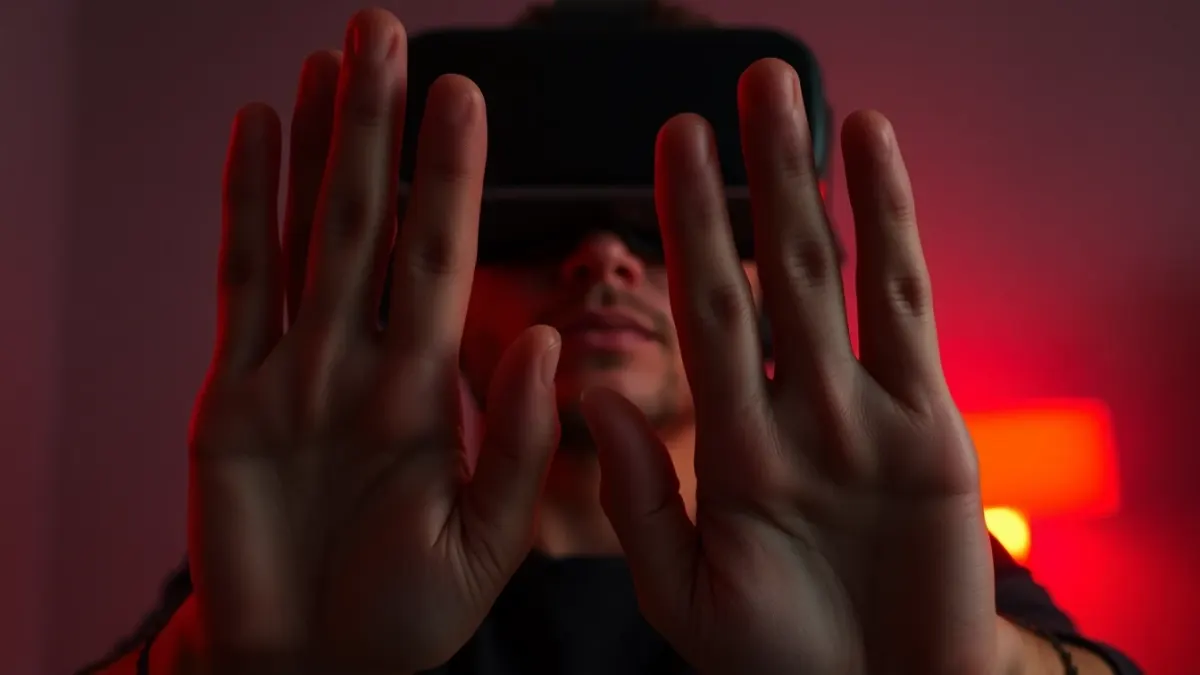
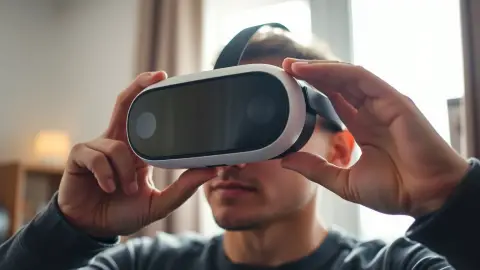
Controllers are fine until the moment you want to feel truly exposed. A hand tracking horror game takes away the plastic and leaves you with your own hands, which is a bigger deal than it sounds when something is coming through the wall. HAUNTED: Are You Alone? supports hand tracking alongside Touch controllers, so you can choose.
What "no controllers" means in this game
The developer states that HAUNTED supports both Touch controllers and hand tracking: play with Touch controllers or put them down and use your bare hands. The privacy policy notes the game uses head, controller and hand tracking data (position and pose) so you can aim, swing, draw secret symbols and so enemies can react to where you are looking. Looking direction comes from head orientation; the game does not use eye tracking or face tracking.
Why it suits horror
Horror is about vulnerability. Without controllers you cannot rely on the comfort of a grip. Whether it actually feels scarier is personal, but many players find hands-only more immersive, and there is one task that feels natural with it: drawing symbols on the shop floor.
Getting hand tracking to behave
The support notes give the main fixes:
- Enable hand tracking in your headset settings.
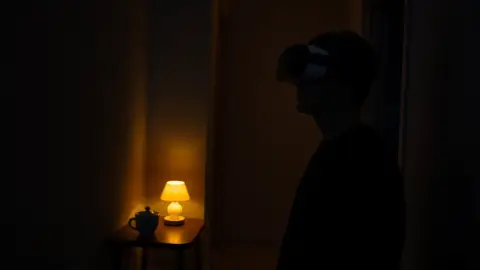
- Light the room well. If hands are not detected, poor light is a common reason.
- Keep hands in view. Tracking needs the headset cameras to see them; do not swing completely behind you.
- Run Space Setup so the game knows your walls, floor and furniture.
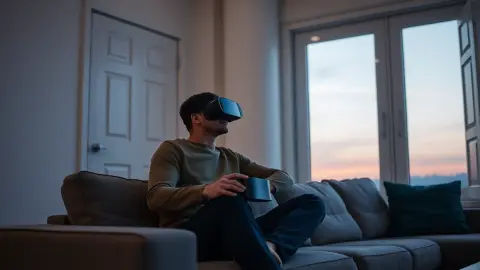
- Clear the area since you will duck and turn.
When to use controllers instead
Hand tracking is not always the best choice. Use controllers when:
- You are playing a long session and want reliable input.
- The room is dim and tracking drops out.
- You are handing the headset to guests who have never used hand tracking.
- You want to hold the flashlight with confidence and shake it back to life when it flickers out.
Nothing stops you from switching between modes as you like, but check the headset's settings for how the system handles switching.
What you will do with your hands
- Swing an axe or sword at arms smashing through your walls.
- Aim pistols, a shotgun and an AK-47 in the graveyard.
- Wave a flashlight to freeze crawling skulls.
- Draw on the shop floor. Try a circle with a dot in the middle; something might happen. Other strange symbols unlock two secret chapters.
Tips for comfort
- Don't over-swing. Your real walls are still there.
- Keep a small buffer between you and furniture.
- Take breaks. Intense play is tiring.
- Take the headset off whenever you feel unwell.
Content warning
The official warning lists sudden loud sounds, flashing and darkened light, gore and intense jump scares. It is not for children, people who are pregnant, or anyone with epilepsy, heart conditions or anxiety disorders, whichever way you control it.
You can find it on the Meta Horizon Store for Quest 2, Quest Pro, Quest 3 and Quest 3S.
Hands first, controllers as backup
A sensible approach is to begin with hands, since that is what you came for, and keep the controllers within reach in case tracking misbehaves. Lighting is the most common culprit, followed by hands that stray out of the cameras' view. If you tire of recovering from tracking hiccups during a tense moment, switch to controllers for the rest of the session and return to bare hands on a calmer night. Neither choice is wrong, and the game supports both.
Hygiene and comfort
Bare hands mean you do not have controller straps to worry about, but it also means you should keep your hands clean and dry if you share the headset. Trim long nails if they interfere with tracking, remove rings if they catch the light oddly, and keep sleeves from covering your hands. Small adjustments like these often fix tracking glitches faster than any menu setting.
FAQ
Can I play HAUNTED with hand tracking only?
Yes, the game supports hand tracking as well as Touch controllers.
My hands are not detected. What now?
Check that hand tracking is enabled in your headset settings and that the room is well lit.
Does the game use eye tracking?
No. The privacy policy says looking direction is derived from head orientation, and the game does not use eye or face tracking.
Which headsets support it?
Meta Quest 2, Quest Pro, Quest 3 and Quest 3S.