Quest 2 vs Quest 3 for Strategy and Tower Defense Games
Quest 2 vs Quest 3 for strategy games: what changes with passthrough, mixed reality and comfort, and what Sozo Tower Defense supports on each headset.
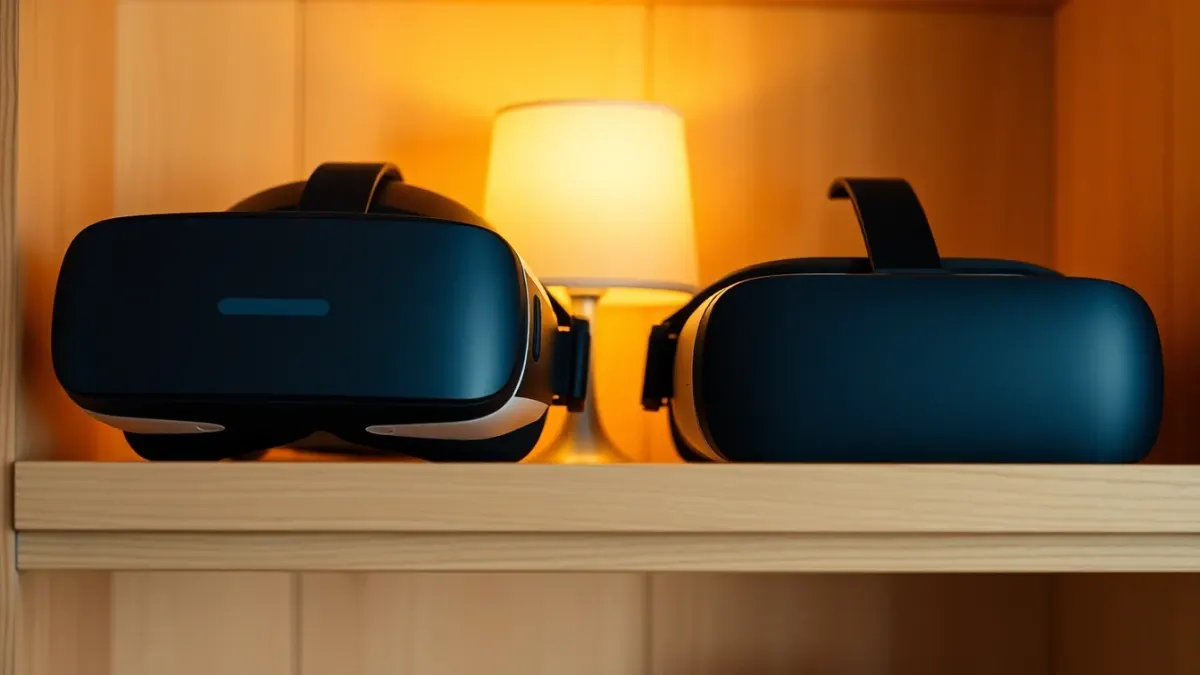
"Do I need a Quest 3 for this?" is one of the most common questions around VR games. For strategy and tower defense, the answer is nuanced: the games themselves usually run on older headsets, but certain modes benefit from newer hardware. Here is how to think about it, using Sozo Tower Defense's published support as the reference.
This comparison sticks to the general, well-known difference that matters here (passthrough quality) and does not make performance claims.
What Sozo supports
According to the game's support information, Sozo Tower Defense runs on Meta Quest 2, Quest Pro, Quest 3 and Quest 3S. VR mode works on every supported headset. Mixed reality looks best with the colour passthrough of Quest 3 and 3S.
So if you own a Quest 2, you can play the whole tower defense game in VR. You do not need to upgrade just to access the content.
The main difference: passthrough
Mixed reality depends on the headset's cameras showing the real world. Newer headsets with colour passthrough show your room in colour and with better clarity, which matters when the battlefield is your living room.
- Quest 3 and 3S: colour passthrough, which is why mixed reality looks best there.
- Quest Pro: also supported by the game.
- Quest 2: supported in VR mode, which is the full fantasy-world experience.
What stays the same
Regardless of headset, you get:
- 160 levels across 8 realms,
- 8 tower types with three upgrade tiers,
- 48 enemy types and giant bosses,
- five difficulty modes,
- Meteor, Stasis and Overcharge powers,
- Touch controller and hand tracking support.
Which should you choose for strategy?
Stay on Quest 2 if:
- you mostly play fully virtual games,
- you prefer immersive fantasy worlds,
- you do not mind skipping colour passthrough.
Consider newer hardware if:
- you want mixed reality to look its best,
- you like seeing your room clearly while you play,
- you want to try tabletop and room-scale games.
An upgrade is a personal decision about budget and priorities. The aim here is not to push one, just to explain what changes.
Comfort and practical points
Whatever the headset:
- Run Space Setup before mixed reality.
- Keep the play area clear and well lit. Hand tracking needs decent light too.
- Take regular breaks.
- Stop if you feel dizzy or unwell.
Hand tracking and controllers
Both control methods are supported, and the game can switch between them automatically. Hand tracking is a feature you enable in your headset settings; if your hands are not detected, check that setting and your lighting.
Does mixed reality change the strategy?
Not the rules, but your perception. When the path runs across your real floor, you see distances in familiar space, which can help with judging placement. VR mode instead gives you designed realms with their own atmosphere.
A practical test
If you can, try mixed reality on a friend's Quest 3 before deciding. If the novelty excites you, that may justify an upgrade. If you find yourself preferring the escapism of VR mode, your current headset may be enough.
Thinking beyond one game
If strategy is your main interest, consider how often you would use mixed reality across all your games. A feature that sounds exciting but sits unused is poor value, while one you reach for every week is worth a lot. Be honest about your habits, your room and your budget, and remember that a headset you already own can still deliver a complete tower defense experience.
Whichever headset you own, the cheapest experiment is to try the game in VR mode first. Quest 3 and 3S add colour passthrough for mixed reality, but the tower strategy itself is identical on every supported headset.
FAQ
Can I play Sozo Tower Defense on Quest 2?
Yes. Quest 2 is supported, and VR mode works on it.
Does mixed reality work on Quest 2?
The game lists mixed reality as looking best on Quest 3 and 3S with colour passthrough. Check the store page for details on your headset.
Which headsets does Sozo support?
Meta Quest 2, Quest Pro, Quest 3 and Quest 3S. See the official store page.