Sozo Tower Defense Permissions: Mic, Room and Hands
Which permissions does Sozo Tower Defense use on Quest? The microphone, room data and tracking explained in plain language for cautious players.
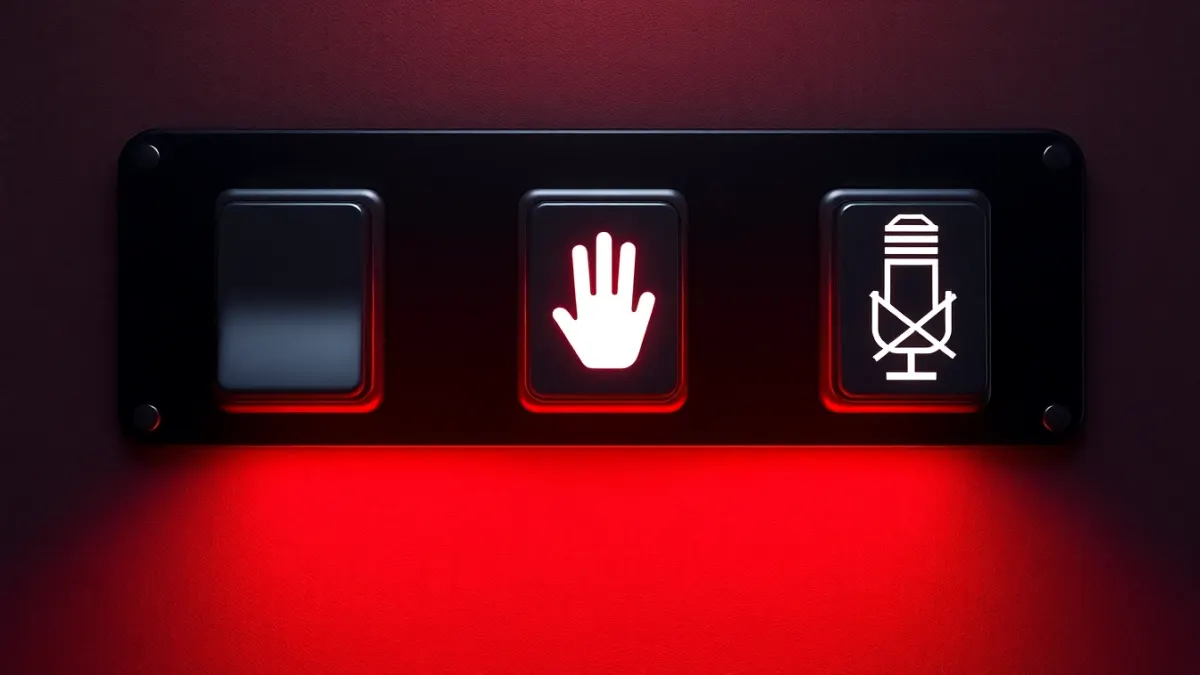
A permission prompt appears, and most of us tap Allow without thinking. If you would rather understand what you are agreeing to, this explainer walks through the data Sozo Tower Defense uses on Quest. Everything below comes from the developer's privacy policy (6 October 2026). Headset prompts themselves are controlled by the Quest system and may be worded differently.
The microphone: not used
The policy is explicit: the game does not use your microphone and does not request microphone permission. If your headset ever shows a microphone prompt for this game, that would not match the policy, and you can contact the developer through the support page.
Room data: only in mixed reality
In mixed reality the game uses scene data and spatial anchors from your headset's Space Setup. That is the layout of walls, floor and furniture. It is used so that portals open in your walls and the monster path runs across your floor and around furniture. It is processed on the headset in real time, only for gameplay, and never transmitted to the developer. In VR mode this data is not needed.
Passthrough: you see it, the game does not
Passthrough is the live view of your room through the headset's cameras. The policy says the game does not access, record or store passthrough camera images. The headset system composites them for you.
Tracking: head, controllers and hands
The game uses the position and pose of your head, controllers and hands, so you can place towers, aim, shoot, punch and cast powers. It does not use eye, face or body tracking.
What is stored locally
- Level progress, upgrades and settings.
- The identifier and name of the room you last confirmed for mixed reality.
All stays in the game's private storage on your headset and is never uploaded to the developer.
Who else is involved
Meta runs the store and your account, under its own privacy policy. If you rate the game from inside it, the store page opens in your browser. The game has no ads and no third-party analytics, advertising or tracking SDKs.
Your controls
- Remove room layout: in your headset's Space Setup settings.
- Remove all game data: uninstall the game.
- Hand tracking: switch it on or off in headset settings; controllers also work.
- Questions: contact the developer using the email on the privacy page.
Why this matters
Good permission hygiene means knowing what a game needs. A tower defense game needs your head and hands for control, and room data only for the mixed reality mode. Anything beyond that would be worth questioning.
How to check on your headset
Look at the app permissions and privacy settings in your headset's system settings. The exact names vary by software version.
Read the full policy on the privacy page, or visit the Sozo page and the store listing.
A habit for every VR game
Make a habit of checking three things whenever you install any new VR game: does it ask for the microphone, does it use your room layout, and does it show a privacy policy link. Games that are clear about those answers earn trust. Reviewing the policy takes minutes, and the ThreeFlavors page is written in plain language. If anything in a prompt surprises you, deny it and ask the developer. You stay in control of what your headset shares.
Reading permission prompts calmly
A permission prompt can feel alarming, but it is just your headset asking before sharing something with an app. For Sozo, the published policy says it does not use your microphone and does not request microphone permission, so a request for it would be a reason to pause and contact the developer. Room data, on the other hand, is expected in mixed reality because portals and the monster path depend on your walls and floor. Learn which prompts match what a game says it does, and you will quickly recognise the odd one out. That habit protects you in every app, not only this one.
FAQ
Does Sozo Tower Defense need my microphone?
No. It does not use the microphone or request the permission.
Does the game see my camera feed?
No. It does not access, record or store passthrough camera images.
Does it track my eyes?
No. It does not use eye, face or body tracking.
Is my room scan sent anywhere?
No. Room data is processed on the headset and never transmitted to the developer.