New Headset or Factory Reset: What Happens to Sozo Saves
Upgrading from Quest 2 to Quest 3 or resetting your headset? Understand what happens to your Sozo Tower Defense progress before you do.
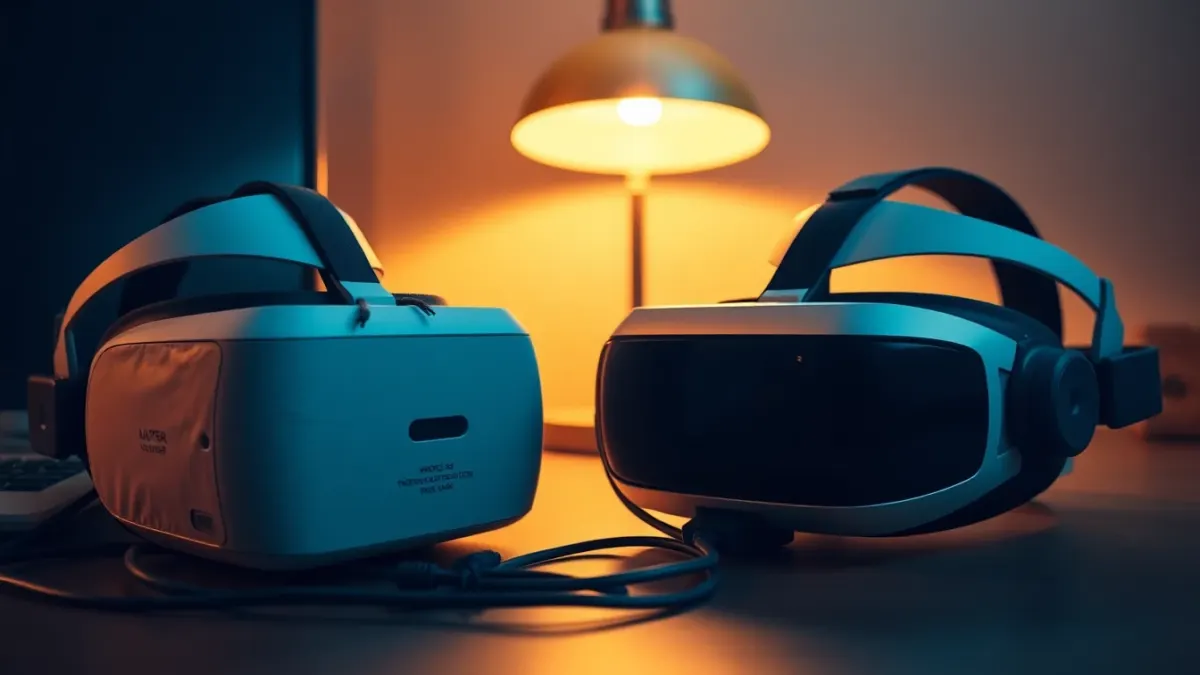
Upgrading headsets is exciting until you realise your hard-won progress might not come along. Here is what the Sozo Tower Defense developer says about saves, and how to think about transfers, resets and reinstalls. We keep to published facts and avoid guessing how Meta's platform behaves.
What the developer says
- Your unlocked levels, stars, upgrades and settings are saved locally on your headset.
- Uninstalling the game removes them.
- The privacy policy adds that your platform may include app data in its own backups according to its privacy policy.
- The game has no account system of its own and uploads nothing to the developer.
What that implies
Because the game does not keep a cloud save, it does not transfer progress between headsets on its own. Whether Meta's platform backs up or restores app data is a platform feature, and we cannot guarantee how it behaves on your account or device. Treat a move as a fresh start unless you verify otherwise.
Before you factory-reset
A factory reset wipes the headset, including installed games and their data. If you care about your progress:
- Check Meta's documentation about what is backed up and restored.
- Finish any levels you are in the middle of.
- Accept that you may begin again if no restore happens.
- Do not reset as a quick fix for small problems; try restarting the game or headset first.
Upgrading from Quest 2 to Quest 3
When you set up a new headset and sign in with your account, your purchases should be available to download, as is typical on the store. You can re-download Sozo to the new headset. Your progress may not come with it. If the platform offers a transfer tool, read what it covers.
Making the most of a restart
A fresh campaign is not all bad. Knowing the realms already, you can play on a higher difficulty, try a different tower strategy, or test mixed reality on your new Quest 3 or 3S with its colour passthrough.
Remember your room
Mixed reality needs Space Setup on the new headset, and the game stores the identifier and name of your last confirmed room locally. You will need to scan again and confirm the room in the game.
Selling or gifting your old headset
Remove your data first. Uninstalling the game removes its progress and settings, and you can delete your room layout in Space Setup settings. Follow Meta's steps for signing out and resetting before handing it over.
Reinstalling on the same headset
If you uninstall and reinstall, expect to start from scratch. If you only need space, remove other things first.
Contact
Questions about a specific situation? Email via the support page. The game is on the Meta store, and details are on the product page.
Write down your setup
Before any reset or upgrade, note your favourite difficulty, input choice and the realm you reached. It takes a minute, and if you do have to start over, you can jump back in quickly and plan your route. Screenshots of your progress menu, if your headset lets you capture them, also give you a reference. Preparing for the worst makes a fresh start much easier to take.
A calm checklist for moving house
If you are switching from one headset to another, treat it like a small move. Make sure you can sign in to your Meta account on the new device, install Sozo from the store on the new headset and check that the game launches before you wipe the old one. Remember that the developer states progress is stored locally on the headset, so do not assume the new device will know where you left off. If you keep the old headset for a while, you can still play your existing campaign there while you decide what to do. Patience beats regret when saved progress is at stake.
FAQ
Will my Sozo progress move to a new Quest?
Progress is saved locally on the headset, and the game has no cloud save, so do not assume it will.
What happens when I uninstall?
Your progress and settings are removed.
Can I download the game again on a new headset?
Typically yes through your Meta account, but check the store for your purchase.
Does a factory reset delete my saves?
It wipes the headset, so expect saves to be lost unless the platform restores them.