Shared Headset Hygiene: How to Clean a Quest Between Players
Sharing a Meta Quest with family or friends? A practical guide to headset hygiene, from wiping the facial interface to lens care and sweat control.
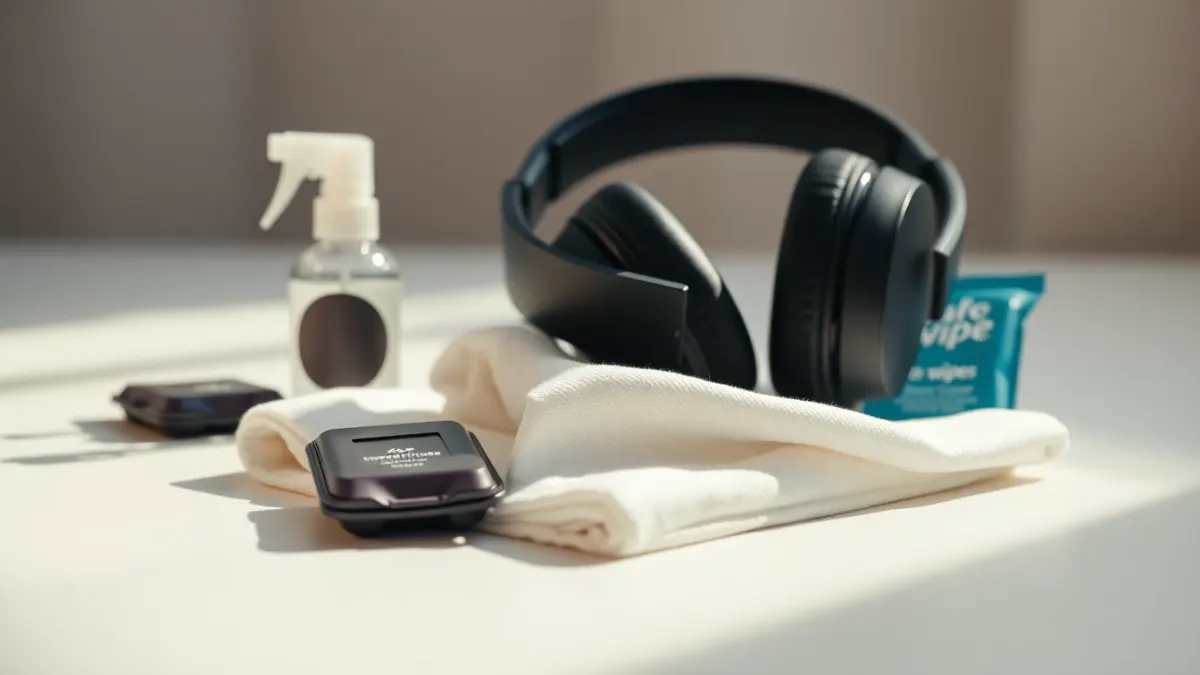
Mixed reality games make you move, and moving makes you warm. When one headset travels between a family or a party of friends, good shared headset hygiene keeps things pleasant and avoids passing round skin irritation or fogged lenses. This is general care advice, not something specific to Tank Avenger: Mixed Reality, so always check your headset maker's official cleaning guidance before using any product.
What touches faces
The part that sits on your face, usually called the facial interface or foam padding, takes the most sweat and oils. The head strap and any foam around the back of your head are next. The lenses are the most delicate bit and the one you shouldn't wipe carelessly.
A simple routine between players
- Turn the headset off or take it off charge.
- Wipe the face contact surface with a soft, lightly dampened cloth or a wipe that the manufacturer says is safe for the material.
- Let it dry fully before the next person puts it on.
- Wipe controllers where hands rest.
- Use a clean, dry microfiber cloth for the lenses.
Avoid harsh chemicals, soaking anything or spraying liquid directly onto the headset. Liquids near electronics and lenses are asking for trouble, so check the manual.
Lens care
Lenses scratch easily. Never wipe dust with a rough cloth, and don't leave the headset in direct sunlight, which can damage displays and lenses. The passthrough cameras also need to be kept clean, because smudges make the view look hazy, something you'll notice immediately in a mixed reality game. A gentle microfiber wipe usually restores clarity.
Covers and extra layers
Many people use washable or disposable covers for the face area when several people share a headset. They aren't mandatory, but they're easy to swap and can make the routine faster at gatherings. Pick accessories made for your headset and be wary of anything that changes how it fits.
Sweat and ventilation
Active games, like dodging a helicopter or throwing a caught NUKE in Tank Avenger, can leave you warm. Keep the room cool, take regular breaks, and let the headset air out after a session. The support page already suggests short sessions and breaks for comfort.
Glasses and hair
If you wear glasses, wipe them before putting the headset on, to keep smudges off the lenses. Tie back long hair so it doesn't tangle in the straps.
Illness and shared gear
If someone's unwell or has a skin or eye condition, skip sharing for the day. It's a matter of common sense rather than any claim about the headset.
Storage
Store the headset in a clean, dry place, ideally in a case. When you're ready for the next session, check the boundary, clear the room and head over to the Tank Avenger page for a refresher on what to expect.
Gatherings and parties
When a headset is the star of a family get-together, hygiene gets harder because turns are quick. Keep wipes and a dry cloth beside the play spot, and make cleaning part of the hand-over, like passing the controller to the next person. Set a simple order so nobody feels rushed or left out.
Also make time for breaks between turns. Players who just finished an active round will be warm, and everyone benefits from a few minutes of fresh air. A little structure makes shared play more fun and keeps the equipment in good shape.
Keep the camera view clear
Mixed reality depends on the cameras that capture your room. Fingerprints and smudges on them degrade passthrough, which makes the arena look blurry and your room harder to read. Wipe gently with a dry microfiber cloth, avoid pressing hard, and never use rough paper. A clean view makes mixed reality games noticeably more enjoyable.
FAQ
How do I clean a shared Quest headset?
Wipe the face contact area with a manufacturer-safe cloth, let it dry, and use a dry microfiber cloth on lenses. Follow your maker's official instructions.
Can I use alcohol wipes on the lenses?
Check the manufacturer's guidance first; lenses and coatings can be sensitive, so don't assume.
Are face covers worth it?
They're optional, but they make swapping between players quicker and easier to keep clean.
How often should I clean the headset?
Between different users and whenever it looks or feels sweaty or smudged.