Headset Boundary Safety in Mixed Reality: Keep It On
Why headset boundary safety still matters in mixed reality, what boundary features do, and how to keep them on while playing Tank Avenger at home.
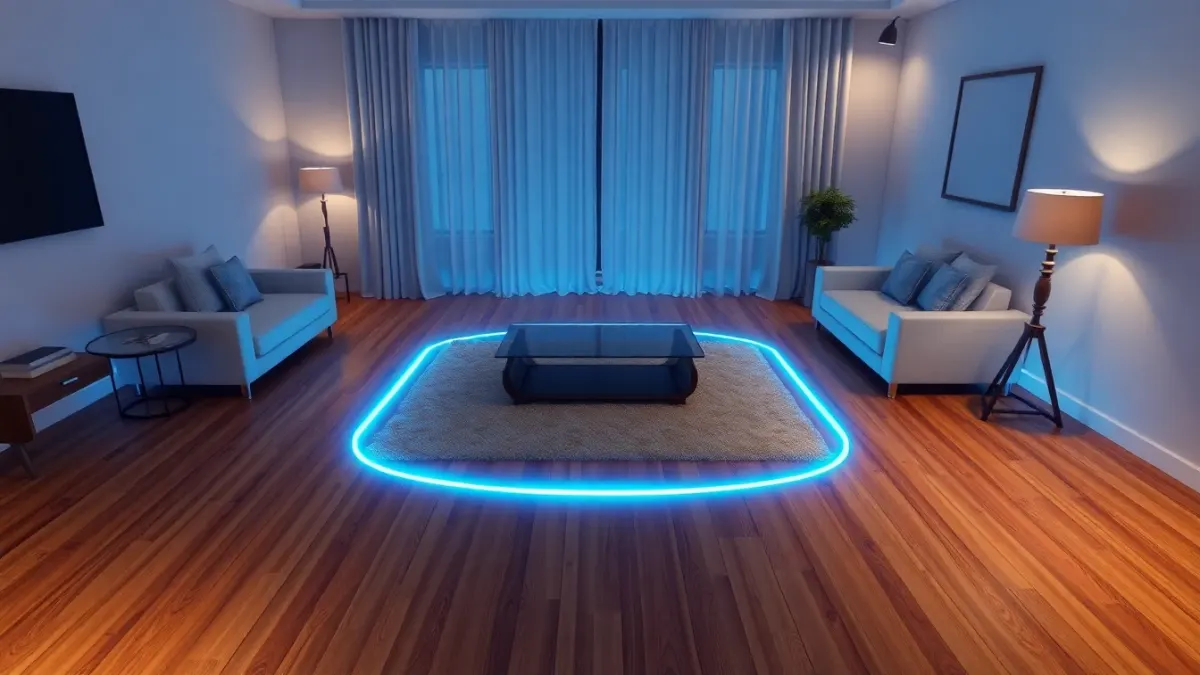
In mixed reality you can see your room, so it is easy to think a boundary is redundant. It is not. Headset boundary safety is the layer that warns you before you drift toward the sofa while your eyes are on a virtual tank. Tank Avenger: Mixed Reality's terms ask players to complete the headset's room setup and keep its boundary features enabled, and this article explains why that advice is worth following.
What boundary features do
Boundary features are part of your headset's system, not the game. In general, they mark the area you have set up as safe and warn you when you move toward its edge. Exact names, looks and menus differ between headset models and software versions, so rely on your headset's on-screen prompts and manual for the details.
Why passthrough does not replace them
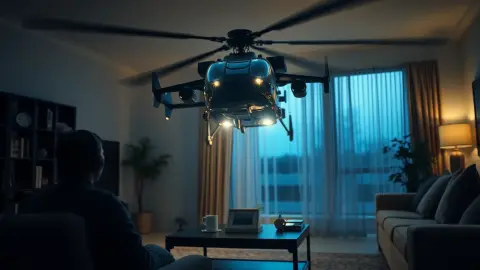
Passthrough shows the real room, but your attention is on the action. Tanks roll across your floor, helicopters hover over your table, and air strikes cut through your kitchen. When you lean toward a target, you can walk a step or two without noticing. A boundary warning is a second pair of eyes that does not get distracted.
Why people switch it off, and why not to
Common reasons are annoyance at frequent warnings and a small room. Both point to a setup problem, not a reason to disable safety:
- Frequent warnings: your boundary is probably set too tight or you are drifting. Redo the setup and re-centre yourself.
- Small room: play with a table as the arena, which the support page calls a great option, and build a compact battlefield with the Level Builder.
- Furniture in the way: move it, or capture it properly in the room setup.
Setting it up well
- Clear the floor first. Cables, shoes and toys should be gone.
- Light the room well, as the game's safety guidance advises.
- Run your headset's room setup, capturing floor, walls and furniture.
- Set the safe area where you can really move, not as large as possible.
- Restart the game so it reads the layout afresh.
What boundaries do not cover
Boundary features cannot see everything. They will not stop a child or pet walking into your space, they do not protect overhead hazards such as fans, and they do not catch a wide arm swing into a shelf. The terms say plainly that virtual objects do not protect you from real ones and that you are responsible for people and pets around you. Do the arms-out turn, check the ceiling and close the door.
Habits that keep it working
- Rescan after moving furniture.
- Re-centre yourself if you notice drifting.
- Treat a warning as a prompt to pause, not an annoyance.
- Take regular breaks; tired players drift more.
- Stop if you feel dizzy or uncomfortable, as the support page says.
When the warning keeps appearing
If you cannot play without constant warnings, the space is probably too small for that style of play. Switch to a table arena, shorten your movements, or pick a bigger room. Details on the game itself are on the Tank Avenger page, and the official store page has the current listing.
A two-minute boundary drill
Before your first level, walk slowly to each edge of your safe area with the headset on, and watch when the warning appears. That shows you how much real room you have in every direction. Then step back to the middle and notice which side feels tightest. Face your most active moments toward the most open side of the room, and you will trigger far fewer warnings.
FAQ
Do I need the boundary on in mixed reality?
The game's terms ask players to keep their headset's boundary features enabled. They are there to warn you before you leave your safe area.
Is mixed reality safe without a boundary?
Seeing your room helps, but your attention is on the game. It is safer to keep boundary features on and clear the room first.
How big should my play area be?
Tank Avenger's support page says roughly 2 × 2 metres of clear floor works well, and a table can serve as the arena.
Does the boundary protect pets and children?
No. It cannot see people or animals entering, so keep them out of the play area.