Fix HAUNTED Monsters Not Lining Up With Your Walls
Monsters and wall effects off in HAUNTED: Are You Alone? Here is how to fix room alignment with Space Setup, a restart and better lighting on Quest.
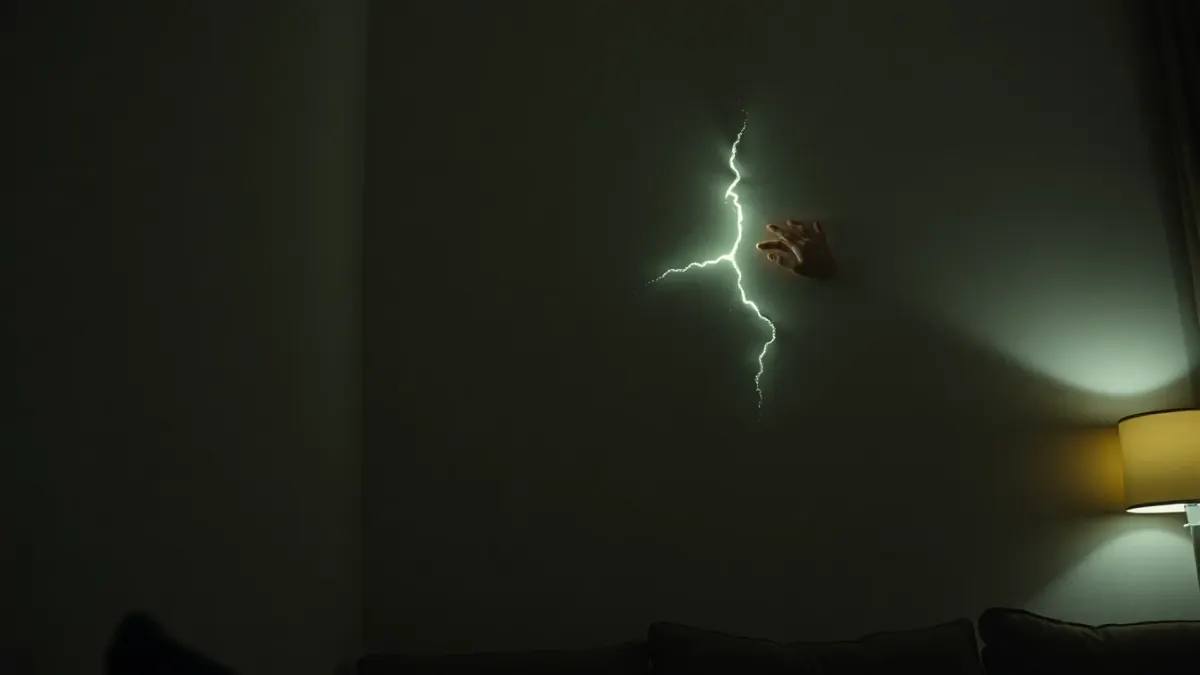
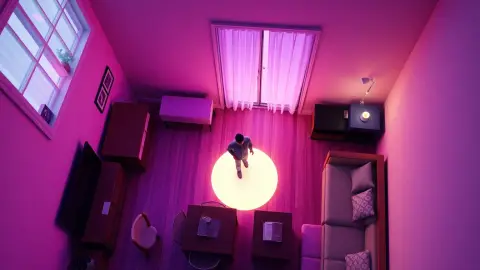
You open the door to your nightmare and the arms burst through a spot that is slightly off from your real wall, or the floor effects do not match your sofa. If your HAUNTED monsters are not lining up with your walls, the cause is almost always your room data rather than the game. The developer's support FAQ gives a clear recipe, and this guide expands it step by step. Nothing here requires special tools.
Why alignment depends on Space Setup
HAUNTED: Are You Alone? reads the room layout from your headset's Space Setup. The privacy policy confirms it uses scene data and spatial anchors from the headset so walls can break, the floor can fill with blood and monsters can stand in doorways. If that stored layout does not match the real room, effects will drift. That happens when you rearranged furniture, did the setup in a different spot, or the first scan was incomplete.
The official fix, in order
The support page says: make sure Space Setup includes your floor, walls and large furniture, re-run it if you rearranged the room, then restart HAUNTED so it loads the new layout. Good lighting also helps tracking.
- Open your headset's Space Setup from the system settings.
- Check the existing layout. Does it show your walls and large furniture? If not, redo it.
- Scan again. Look at every wall, the floor, the doorways and large furniture such as sofas and tables.
- Close it, then fully quit HAUNTED and launch it again so it reads the new layout.
- Test the first scene and see if effects now match.
Common mistakes
- Scanning with partial walls. If a wall was never visible during setup, the game cannot know it exists.
- Skipping furniture. The product page lists "walls, floor and furniture", so mark large pieces.
- Rearranging after setup. A moved sofa is an old sofa to the headset.
- Scanning in poor light. Tracking quality drops in dim light.
- Not restarting the game. Changing the layout while the game runs may not update it.
Lighting and tracking
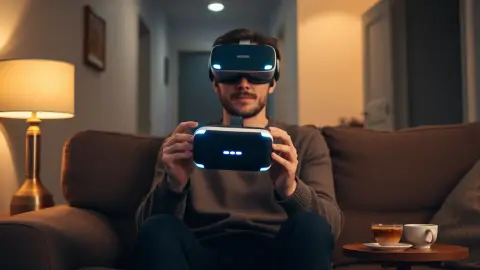
The support page notes that good lighting helps tracking. Switch on a couple of lamps while you re-scan, and consider playing with a bit more light until alignment is confirmed. After that you can darken the room again. See our lighting guide.
Check your play position
Sometimes the layout is correct but you are standing far from where you did the setup, or the headset lost its tracking mid-session. Return to the centre of the room, look around slowly to let the headset re-locate the space, then try again. If effects are still off, quit and relaunch.
Large or odd-shaped rooms
Open-plan spaces, rooms with big windows and rooms with many doorways are harder to capture. Try to define the area you will actually play in, rather than the whole floor of the house. Close doors you do not need, and mark furniture that is clearly visible.
When it still does not work
If you have rescanned, restarted the game and improved the lighting, restart the headset. If the problem remains, email the developer through the support route on the site. Include your headset model, what you did and a description of what looks wrong. The support page invites you to get in touch for bugs.
Privacy note
If you worry about room data, the policy says it is processed on the headset in real time, never recorded, stored by the developer or transmitted. You can delete your room layout at any time in your headset's Space Setup settings.
A short checklist
- Space Setup includes floor, walls and large furniture
- Setup redone after any rearranging
- HAUNTED restarted after changes
- Room lit well while scanning
- Headset restarted if all else fails
More about the game is on the HAUNTED page.
FAQ
Why are the effects offset from my walls?
The layout your headset stored may be outdated or incomplete. Re-run Space Setup and restart the game.
Do I need to include furniture?
Yes. The developer's guidance says to include your floor, walls and large furniture.
How do I make the game reload my room?
Restart HAUNTED after re-running Space Setup so it loads the new layout.
Can lighting really fix alignment problems?
Good lighting helps tracking, according to the support page, so it can improve results.