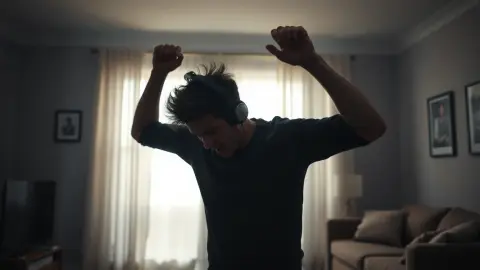
How to Prepare Your Room for a Mixed Reality Horror Game
A practical checklist to prepare your room for a mixed reality horror game like HAUNTED: clear the floor, secure fragile items and set up your space.
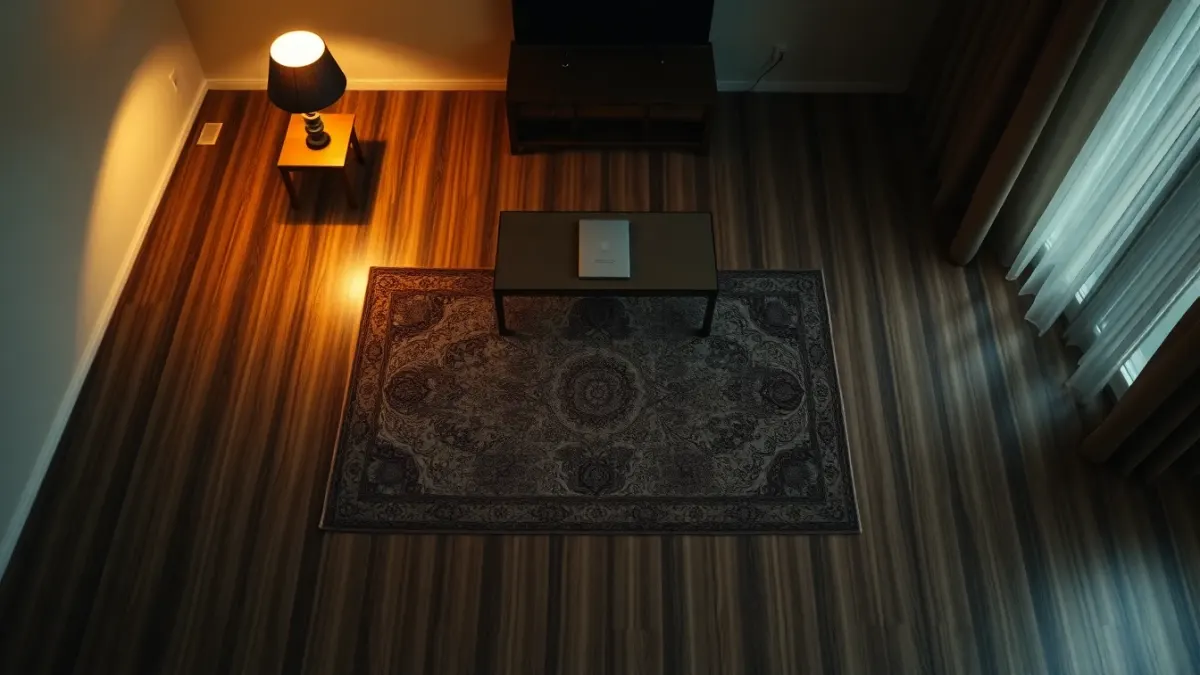
Before you put on a headset for a game that smashes arms through your walls, spend ten minutes on the room itself. To prepare your room for a mixed reality horror game, you want three things: a clear floor, nothing breakable within arm's reach, and a layout your headset actually understands. HAUNTED: Are You Alone? makes you swing, duck and turn around in a hurry, and its own requirements page says to move anything fragile out of reach. Here is a checklist you can follow in order.
Start with a walk-through, headset off
Stand in the middle of your play area and slowly turn on the spot with your arms out. Anything you can touch is something you can hit. Then take a few steps in each direction. This sounds trivial, but it catches most accidents before they happen.
Look specifically for:
- Ceiling lamps or fans you could reach with a raised axe swing
- Cables, laundry, shoes and toys on the floor
- Glass, mirrors, framed pictures and screens near the edges
- Pets and the places they like to lie
- Low furniture such as coffee tables that sit at shin height
Clear the floor first
Floors cause the most injuries in VR because you cannot see what you are about to step on. Move rugs that curl, remove loose cables and pick up anything small. If you cannot get rid of a coffee table, push it fully against a wall or into another room.
HAUNTED fills your room with blood at one point, and monsters crawl from the floor. You will spend time looking down. Do not rely on the game to warn you about a real object at your feet.
Make the room bigger than the minimum
The game does not ask you to run laps, but you will turn sharply and swing weapons. A little extra clearance is worth more than any trick. If your living room feels crowded, consider using the largest open area in the house instead, even if it is less cosy.
Protect fragile and valuable things
Put away vases, glassware, laptops and anything you would be upset to break. A good rule is a full arm's length plus a weapon swing from any object you care about. If something cannot move, cover or pad it, or choose a different room.
Run Space Setup properly
The game reads the room layout from your headset's Space Setup. The official support notes say to make sure the setup includes your floor, walls and large furniture, to re-run it if you have rearranged the room, and to restart HAUNTED so it loads the new layout. Details to watch:
- Do the setup in the room you will play in, with the furniture exactly where it will be.
- Mark large furniture like sofas and tables so monsters and effects line up with them.
- Redo it after moving things. A stale layout is the main reason effects drift away from real walls.
- Restart the game after changing it.
The HAUNTED page lists this as "Room setup once", with a clear play area as the second requirement.
Keep your boundary on
The terms of service advise you to complete your headset's room setup and keep its boundary features enabled. The boundary is your backup when you forget where the wall is. Stay inside it and keep away from walls, furniture, people and pets.
Think about the people and pets around you
Tell housemates you are about to play so nobody walks through the middle of the room. If you have a dog or cat, shut them out of the play space. Even a friendly pet can turn into a tripping hazard during a sudden jump scare, and animals sometimes react to sudden noises coming from you.
Plan your escape route
It is a mixed reality horror game, so someone approaching from behind might startle you more than anything in the game. Choose a room where the door is not directly behind you if you can. Also decide where you will place the headset and controllers when you take them off, so you do not have to search for them in the dark.
Last checks before you play
- Controller straps on, batteries ok
- Headset fitted comfortably, with enough lighting for tracking
- Water within reach but not on the floor
- Phone on silent
- A rule for yourself that you will stop if you feel unwell
FAQ
How do I prepare my room for a mixed reality horror game on Quest?
Clear the floor, move fragile items out of arm and weapon range, run Space Setup including walls and large furniture, keep the boundary on and tell people nearby.
Do I have to re-run Space Setup if I rearranged furniture?
Yes. The support guidance says to re-run it after rearranging and then restart HAUNTED so it loads the new layout.
Should I play with the lights on or off?
Good lighting helps tracking, according to the support guidance. For tracking and safety, a reasonably lit room is the better starting point.
Can I play in a messy room?
You can, but you should not. Clutter on the floor and fragile objects nearby are the main safety risks.
Ready to try it? Visit the HAUNTED page for details.