How to Set Up Your Room for HAUNTED on Meta Quest
A step-by-step guide to Space Setup, clearing your play area and getting walls, floor and furniture ready so HAUNTED: Are You Alone hits harder.
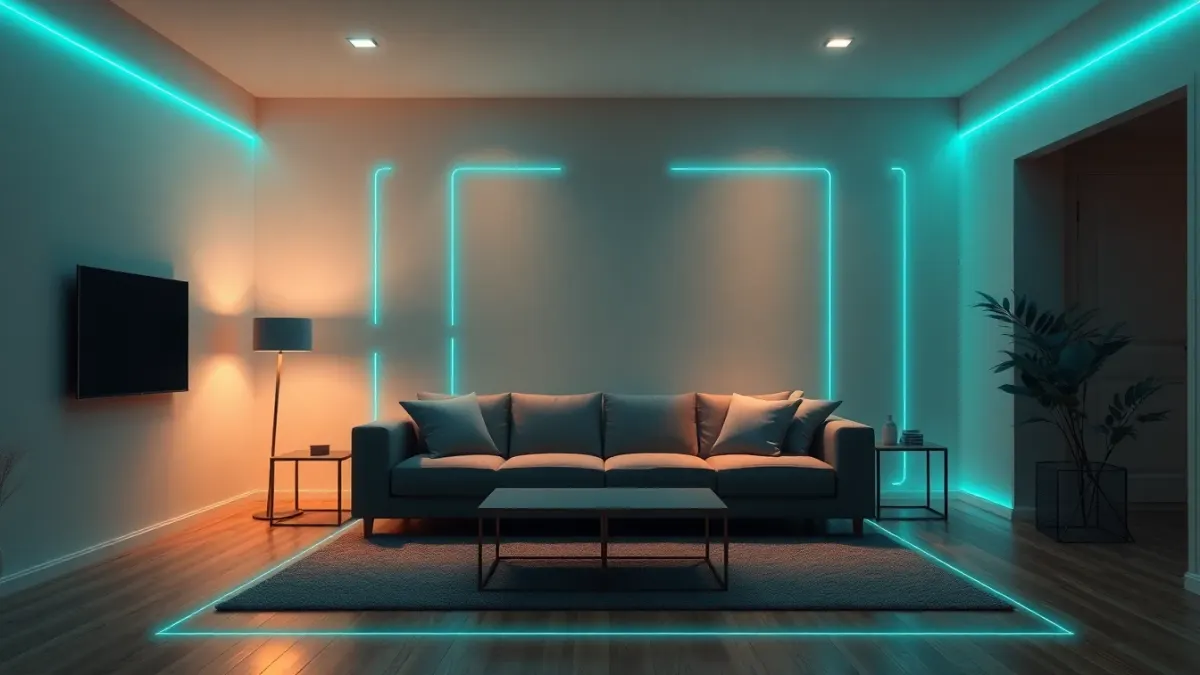
Mixed reality horror lives or dies on one thing: whether the game knows where your room is. This HAUNTED Quest room setup guide walks you through the steps in order, so arms burst out of the actual wall and not three feet to the left of it.
Step 1: Run Space Setup
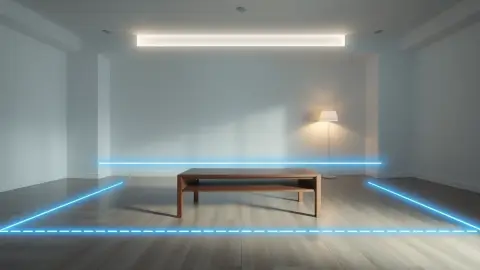
HAUNTED reads your layout from your headset's Space Setup. Run it once and make sure it captures your floor, walls and large furniture. The game uses that layout so walls can break, the floor can fill with blood and monsters can stand in your doorways.
If you later rearrange the room, run Space Setup again, then restart the game so it loads the new layout. Skipping the restart is the most common reason a room feels "off".
Step 2: Clear the play area
You will swing an axe, duck, spin and back away. Move anything fragile out of reach: lamps, glassware, picture frames at head height. Cables on the floor are a trip hazard when you are staring at the ceiling. Keep away from walls, furniture, people and pets.
A useful test: stand in the middle, extend both arms and turn a full circle. If you touch anything, move it.
Step 3: Check the lighting
Good lighting helps tracking, especially for hand tracking. A very dark room can confuse the headset; a room with a bright window behind you can too. Aim for even, moderate light while you set up, then dim it afterwards if you want to deepen the mood.
Step 4: Decide on your doorways
Decide which door you want to face before you start. Sitting opposite an entrance feels different from standing with your back to it, and the Cursed Nun and doorway monsters make that choice matter. For a gentler first run, pick a layout with fewer open entrances; for maximum dread, keep your busiest door in view.
Step 5: Confirm your boundary
Keep your headset's boundary features enabled and stay inside them. Virtual walls breaking does not mean you can walk through real ones. This is the line between a great scare and a bruised shin.
Step 6: Put your furniture to work
Large furniture is part of the scene data the game reads, so a sofa or table can become part of the horror. You do not have to move everything away, but keep it where Space Setup recorded it. Moving a chair after setup is a classic cause of misaligned scenes.
Seat, stand, or move?
Stand if you can. The game makes you swing, duck and turn, so standing in the middle of your cleared space gives you the most natural range. Pick a spot where you can turn fully without wrapping a cable around yourself, and remember where the real walls are before the lights go down. If you do start to drift while absorbed in the action, step back toward the middle in the calm moments.
Quick pre-flight checklist
- Space Setup done and recent
- Floor clear, cables moved
- Boundary on
- Lighting even
- Pets and people out of the room
- Controllers charged, or hand tracking enabled in settings
If you are ready, grab the game from the official Meta Horizon Store page or read the HAUNTED product page for the full feature list.
A note on small rooms
If your space is tight, simplicity wins: fewer objects, a clearer middle and a firm habit of checking your boundary. The game reads whatever Space Setup captured, so a tidy small room can work as well as a large one as long as you can swing and turn without touching anything.
FAQ
How often should I redo Space Setup for HAUNTED?
Run it whenever you move furniture or change rooms. Then restart the game so it loads the new layout.
Why don't the monsters line up with my walls?
Make sure Space Setup includes your floor, walls and large furniture, re-run it if the room changed, and restart HAUNTED. Good lighting also helps tracking.
How big a room do I need?
The game does not state a minimum size. Practically, you need enough clear space to swing, duck and turn around without touching anything.
Can I delete my room data later?
Yes. You can delete your room layout at any time in your headset's Space Setup settings.