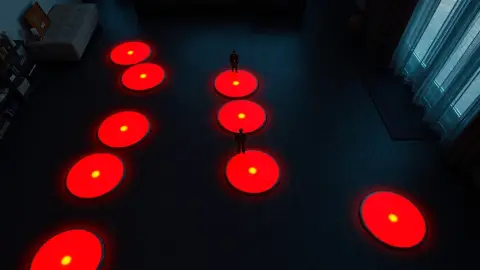
Fix Laser Thief Lasers Not Lining Up With Your Room
Lasers in the wrong place in Laser Thief? Fix misaligned beams on Quest 3 by redoing Space Setup, restarting the game and improving lighting.

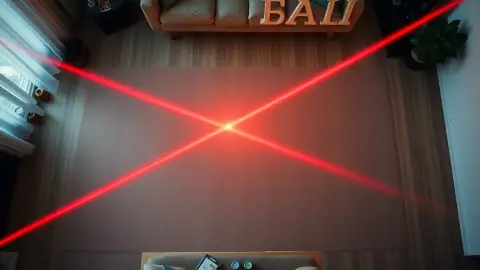
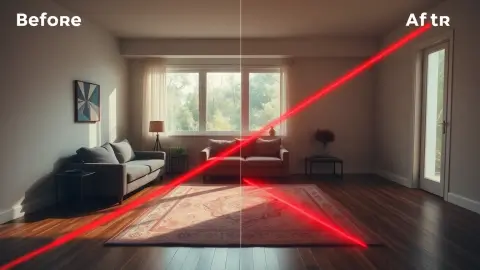
You start a level and a laser slices through your wall, or the loot floats a bit off your sofa. If your Laser Thief lasers are not lining up with your room, the cause is almost always the room layout your headset has stored. The fix usually takes two minutes.
Why alignment matters
The root of most misalignment is simple: the game positions beams and loot from the layout saved in Space Setup, so when that saved layout disagrees with the real room, objects land in the wrong place. Passthrough and tracking feed into this as well, and both need reasonable conditions to behave.
Fix 1: Re-run Space Setup
Make sure your headset's room setup includes the floor, walls and large furniture. Re-run it if:
- You rearranged furniture.
- You moved to a different room.
- A large item is missing from the captured layout.
This is the number one cause of misalignment.
Fix 2: Restart the game
After redoing the setup, close and restart Laser Thief so that it reads the new layout. The game does not necessarily refresh mid-session, so a restart is a necessary step.
Fix 3: Improve lighting
Good lighting helps the headset track your position. A dim room can cause tracking drift, which makes beams seem to move relative to the walls. Turn on lights, open curtains and avoid strong glare.
Fix 4: Check the controllers and headset
Make sure:
- The controllers are not covered by your hands or sleeves in a way that hides them.
- The headset cameras are clean.
- You are not wearing the headset at a tilt that obstructs the view.
Tracking glitches can look like alignment problems.
Fix 5: Reduce clutter
Cluttered rooms are harder to map. Clear the floor and tidy the area, which is good for safety anyway. About 3 × 3 metres of clear floor is the recommendation.
Fix 6: Take a break
Sometimes it is a long-session effect. Take a break, restart, and check again.
If shield drops unexpectedly
Misaligned tracking can also cause shield loss when you did not touch a beam. The shield reacts to your head and hand positions as the headset tracks them. Slow, deliberate movement near beams is safer than fast, and cleaning up conditions helps. See our shield protection guide for more.
Prevent future problems
- Re-run Space Setup whenever you move furniture.
- Keep a consistent play space.
- Keep lighting steady.
Our full room setup guide walks through this.
Still stuck?
You can contact the developers via the support page linked from the Laser Thief page, or check the Meta Horizon Store listing.
A quick diagnostic order
When something looks wrong, change one thing at a time so you learn what actually fixed it. A sensible order is: first improve the lighting, because it is free and instant; second check that the controllers are visible and the cameras are clean; third re-run Space Setup and make sure large furniture is included; fourth restart Laser Thief; and only then consider anything more drastic.
Write down what you changed if the problem keeps coming back. Patterns appear quickly: misalignment that shows up only in the evening points to lighting, while misalignment that shows up only after a cleaning day points to moved furniture. Knowing the cause turns a mysterious annoyance into a two-minute routine, and it keeps your shield from paying the price for a layout the game cannot see.
If you play in more than one room, run Space Setup in each room once, and always restart the game after switching.
It is also worth remembering that a tidy, uncluttered room makes every part of this easier. Fewer objects means fewer chances for a mismatch between what the headset captured and what is really there, and fewer things to trip over when you are crouched under a beam.
FAQ
Why are the lasers in the wrong place in Laser Thief?
The stored room layout probably does not match your real room. Re-run Space Setup and restart the game.
Do I need to restart the game after Space Setup?
Yes, restart Laser Thief so it reads the new layout.
Can bad lighting cause misaligned lasers?
Poor lighting can degrade tracking, so improve it before troubleshooting further.
Does Laser Thief work in any room?
It works in smaller rooms, but about 3 × 3 metres of clear floor is recommended.