Losing Shield Without Touching a Laser? Check Your Tracking
Losing shield in Laser Thief without touching a beam? Headset tracking may be to blame. Here is a checklist of fixes for lighting and controllers.
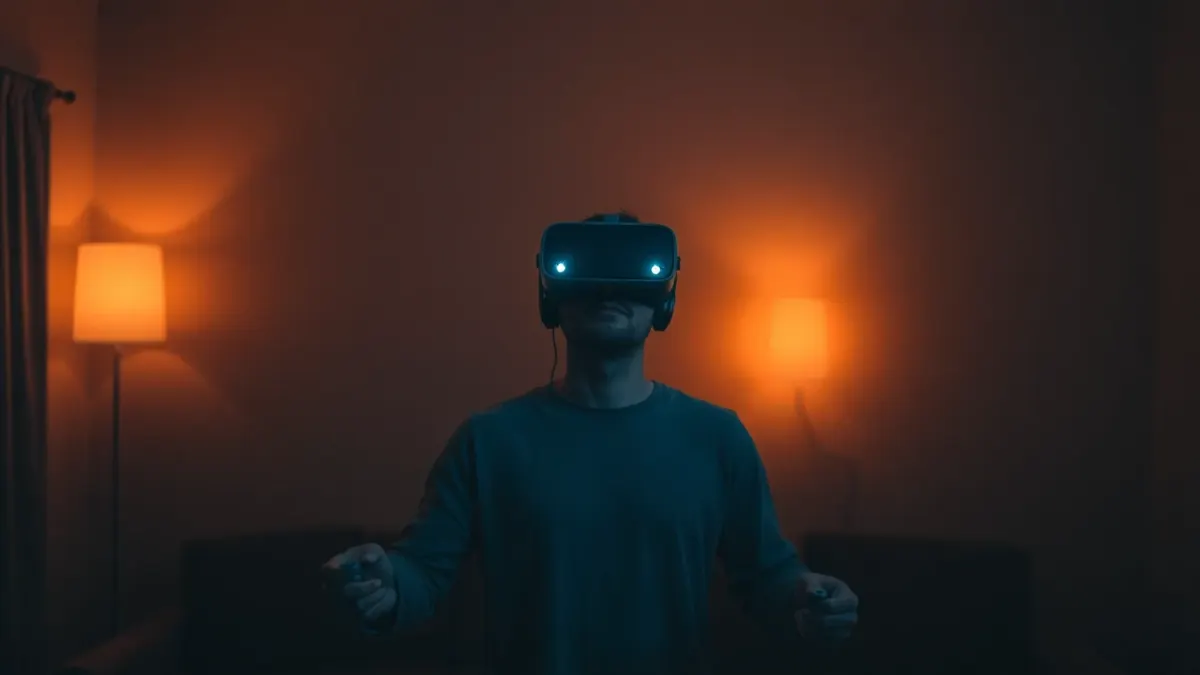
It is one of the most frustrating moments in Laser Thief: your shield shrinks and you are certain you never touched a beam. Before you blame yourself, check your tracking. The game's support notes say the shield reacts to your head and hand positions as the headset tracks them, so tracking quality matters.
What is probably happening
The headset estimates where your head and hands are. If that estimate is slightly off (a hand drifting out of camera view, or a dim room causing drift), the game may think a hand or your head is in a beam when in your mind it is not. Alternatively, you might have touched a beam with an elbow or the back of a hand without realising.
Checklist 1: Light
Play in a well-lit room. Headset tracking uses cameras, and cameras need light. Turn on overhead lights and open curtains. Avoid pointing a bright window or lamp straight at the headset.
Checklist 2: Controllers
- Keep the controllers visible to the headset. Do not hold them behind your back or cover them with your other hand for long.
- Keep your grip natural so that the tracking rings or sensors are not blocked.
- Make sure the batteries are in good condition.
Checklist 3: Slow, deliberate movement
The support advice: slow, deliberate movements near beams are safer than fast ones. Fast motion can make tracking less accurate and makes accidental contact more likely.
Checklist 4: Room setup
An outdated room layout can make beams appear in odd places. If you moved furniture, re-run Space Setup, then restart Laser Thief. Our alignment fix guide goes through the details.
Checklist 5: Clean cameras
A smudge on the lenses degrades tracking and passthrough. Wipe them gently with a microfibre cloth.
Checklist 6: Check your own movement
Sometimes the cause is us. Test yourself with a few Free Play levels (random, no clock) and watch your elbows, shoulders and the back of your hands. Often these are the parts that clip beams.
A simple test: perform a slow duck under a beam in Free Play and watch where your arms go. If they swing out, tuck them in.
Checklist 7: Fatigue
Tired players wobble and let hands drift. If your shield loss grows as the session goes on, take a break. Stop if you feel dizzy or uncomfortable.
When to test further
Compare your results across different rooms or times of day if you can. If the problem is only in dim light, it points at lighting. If it only appears after furniture moves, it is Space Setup.
For prevention, see our shield guide and the room setup checklist.
You can contact the developers from the support links on the Laser Thief page or the Meta Horizon Store.
When it keeps happening
If you work through the checklist and still see unexplained shield loss, gather evidence. Note whether it happens in a particular spot of your room, at a particular time of day, or only with certain movements. A spot-specific problem suggests the room layout or a reflective surface. A time-of-day problem suggests lighting. A movement-specific problem suggests that a limb is leaving the camera view or clipping a beam without you noticing.
You can also ask a friend to watch you play from outside the play area; they can often see an elbow or wrist that you cannot feel. Finally, consider contacting the developers through the support link on the product page, with a short description of what you tried. Clear details make it far easier for anyone to help.
Remember that most sessions have no tracking trouble at all. Treat this checklist as a toolbox rather than a verdict that something is broken. Once lighting, controllers and room setup are in good shape, the large majority of shield loss will turn out to be ordinary movement habits, which you can fix with practice.
FAQ
Why does my shield shrink when I haven't touched a laser?
The shield reacts to tracked head and hand positions. Poor lighting, covered controllers or an outdated room setup can cause errors, and elbows or wrists may clip beams unnoticed.
Does lighting affect Laser Thief?
Yes, good lighting helps the headset track you accurately.
Should I move slower to avoid shield loss?
Yes. Slow, deliberate movements near beams are safer than fast ones.
Do I need to restart the game after changing things?
After redoing Space Setup, yes, restart Laser Thief.