VR Games for Small Apartments: Will Laser Thief Fit?
Living in a small flat? Find out whether Laser Thief works as one of the VR games for small apartments, how much room you need and how to cope.
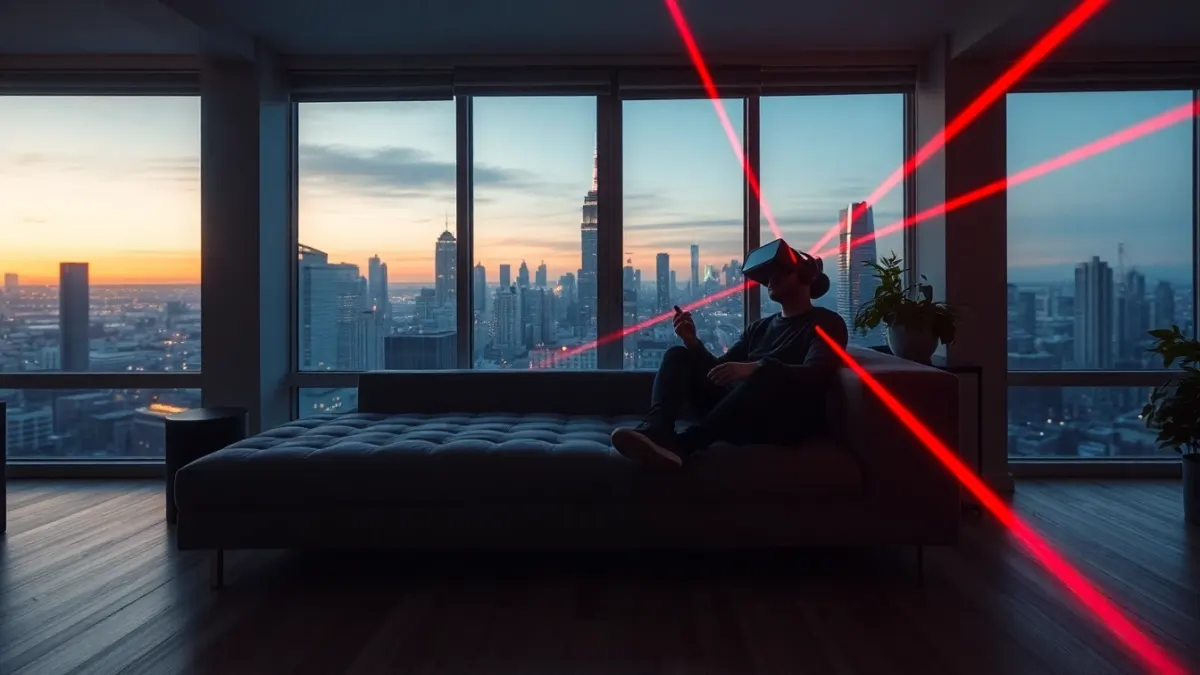
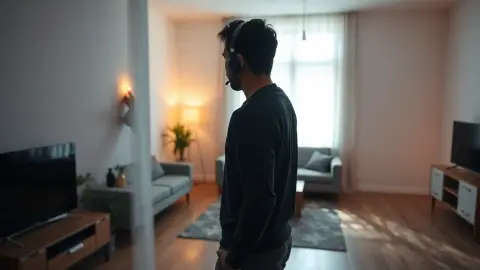
Most room-scale VR advice assumes you have a spare room. If you live in a one-bedroom flat with a sofa, a table and a plant, you want VR games for small apartments and an honest answer about space. Here is what we can say about Laser Thief and how to make it work in a compact home.
The official space figure
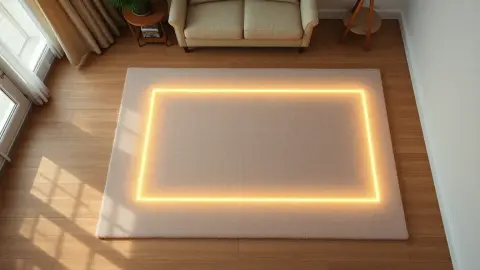
The game recommends a clear area of about 3 × 3 metres, or roughly 10 × 10 feet. That is generous for many flats. But the support page also says the game will work in smaller rooms, adding that the laser grids are designed around a space you can really move in. In other words: it is playable in less, but the experience is best with more.
So the realistic answer is not a yes or a no. It depends on how small, and how well you can clear the floor.
Why this game adapts to your room
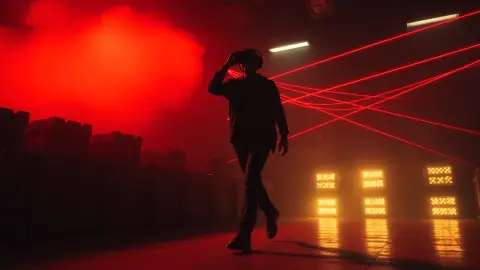
Here is how Laser Thief copes with a tight flat: it reads the passthrough view and the layout saved by Space Setup, then hangs its beams and loot on your actual walls and furniture. The room is part of the level, which explains the charm and also why a stray laundry basket matters more than in a seated game.
The game also notes that the more room you have, the wilder the laser grids get. In a compact space you may experience tighter, simpler layouts, which can be a perfectly good version of the game, especially while learning.
Making room in practice
You do not need to rearrange everything permanently. A temporary "heist mode" setup is enough.
- Push, do not carry. Slide the coffee table to a wall and the sofa slightly back if you can. A rug is easy to roll up.
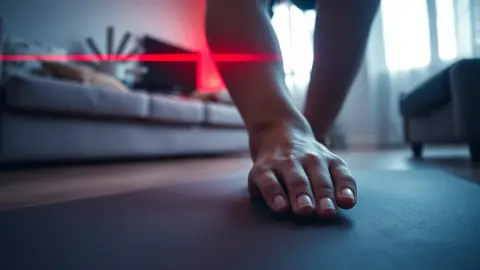
- Clear the floor. Remove cables, shoes, baskets and anything fragile. Floor items are the most dangerous because you crawl near them.
- Run Space Setup after rearranging. Include the floor, walls and large furniture. If the lasers do not line up later, re-run the setup and restart the game.
- Light the room well. Good lighting helps tracking.
- Use the biggest room. If your bedroom has more clear floor than the living room, play there.
- Mark your edges mentally. Know where the wall is, and use slow, deliberate movements near it.
Tips for tight spaces
- Prefer small, controlled moves. The game rewards smooth ducks, leans and crawls over big sweeping steps.
- Start with Free Play. Random levels and no timer let you test how your room behaves before you commit to Story Mode.
- Watch the ceiling. Raising your arms to reach for loot near a ceiling light or a low fan is a real hazard.
- Think about neighbours. Wear shoes or non-slip footwear and avoid stomping if you have people below.
- Keep sessions short. Cramped play can be tiring, and breaks are recommended anyway.
What if it still feels too tight?
If you constantly feel hemmed in, stop rather than adapt dangerously. The game's guidance is to keep the area free of obstacles, and no score is worth a bruised shin. Consider whether a friend or family member's larger room could host occasional sessions, or whether this particular game is better left for later.
It is also fair to say that other game types may suit a very tiny space better. Laser Thief is a movement game, and movement needs room.
A positive note
Plenty of people live in compact homes and still enjoy active mixed reality. A tidy, cleared strip with good lighting can work well, and the game's humour makes the occasional awkward collision with an imaginary beam rather charming.
For details, check the Laser Thief page and the Meta Horizon Store.
FAQ
How much space does Laser Thief need?
About 3 × 3 metres (10 × 10 feet) is recommended. It can work in smaller rooms, but grids are designed around space you can move in.
Can I play on my bed or sofa?
The game maps beams to your floor and furniture and asks you to duck and crawl, so a cleared floor is the safer choice.
The lasers do not line up with my room. What now?
Re-run Space Setup so it includes floor, walls and large furniture, then restart the game.
Does it work in a rented flat?
Yes, if you can temporarily clear the floor. Be considerate of neighbours below.