What Is Space Setup on Quest? Mixed Reality Room Scan Guide
What is Space Setup on Meta Quest? Learn why mixed reality games ask for a room scan, how to do it well and how to fix misaligned lasers or loot.
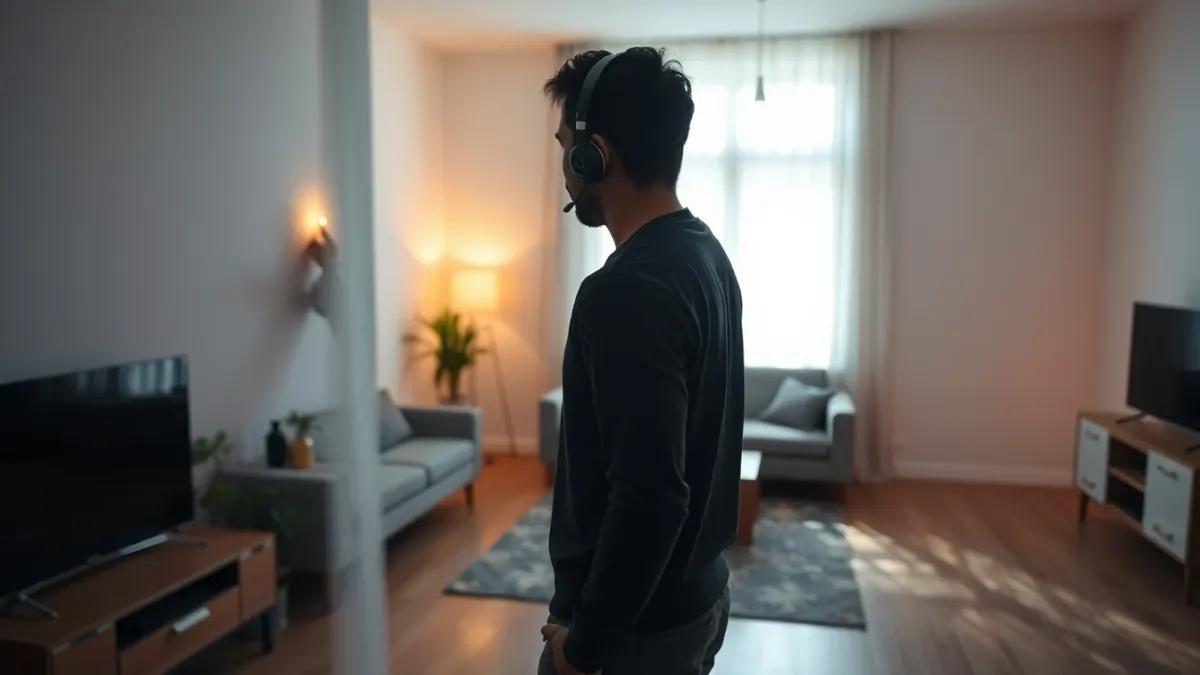
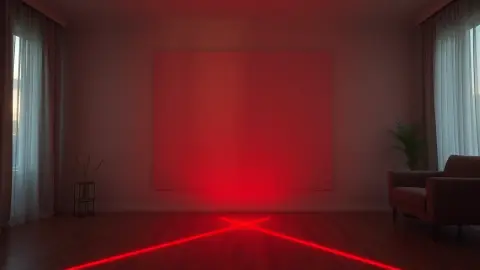
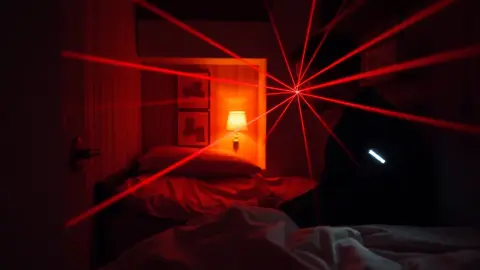
When a mixed reality game says "run room setup first", it is not being fussy. Space Setup on Quest is how your headset learns the shape of your room: where the floor is, where the walls are and where the large furniture sits. Games like Laser Thief use that information to put beams and loot in sensible places. Here is how it works and how to get it right.
What Space Setup does
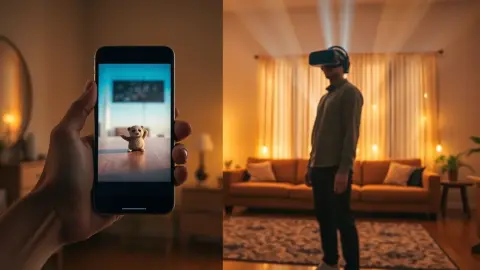
Mixed reality needs a map. Without one, a virtual object would not know whether it is hovering in front of a wall or stuck inside your sofa. Space Setup captures the layout of your space on the headset so that apps can use it, with your permission and under the platform's rules.
Laser Thief's page puts it simply: run Space Setup once and the game maps beams and loot to your real walls and furniture.
Why accuracy matters for an active game
In a casual mixed reality app a small error might look odd. In a physical game, it affects play. If the headset thinks a wall is a foot further away than it is, a beam might not line up with the surface it should. The game also needs to know where the floor is so that the lowest grids sit at crawling height.
How to get a good scan
- Turn on the lights. Dim rooms degrade tracking and scanning.
- Clear the clutter. Pick up objects from the floor so the scan reflects furniture, not temporary mess.
- Look around slowly. Fast head movements can leave gaps.
- Include large furniture. Sofas and tables are what the game uses to place loot.
- Mind reflective surfaces. Mirrors and big windows can confuse the capture.
- Do it where you will play. A scan in one room doesn't help in another.
When to repeat the setup
Re-run it whenever the room changes meaningfully:
- You moved a sofa or a table.
- You play in a different room.
- Lasers or loot seem offset from where they should be.
- The headset reports tracking problems.
Laser Thief's support advice: make sure the room setup includes the floor, walls and large furniture, re-run it if you rearranged the room, then restart the game so it reads the new layout.
What about privacy?
It's a fair question. The room layout and passthrough view are processed on the headset by the headset's own runtime. According to Laser Thief's privacy policy, the game does not record, store or transmit passthrough camera images, and never receives images of your surroundings or the layout of your room. Every developer's policy differs, so it's worth reading the policy of any game that uses room data.
Troubleshooting checklist
If something feels off, work through these steps:
- Restart the game after any room change.
- Improve lighting and clean the headset cameras.
- Make sure controllers aren't covered.
- Re-run Space Setup and include floor, walls and furniture.
- Reboot the headset as a last resort.
If you lose shield even though you did not touch a beam, the game's support page suggests checking that the play area is well lit and moving slowly and deliberately near beams, since the shield reacts to head and hand positions as tracked by the headset.
Safety reminder
A good scan doesn't make the room safe. Virtual lasers do not protect you from real furniture, so clear the floor, keep fragile items away and play in short sessions. Try the setup, then see the game on the Laser Thief page.
FAQ
Do I need to do Space Setup for every game?
You do it on the headset, and compatible apps can use it. Redo it when the room changes or a game misbehaves.
Why are my lasers not lining up with the room?
Usually the scan is out of date or the lighting is poor. Re-run Space Setup, then restart the game.
Does Laser Thief see my room?
It uses the headset's room layout and passthrough to place content, but states that it does not record, store or send camera images.
How long does Space Setup take?
It varies with room size and how carefully you scan, but it is a one-time job unless the room changes.