Hand Tracking VR Games: Playing Sozo Without Controllers
Prefer to leave the controllers on the shelf? Sozo Tower Defense supports hand tracking on Quest. Here is how to get reliable tracking and play well.
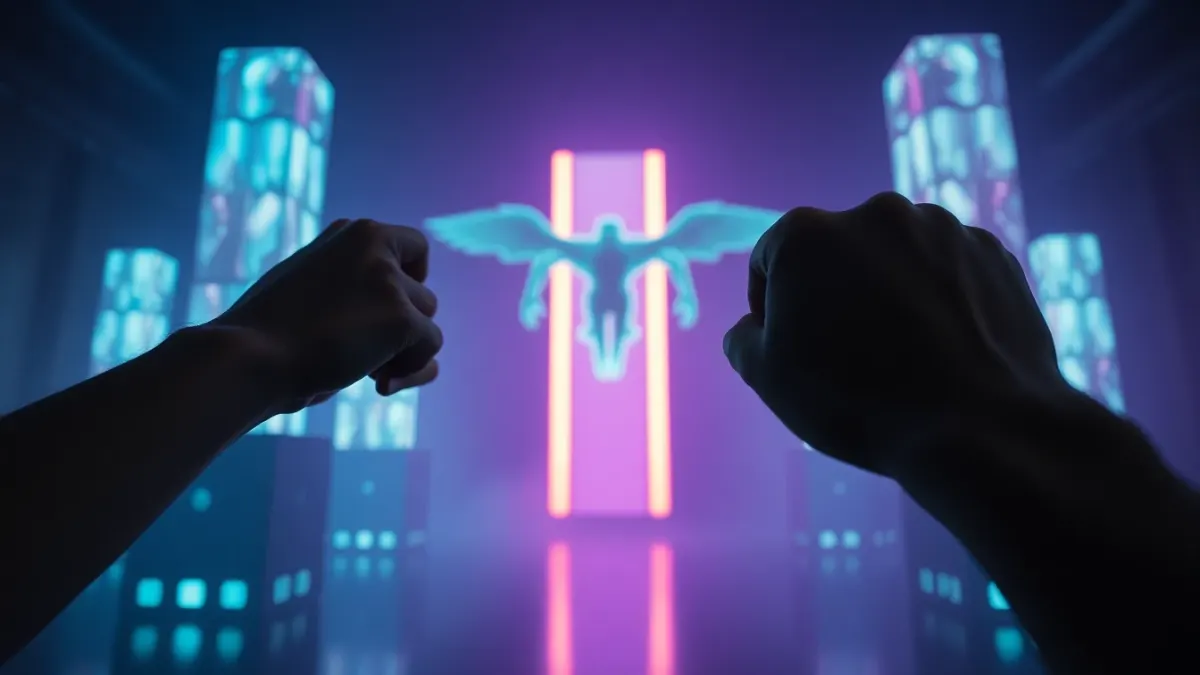
There is something quietly magical about VR without controllers. No batteries, no straps, just your hands. The catch is that many games treat hand tracking VR games as an afterthought. Sozo Tower Defense lists hand tracking as a feature: you can point, punch and cast with your hands, or use Touch controllers, and it can switch between them automatically.
What hand tracking does in Sozo
The game's feature list says: "Point, punch and cast with your hands, or use Touch controllers." In a tower defense game that means:
- Pointing to place and select towers.
- Aiming and shooting at enemies, especially flyers that skip the path.
- Punching monsters out of the sky.
- Casting powers such as Meteor, Stasis and Overcharge.
Because the game is about defending a Core Crystal across 160 levels and 8 realms, those gestures come up constantly, which makes it a good test of hand tracking in everyday play.
Getting reliable tracking
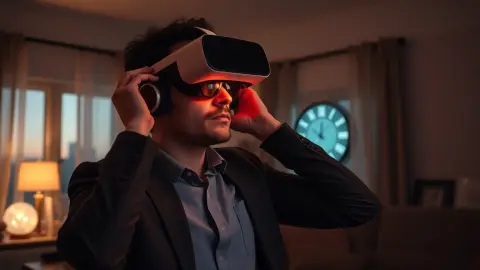
Hand tracking is camera-based, so conditions matter. If hands are not detected, the game's support page gives two straightforward checks: make sure hand tracking is enabled in your headset settings, and make sure the room is well lit. Some additional general tips:
- Face the light. Avoid playing with a bright window directly behind you.
- Keep your hands in view. Tracking is best when your hands are in front of you, not hanging at your sides or behind your body.
- Remove clutter between your hands. Sleeves, jewellery and dark gloves can sometimes confuse tracking.
- Wave to re-acquire. If tracking drops, bring your hands into clear view for a moment.
Hands versus controllers
Neither is better in every situation. Controllers give you buttons and consistent tracking, which can be helpful during tense moments. Hands give you a natural interface and are lovely for relaxed play. Because Sozo can switch automatically, you can set the controllers down when you want and pick them up if you prefer more precision.
If you are playing a high difficulty such as Hard, Super Hard or Ultra, you might choose the input you trust more. For learning a new realm or enjoying mixed reality, hands are a fun choice.
Hand tracking in mixed reality
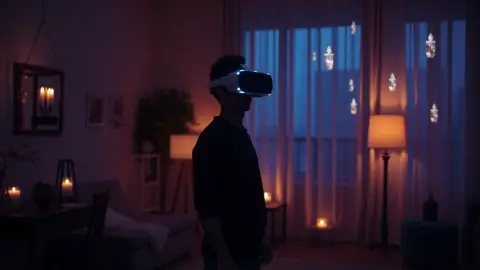
In mixed reality on Quest 3 or 3S, you can see your real hands through passthrough while monsters march across your floor. The game asks you to run Space Setup once, and the combination of seeing your own hands and your own room is what makes the experience feel grounded. VR mode, meanwhile, works on all supported headsets: Quest 2, Quest Pro, Quest 3 and Quest 3S.
Gameplay tips for hands-only play
- Plan more, scramble less. Frost Spires slow the wave, so you have more time to place things deliberately.
- Give flyers a dedicated tower. The Missile Battery knocks flyers out of the sky, so you have to do less hand work.
- Save the powers. Meteor on the thickest part of the wave, Stasis when you need a moment, Overcharge for a clean sweep.
- Lower the difficulty while you learn. Casual and Normal are there for exactly this.
Comfort and safety
You will reach, aim and punch, so clear the play area and keep it well lit. Take regular breaks, and stop if you feel dizzy or unwell. Hand tracking also uses no extra data collection on the game's side: the privacy policy says head, controller and hand tracking are processed on the headset only for gameplay.
Links
More details live on the Sozo Tower Defense page, and you can find the game on the Meta store.
When controllers are still the better call
Being a hand tracking fan does not mean being stubborn. If your room is dim, your hands keep dropping out or you are attempting a very demanding level, grab the controllers for that session. Because Sozo supports both and can switch automatically, there is no penalty for choosing the more dependable input on a given night. Use hands when you want the natural feel, controllers when you want consistency.
FAQ
Does Sozo Tower Defense support hand tracking?
Yes. It supports both hand tracking and Touch controllers, and can switch automatically.
My hands are not detected. What should I do?
Check that hand tracking is enabled in your headset settings and that the room is well lit.
Can I use controllers and hands in the same session?
The game can switch automatically between them.
Which headsets work?
Meta Quest 2, Quest Pro, Quest 3 and Quest 3S.