Sozo Tower Defense First Session Checklist
A practical checklist for your first hour in Sozo Tower Defense on Quest, from clearing the room to choosing mode, input and difficulty.
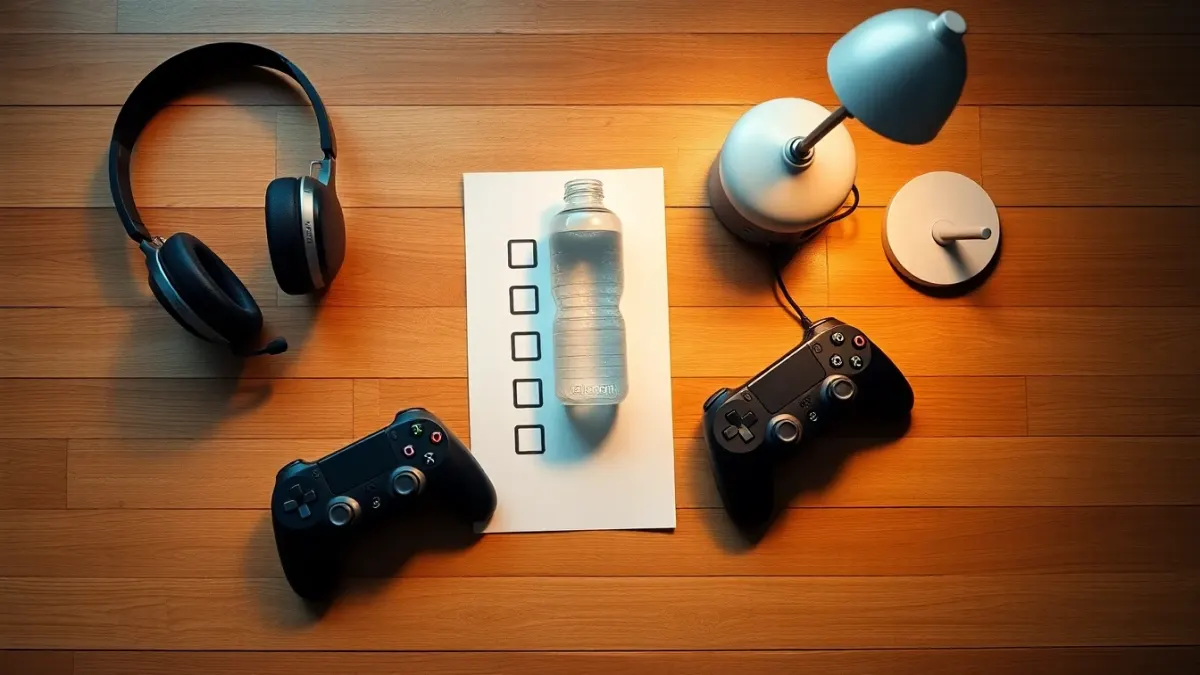
You have just installed the game and your headset is in your hands. Here is a checklist you can run through once, then reuse every time. It collects the official guidance from Sozo Tower Defense's support page and terms into a routine for your first session.
1. Prepare the room (3 minutes)
- Clear your reach zone of furniture, cables and fragile objects.
- Turn on the lights; a well-lit room helps tracking and comfort.
- Tell people and pets you are starting.
- Fill a glass of water.
2. Check the headset
- Charge it, and charge your controllers if you will use them.
- Wipe the lenses and adjust the strap for a sharp picture.
- Confirm your boundary is set.
3. Decide the mode
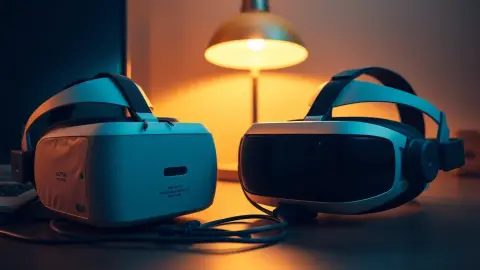
Mixed reality needs Space Setup and looks best on Quest 3 and 3S. VR mode works on Quest 2, Pro, 3 and 3S. If you are unsure, read our mode comparison and begin with whichever feels easier. If you choose mixed reality, run Space Setup first, then choose mixed reality in the game.
4. Decide the input
Touch controllers and hand tracking are both supported, and the game can switch automatically. New to hand tracking? Keep the room well lit. Prefer reliability? Start with controllers.
5. Pick a difficulty
Casual and Normal are good starting points. Move up later; five modes exist (Casual, Normal, Hard, Super Hard and Ultra).
6. Learn the basics
The loop is: place towers along the path, upgrade them through three tiers, and protect the Core Crystal. Try different towers, such as Ballista for reliable damage and Frost Spire for slowing waves. Notice which enemies fly, because flyers skip the path and you shoot or punch them yourself. Experiment with the powers, Meteor, Stasis and Overcharge, but keep them for tricky moments.
7. Keep the first session short
Play a few levels. Stop if you feel dizzy, nauseous or in pain, as the terms advise. Take a break and see how you feel.
8. Know where progress lives
Your unlocked levels, stars, upgrades and settings are saved locally on the headset. Uninstalling removes them, so avoid deleting the game to free space.
9. End well
- Hang the controllers on their lanyards or put them on charge.
- Rest your eyes by looking at something far away.
- Note any problems to ask support.
What to do if something is off
- Hands not detected: enable hand tracking, brighten the room.
- Portals or path odd: re-run Space Setup.
- Level too hard: lower difficulty, upgrade towers, mix damage types.
Contact the developer from the support page, see the product page, or open the store listing.
Tips for the second session
After your first play, jot down what felt awkward: aiming, placing towers, hand tracking or fatigue. Fix one thing at a time. Next time, try a different tower, test the other input method, or raise the difficulty one step. If mixed reality impressed you, scan a second room for variety. If it did not, spend a session in VR mode. By your third session you will know which settings suit you, and the checklist above becomes a thirty-second habit rather than a chore.
A sample first-hour timeline
If you like a concrete plan, try this. Spend the first ten minutes on setup: charge the headset, clear the floor and pick your mode and input. Use the next twenty minutes on the earliest levels at a gentle difficulty, placing a few towers and watching how the waves behave. Then take a real break of five minutes away from the headset. Return for a second stint of fifteen minutes, this time upgrading a tower and trying a power once. Finish by checking how your arms, eyes and neck feel. An hour spent this way teaches you the core loop without exhausting you, and leaves you eager for session two.
FAQ
What should I do first in Sozo Tower Defense?
Prepare your space, choose mode and input, pick Casual or Normal and play a few levels.
Do I need Space Setup for my first session?
Only for mixed reality. VR mode does not use your room layout.
How long should the first session be?
Short. Stop if you feel unwell, and extend gradually.
Will I lose progress if I quit mid-level?
Our sources say unlocked levels, stars and upgrades are saved locally; check the in-game menu about mid-level behaviour.