Sozo Hand Tracking Not Working? Fixes That Help
Hands not showing up in Sozo Tower Defense on Quest? Work through this checklist of lighting, settings and tracking habits to get them back.
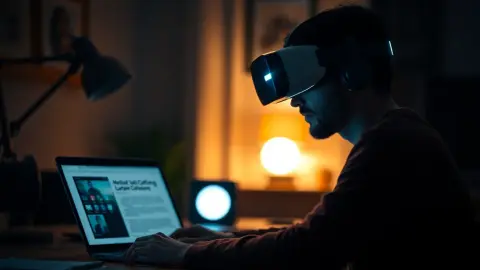
You raise your hands, wait for the cursor and nothing happens. If Quest hand tracking is not working in Sozo Tower Defense, the fix is usually one of a few simple things. The official support answer is short: check that hand tracking is enabled in your headset settings and that the room is well lit. This article expands that into a proper checklist.
Step 1: confirm the setting
Hand tracking is a headset setting, not a game setting. Open your Quest settings and look for the hand and controller options. The exact menu names change with system updates, so search for "hand tracking" rather than following an old tutorial. Make sure it is switched on.
Step 2: fix the lighting
Quest tracks your hands with its cameras, so they need to see you clearly.
- Turn on the main room light rather than relying on a screen glow.
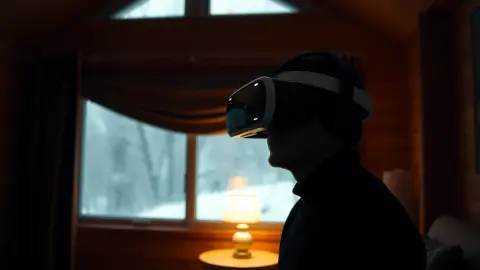
- Avoid a strong light directly behind you, which can leave hands in silhouette.
- Close curtains if bright sunlight beams into the room at an angle.
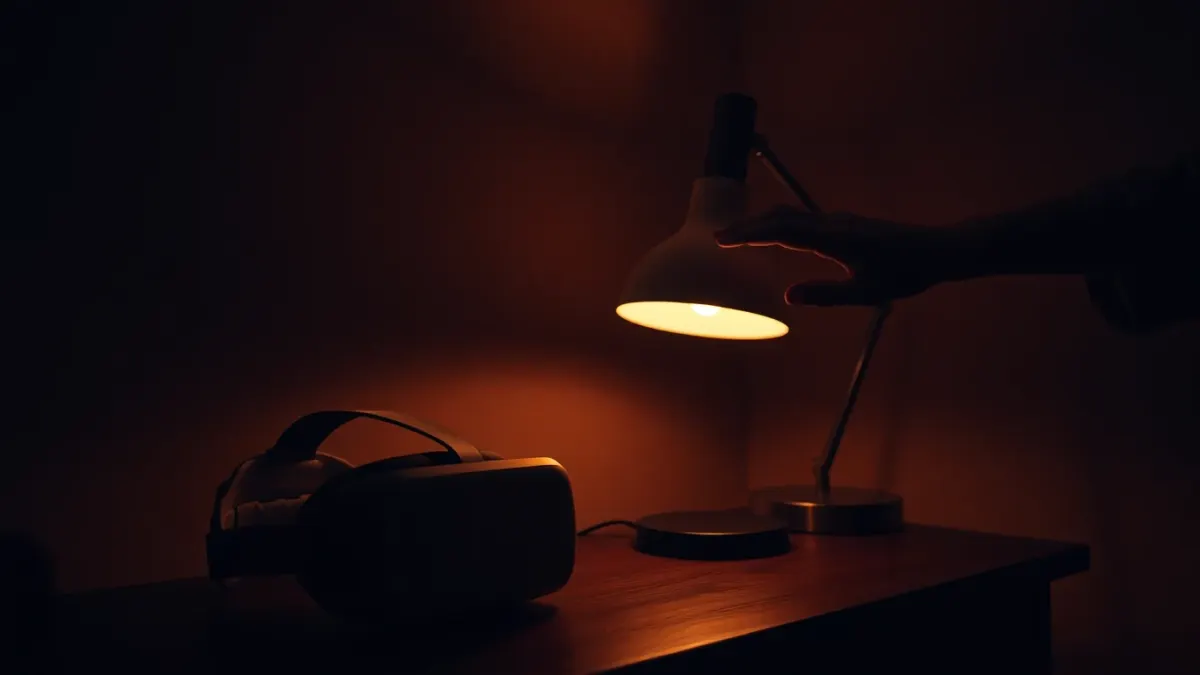
- Very dark rooms are the most common cause.
Step 3: check your hand position
Your hands must be inside the headset's field of view. If you let them drop to your sides or hold them behind your back, tracking is lost. In a tower defense game that means keeping your hands up and in front of you while you aim. Do not cross your hands over each other for long periods.
Step 4: clean and reset
- Wipe the headset's outer camera lenses with a soft microfibre cloth. Smudges blur what the cameras see.
- Remove gloves, big rings or sleeves that cover your hands.
- Restart the headset if the problem keeps coming back after the earlier steps.
Step 5: try the controllers
Sozo supports Touch controllers as well as hand tracking, and can switch automatically. Pick up a controller to see whether the game switches. If it does, you can finish the level while you troubleshoot hand tracking separately.
Step 6: reboot the game
If hands work in the Quest home but not in Sozo, quit Sozo completely and relaunch. Your level progress, upgrades and settings are stored locally, so this will not lose anything.
Mixed reality quirks
In mixed reality, make sure you are in a good-lit area of the room. Bright windows can make hand tracking and passthrough both feel poor. If you need to go deeper on room data, read our Space Setup guide.
Still stuck?
Email the developer through the support page, and mention your headset model and what happens when you hold up your hands. You can learn more about the game on the product page and the official store page.
Prevent it next time
Make good tracking part of your setup routine. Switch on the main light before you put the headset on, keep a lens cloth nearby, and glance at your hands in the home view to confirm they appear before launching the game. If you play in a dim corner, move your play area instead of fighting the light. Small habits prevent most tracking complaints, and they take almost no time once they become automatic.
A quick diagnosis table in words
When hands misbehave, ask which symptom you see. If your hands do not appear at all, suspect the headset setting or very dim light. If they appear but jitter, suspect shiny surfaces, harsh sunlight or a smudged lens. If they vanish when you reach out to the side or behind you, you are probably leaving the cameras' view, so bring your hands forward. If everything works at home but fails in the game, restart the game before anything else. Sorting the symptom first saves time, because each cause has a different fix and none of them needs a full reset.
FAQ
Why does Quest hand tracking stop working in dark rooms?
The headset tracks hands with cameras, so low light makes your hands harder to see. Turn on the room light.
Does Sozo Tower Defense need hand tracking?
No. It supports Touch controllers as well, so you can play with either.
Will restarting the game delete my progress?
No. Progress, upgrades and settings are saved locally on your headset and survive a normal restart.
Can the game switch between hands and controllers?
Yes, according to the support page it can switch automatically.