Moved Your Furniture? Re-Scan Your Room for Sozo
After rearranging a room, Sozo Tower Defense mixed reality may show wrong portals or paths. Here is how to redo Space Setup and reconfirm your room.
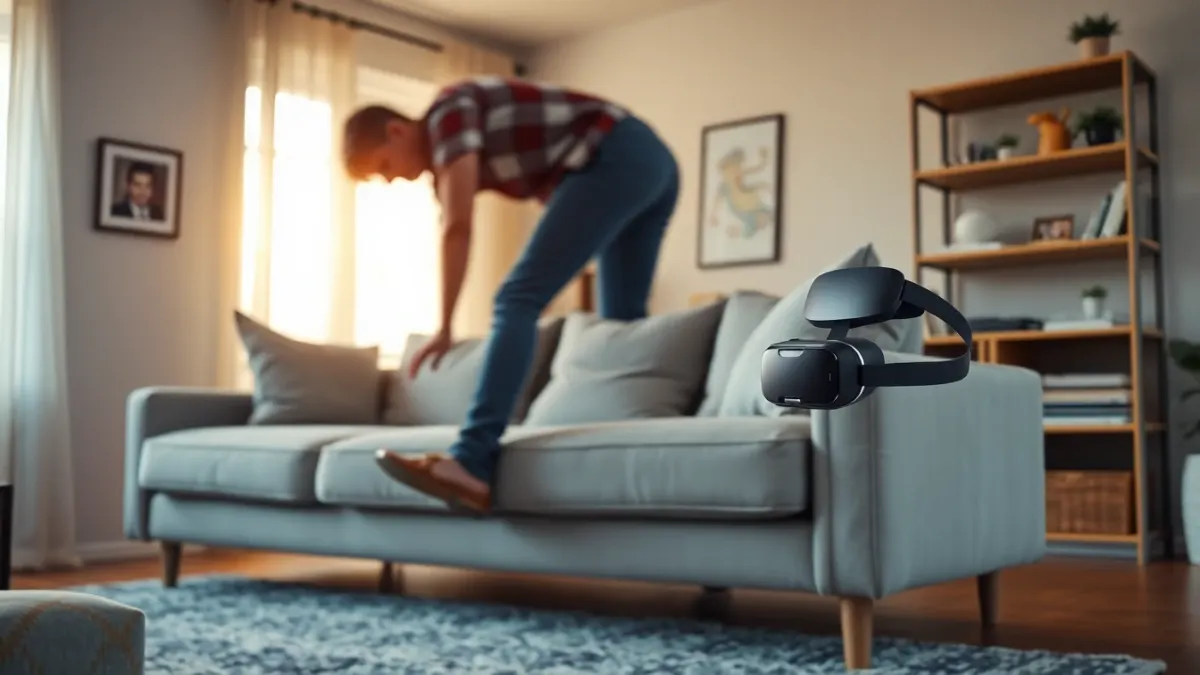
New sofa, moved desk, or maybe you simply tidied up. Mixed reality games that use your room data rely on a snapshot, and a snapshot goes stale. If you need to redo Space Setup after moving furniture, here is the exact advice from the Sozo Tower Defense support page: re-run Space Setup and confirm the room again in the game.
Why it matters
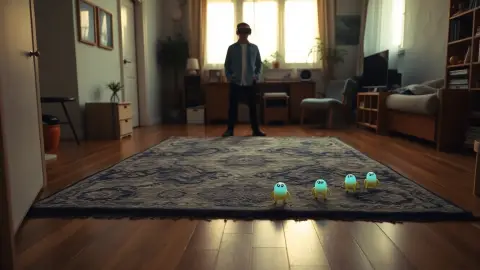
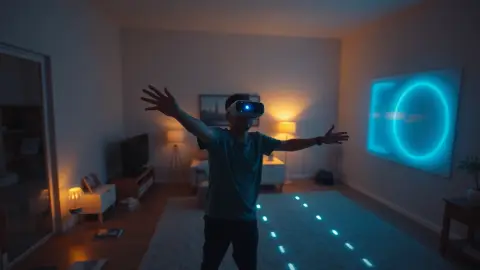
In mixed reality, Sozo opens enemy portals in your real walls and lays the path across your real floor, around your furniture. If the stored layout no longer matches the room, you may see portals where there is no wall or monsters walking through a sofa that has moved.
Symptoms of a stale layout
- Portals that appear in the wrong spot.
- Monster paths that cut across furniture you moved.
- A path that avoids empty floor because a cabinet used to be there.
- The game asking you to confirm the room.
How to redo it
- Change your room as you want it. Finish moving things first.
- Turn the lights on.
- Open your headset's Space Setup or room setup in the system settings. The wording varies with updates.
- Scan the walls, floor and furniture again, following the prompts slowly.
- Launch Sozo, choose mixed reality, and confirm the room again when prompted.
Do I need to delete the old layout?
Per the developer's privacy policy, a saved room layout can be deleted at any time through Space Setup in your headset settings. If an outdated scan keeps resurfacing, clearing it and scanning again may give a cleaner map. The exact menu wording depends on your system software.
What the game remembers
The game stores the identifier and name of the room you last confirmed for mixed reality locally on your headset. That is why it asks to confirm. If you have more than one room scanned, make sure you pick the right one.
Playing in different rooms
If you play in the living room and the bedroom, scan both, give them clear names if the system allows, and confirm the right one in the game each time.
Tips for stable results
- Scan under the same lighting you play with.
- Avoid scanning while people walk around.
- Keep temporary items like laundry baskets out of the scan, unless they stay.
- Re-scan after big changes, but you do not need to after tiny ones.
What if it still looks wrong?
Quit and relaunch the game; your progress is safe because it is stored locally. If problems persist, email the developer through the support page with your headset model.
A word on safety
Even with mixed reality on, keep your reach zone clear. See our play space article. The game's terms ask you to keep your headset's boundary features enabled.
Learn more on the Sozo page and the store listing.
Make scanning a ritual
Whenever you rearrange furniture, add a second step to the chore: re-scan the room. A short note on your phone, such as 'moved sofa, redo Space Setup', is enough. Rescanning straight after the change means you never meet a stale layout at the start of a session. If you rearrange often for guests or cleaning, keep a note of which scan name matches which layout.
Checking the result before you play
After redoing Space Setup and reconfirming the room in the game, take a moment to verify the result. Look at where portals appear and ask whether they sit on real walls rather than floating in empty space. Watch the path across the floor and check that it avoids furniture you actually own. Walk gently around the play area to make sure nothing blocks your reach. If something looks off, run Space Setup again rather than trying to ignore it, since a mismatch can be both annoying and unsafe. A one-minute inspection at the start of a session keeps the rest of it enjoyable.
FAQ
Do I need to re-scan every time I play?
No. Only when the room changes, or when portals and the path look wrong.
Does re-running Space Setup delete my game progress?
No. Progress is stored by the game locally and is separate from your room layout.
Can I delete my room layout?
Yes, in your headset's Space Setup settings.
Why does the game ask me to confirm my room?
It stores the identifier and name of the last confirmed room so it uses the right layout for mixed reality.