Mixed Reality Tower Defense Setup: Room and Hands Tips
Mixed reality tower defense setup for Sozo on Meta Quest: Space Setup, a clear play area, hand tracking versus controllers and how to plan around your floor.
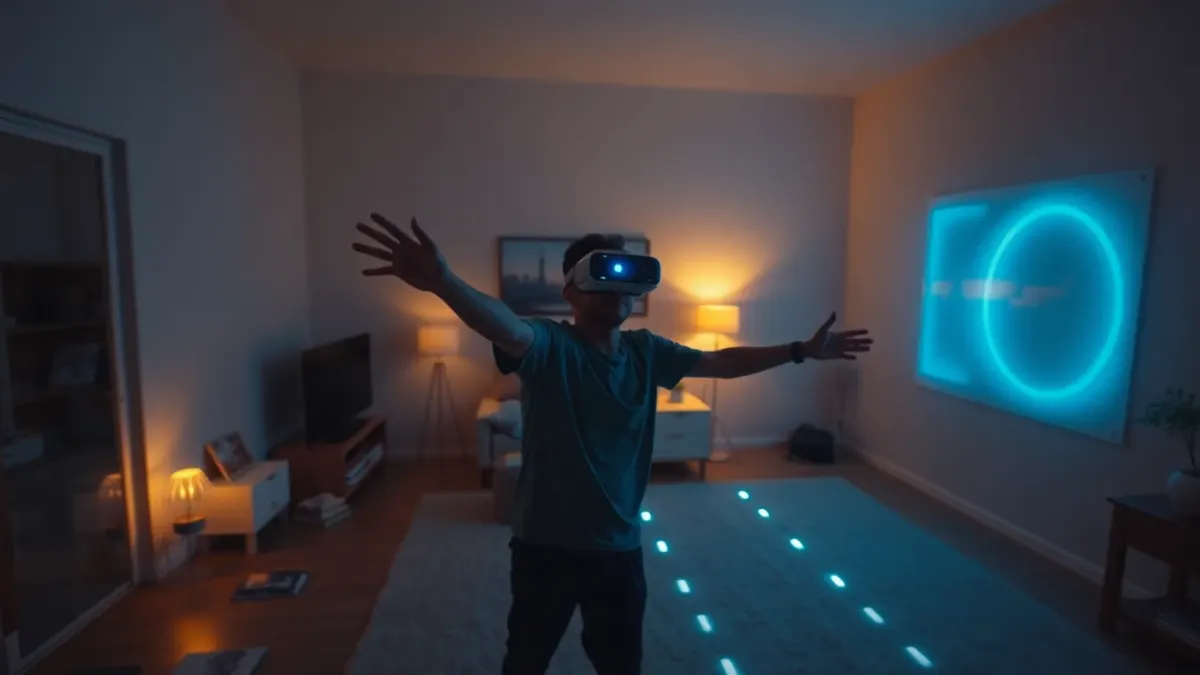
In mixed reality, Sozo Tower Defense opens portals in your real walls and routes monsters across your real floor toward the crystal. That's thrilling, and it also means your living room is part of the level design. This mixed reality tower defense setup guide covers the practical steps so that the room helps your strategy instead of fighting it.
Which headset?
The game supports Meta Quest 2, Pro, 3 and 3S. VR mode works on every supported headset; mixed reality looks best with the colour passthrough of Quest 3 and 3S.
Step 1: run Space Setup
Mixed reality needs your headset to know your room. Run Space Setup once so it records walls, floor and furniture. Sozo then uses that to place portals and the monster path. If you rearrange the room, re-run Space Setup and confirm the room again in the game.
According to the game's privacy information, this room data is processed on the headset for gameplay and is not transmitted to the developer. You can also delete your room layout at any time in your headset's Space Setup settings.
Step 2: clear the space
You will reach, aim and punch, so keep a little space around you.
- Remove cables, shoes and low furniture from the floor where possible.
- Move fragile objects out of arm's reach.
- Check for pets and people before you start.
- Keep your headset's boundary features on.
- Play in a well-lit room.
The game's terms are explicit that you're responsible for your own safety and that of others around you, so take this seriously.
Step 3: choose your input
Sozo supports Touch controllers and hand tracking and can switch automatically.
- Hand tracking is natural for pointing, punching and casting, but it needs hand tracking enabled in your headset settings and a well-lit room.
- Controllers are reliable and good for long sessions.
If your hands aren't detected, check the setting and the lighting first.
Step 4: think about your room as a map
In mixed reality, the path runs across your floor. That changes how you plan:
- You may be able to walk around the path to see it from different angles.
- The corners and straights are in your room, not on a fixed fantasy map. Read the layout the same way you would any path: where are the long stretches, where does it bend, where does it end?
- Position yourself where you can see the Core Crystal and the approach.
See our placement principles for how to read a path.
Step 5: plan for flyers
Flyers skip the path entirely. In a real room, they may come at you from directions that feel more personal than they do in a fantasy world. Build a Missile Battery and be ready to shoot or punch. See our punching guide.
Comfort and breaks
Play in short sessions. Take regular breaks. Stop immediately if you feel dizziness, nausea, pain or discomfort. Mixed reality blends virtual objects with your real surroundings, so staying aware of the physical space matters more than the score.
VR or mixed reality?
Try both. VR drops you into a fantasy world with no concern for furniture; mixed reality makes the game feel like it's happening in your room. Strategy-wise they're the same game, so what you learn in one carries to the other.
Troubleshooting checklist
- Portals in the wrong place? Re-run Space Setup and confirm the room again.
- Hands not detected? Enable hand tracking and improve the lighting.
- Not comfortable? Take the headset off and rest.
More at the Sozo Tower Defense page, or get it from the Meta Horizon Store.
FAQ
Do I need a Quest 3 for mixed reality?
Mixed reality looks best with the colour passthrough of Quest 3 and 3S; VR mode works on all supported headsets.
Why are the portals in the wrong place?
Re-run Space Setup on your headset and confirm the room again in the game.
Can I use hand tracking in mixed reality?
Yes, the game supports hand tracking and Touch controllers.
Is my room data sent anywhere?
According to the game's privacy policy, room data is processed on the headset and never transmitted to the developer.