Mixed Reality Safety Checklist: Furniture and Hazards
Protect your shins and your living room. A mixed reality safety checklist covering furniture, cables, fragile objects and boundaries before you play.
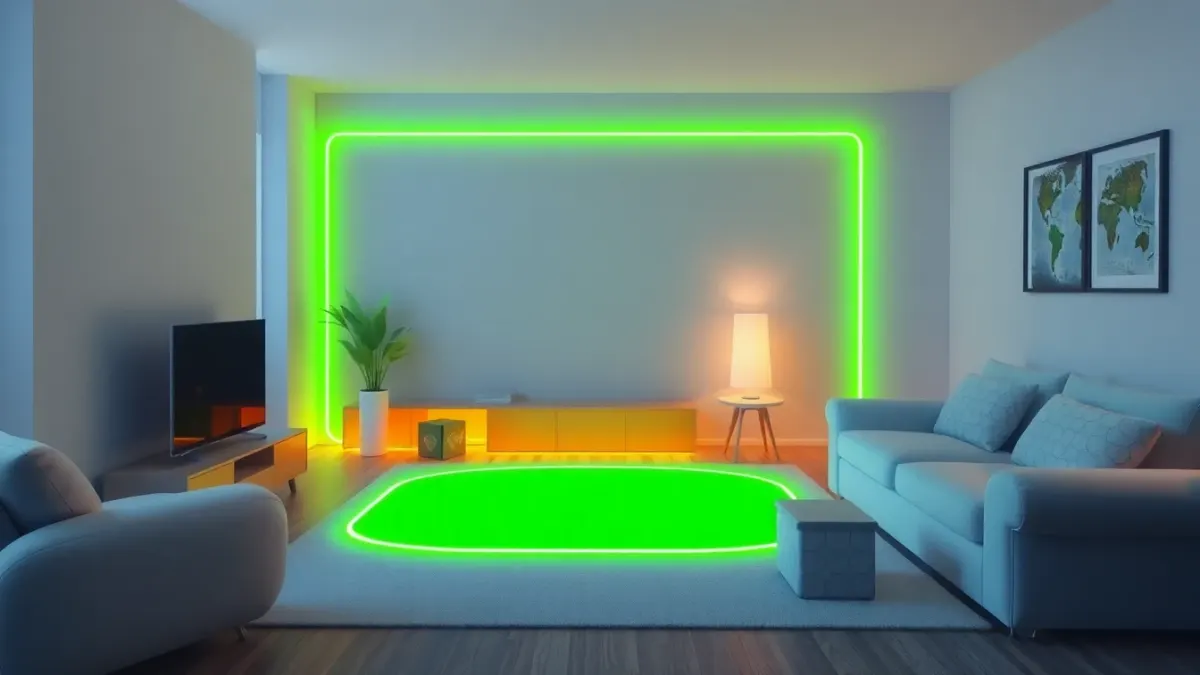
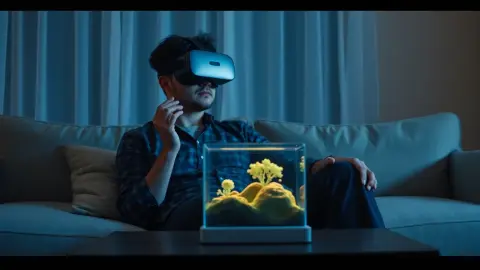
Here is the uncomfortable truth about mixed reality: you can see your room, which makes it feel safer than full VR, but the enemy tanks are not on the floor, they are in your head. Your attention is on the game, and the real coffee table is still exactly where it was. This mixed reality safety checklist covers furniture, cables, fragile items and boundaries so the only thing that gets destroyed is a virtual tank.
The principle behind everything
Tank Avenger's terms put it bluntly: virtual objects do not protect you from real ones, and you are responsible for your own safety and for people and pets around you. Treat that as the rule and the checklist follows from it.
Before you put the headset on
- Clear the floor. Cables, shoes, toys, laundry, bags.
- Move sharp-cornered furniture if it sits in your likely movement path. Coffee table corners are classic shin finders; if you want the table as an arena, know where its edges are.
- Lift fragile things out of reach: lamps, glassware, picture frames, plants.
- Check the ceiling. Fans and low lights are easy to hit when you reach up.
- Check doorways. Don't leave a door half open where someone can walk in.
Keep the headset's boundary on
The game's terms ask players to complete the headset's room setup and keep its boundary features enabled. Those features exist to warn you when you drift out of your safe area. Turning them off to squeeze into a smaller space is a bad trade.
Furniture you can use, and furniture you shouldn't
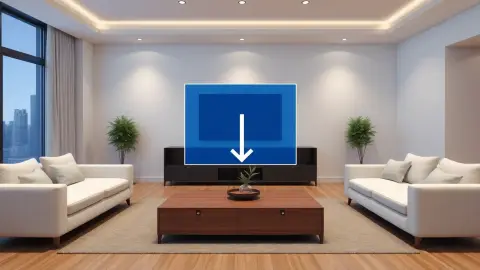
A table or coffee table makes a great arena, according to the support FAQ. That works best when the table is stable and the top is cleared. Avoid using wobbly furniture or anything you might lean on, and never climb on furniture to get a better view.
Cables and tethers
If your headset is used with a cable or accessory, check where it lies before you start. A line across the floor is a trip hazard even if you feel certain you will stay put. For standalone play, just make sure no charging cable is left plugged in across your play area.
During play
- Plant your feet and re-centre if you notice yourself drifting.
- Stop and lift the headset if you hear someone enter the room.
- Pause when you lose track of where the furniture is.
- Keep drinks well away from the play area.
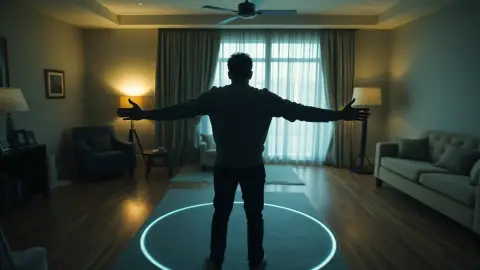
Remember some moments in the game ask for big movements: you may duck from a helicopter's rotor wash or throw a caught NUKE far away. Give your arms room, and look at the Tank Avenger page to see how active it can get.
After playing
Check the room before taking the headset off, then take it off slowly. Rescan the room's setup next time if furniture was moved.
Stop when something feels wrong
If you feel dizzy, nauseous or uncomfortable, stop immediately. The game's support page says not to continue if discomfort persists.
Make it a habit, not a lecture
Safety lists only work if you actually run them. Pick the three items you're most likely to skip, perhaps the overhead check, the cable sweep and the arms-out turn, and tape a note somewhere you will see it before putting the headset on. After a few sessions it becomes automatic.
If several people share the headset, say the checklist aloud. It sounds silly for about a week, and then it is just what you do. Also agree on a stop word so anyone in the room can call a pause. Because your attention is inside the game, a clear signal from a housemate beats waving their arms.
FAQ
Is mixed reality safer than VR?
You can see your surroundings, which helps, but your attention is still on the game. Clearing the room and keeping boundaries on remains essential.
What should I remove from my play area?
Cables, fragile objects, anything you might trip on, and anything sharp or breakable within arm's reach.
Do I need to keep my headset's boundary on?
The game's terms say to keep the boundary features enabled. They help warn you before you leave your safe area.
Who is responsible for accidents?
The terms state you are responsible for your own safety and that of people and pets around you, and that the developer is not liable for injury or damage arising from play.