Space Setup on Meta Quest: Room Scan Guide for Beginners
What Space Setup does on Meta Quest, how to capture floor, walls and furniture, and when to redo your room scan so mixed reality games line up.
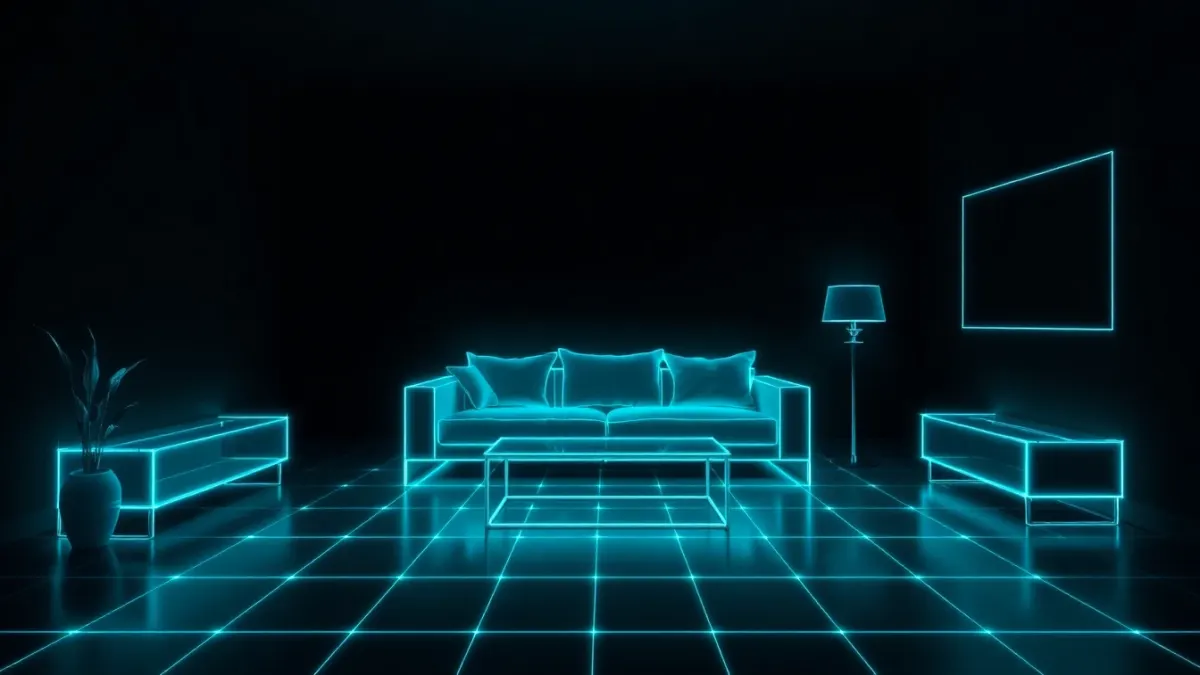
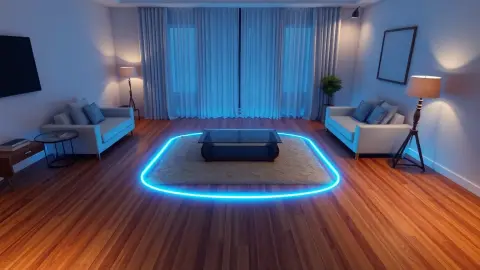
If a mixed reality game ever places things in odd spots, the culprit is usually the room scan. On Meta Quest, the feature that captures your room is called Space Setup, and games like Tank Avenger: Mixed Reality rely on it to put the battlefield on your real floor, furniture and walls. Here is how to think about the Meta Quest room scan, and how to keep it accurate.
What Space Setup actually captures
Space Setup is the headset's own process for learning your room's layout. It records the floor, the walls and the furniture you mark, so that apps can place virtual objects relative to them. Tank Avenger's privacy policy describes exactly this dependency: the game uses the room layout you capture in your headset's room setup, and that data is processed on the headset by the headset's own runtime.
The exact menu names and steps can change between system updates, so rather than memorising a path, open your headset's settings or the guided prompt it shows when a mixed reality app asks for a space. The on-screen instructions are always more current than any article.
Why the scan matters for gameplay
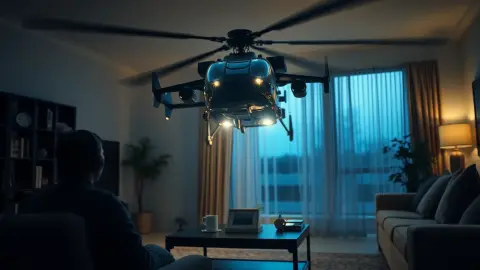
A tank game needs to know where the floor is so tanks roll along it, where the walls are so shells can bounce, and where your furniture is so a coffee table can become part of an arena. If the scan is incomplete or out of date, you will see the symptoms right away: blocks hovering above the floor, an arena shifted from your table, or walls where there are none.
A clean scanning routine
- Tidy first. Clear the floor and remove clutter that would confuse the capture.
- Light the room well. Dim rooms make it harder for the headset to see edges.
- Move slowly. Look at each wall, the floor and any furniture you want the game to use.
- Mark furniture deliberately. If you want your coffee table as an arena surface, make sure it has been captured.
- Check the result before you leave the setup screen, and fix gaps while you are standing there.
When to redo it
The support FAQ for Tank Avenger gives a simple rule: if the arena is not lining up, make sure the room setup is up to date with floor, walls and furniture captured. Re-run it if you moved furniture, then restart the game so it re-reads the layout. Good moments to rescan:
- You rearranged the sofa or table.
- You moved to a different room or a different house.
- Objects keep appearing in the wrong place.
- You added a large new piece of furniture.
Scanning more than one room
Many people play in different spots at different times. Headsets can keep more than one saved space, but how this works depends on the system software version you run, so check your headset's menus. If you switch rooms often, read our piece on playing in different rooms.
Privacy, briefly
Tank Avenger does not record, store or transmit passthrough camera images, and the developers say they never receive images of your surroundings or your room's layout. See our article on what happens to your room data for the full picture.
You can find the game on its product page.
Common scanning mistakes
Most bad scans come from the same few habits. People rush through, skipping a wall or leaving the floor half captured. They scan with a stack of laundry on the sofa, which then becomes part of the map. They stand in the middle of the room and never look at the corners. Or they scan once and then rearrange the whole room over the following weeks.
A good rule is to scan the room the way you will use it. If you always play with the coffee table pushed to the side, scan it there. If the sofa never moves, make sure it's captured as furniture. Treat the scan as a snapshot of your play session, not a one-time chore, and your mixed reality games will line up far more often.
FAQ
What is Space Setup on Meta Quest?
It is the headset's process for capturing your room's floor, walls and furniture so mixed reality apps can place virtual content against them.
How often should I redo my room scan?
Redo it whenever you move furniture or change rooms, or when a game's arena stops lining up with your space.
Do I need to restart the game after a new scan?
For Tank Avenger, yes: re-run the room setup, then restart the game so it re-reads the room layout.
Does the game send my room scan anywhere?
According to its privacy policy, no. The room data is handled on the headset and the developers never receive it.