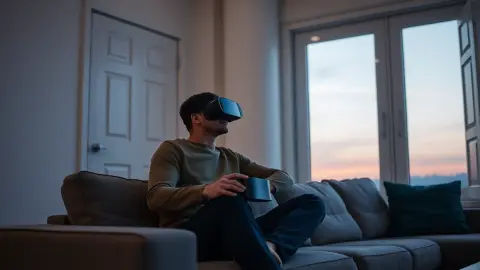
Best Lighting for Quest Passthrough Horror Games
The best lighting for Quest passthrough horror games like HAUNTED: how much light tracking needs, how to balance scares and safety, and what to avoid.
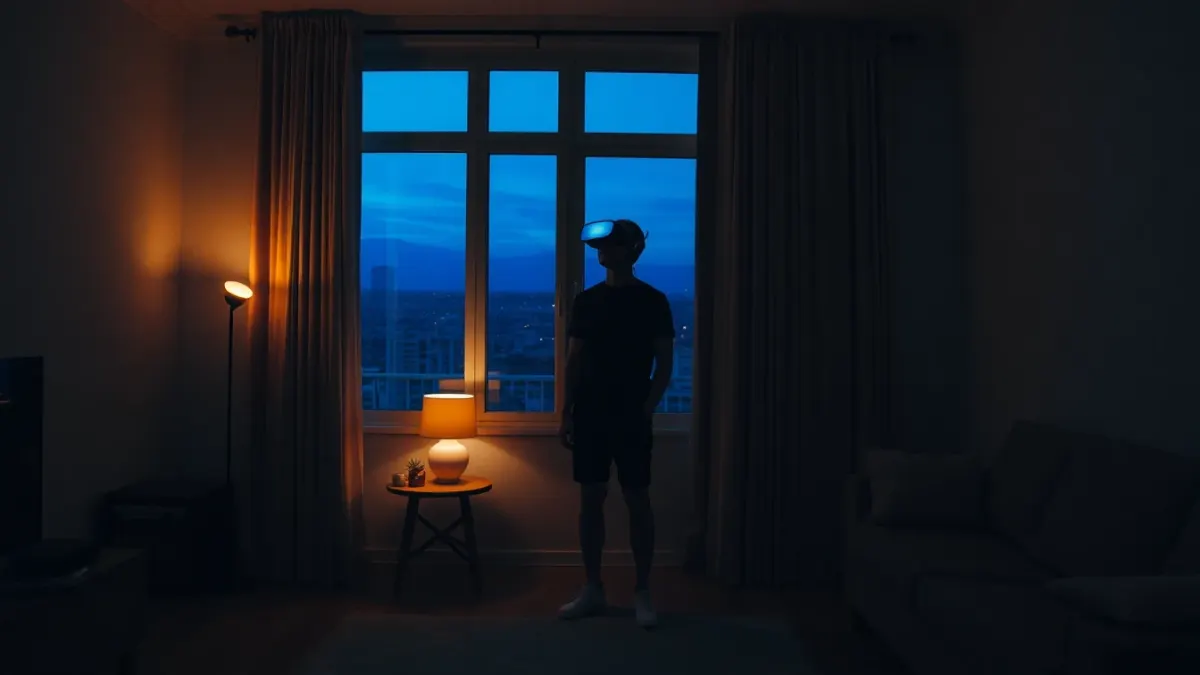
Lighting is the setting people forget about until something goes wrong. If you want the best lighting for Quest passthrough horror games, the goal is a balance: dark enough to feel the atmosphere, bright enough that your headset can still track your hands and room. This guide covers how that balance works for HAUNTED: Are You Alone?, and for mixed reality horror in general.
Why lighting affects more than mood
Your Quest uses cameras for passthrough and for tracking. The HAUNTED support notes say that good lighting helps tracking, and that if your hands are not detected you should check that hand tracking is on and the room is well lit. So lighting is not only cosmetic. In a very dark room, hand tracking can lose your hands, the picture of your room gets grainier, and the game's effects may feel less anchored to your walls.
The sweet spot: dim, not dark
A practical approach is to treat lighting as three levels.
- Bright: all main lights on. Safe and great for tracking, but the horror feels thin.
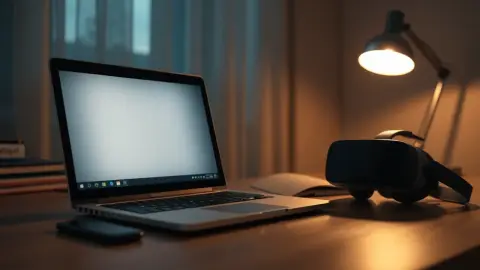
- Moody: one or two lamps on, no harsh overhead light. Walls and furniture clearly visible in passthrough.
- Dark: nearly everything off. Maximum atmosphere, but tracking and safety suffer.
Most players will enjoy level two. You still see your furniture, and the game's flickering and darkness effects have something to work against.
Choose warm, indirect light
Soft lamps beat a single bright bulb. A lamp on a side table that lights the wall gives even illumination without glare in the cameras. Avoid pointing a bright light straight toward where you will often face, since it can wash out the passthrough image. Avoid very coloured lighting too, because strong colour tints can make passthrough look odd and make the flashlight effects harder to read.
Windows and daylight
Natural daylight is excellent for tracking, but a very bright window behind you can create harsh contrast in passthrough. If you play in the daytime, closing the curtains partially gives you steady light and still lets the game's darkened effects show. See also our guide on playing at night versus day if you cannot decide.
Light for safety, not only for tracking
A dim room is also a room where it is harder to see a stray shoe. Before you start, switch on the lights and do your floor check (see our room preparation guide). Then dim to your preferred level. If you find yourself nervous, you can always raise the lights again, and the support guidance even suggests playing with real-world lights on if you need to.
Watch out for light sources the game uses
HAUNTED describes darkened and flashing light as part of the experience, and it also gives you a flashlight that can freeze crawling skulls in its beam. In a very bright room, a virtual beam may be less dramatic. In a moderately dim room it shows up clearly, which is helpful. If the flashlight flickers out, shake it back to life as the support notes describe.
Hand tracking and light
If you want to play without controllers, light matters even more. The game supports hand tracking and Touch controllers. For hand tracking, keep the room evenly lit and avoid strong backlight (a window or bright lamp directly behind your hands as you aim). If tracking misbehaves, add a lamp before you change any other setting.
Screens, reflective surfaces and flicker
TVs and monitors that are on can add flicker and glow into the cameras. Turn them off or leave them dark. Large mirrors and glossy windows can confuse your view in passthrough and reflect the headset's world in odd ways at night. Cover or avoid them if they bother you.
Lighting checklist
- Two soft lamps rather than one harsh bulb
- No strong light directly behind you
- Screens off
- Curtains partly drawn in daytime
- Overhead light within reach to switch on instantly
- Floor visible enough that you can spot objects
FAQ
Should I play HAUNTED in the dark?
Not completely dark. The support guidance notes that good lighting helps tracking, and a dim but visible room is safer and more reliable.
Does lighting affect hand tracking?
Yes. If hands are not detected, make sure hand tracking is enabled in your headset settings and the room is well lit.
Is passthrough better on Quest 3 than Quest 2?
HAUNTED is described as scariest on Quest 3 and 3S, where colour passthrough makes the nightmare look like your actual home.
Can I use coloured smart lights?
You can, but strongly coloured light may distort how the room looks in passthrough. Neutral warm light is the safest choice for both tracking and comfort.
Learn more about the game on the HAUNTED product page.