How to Get a Refund for HAUNTED on Meta Quest
Not for you after all? Here is how refunds for HAUNTED: Are You Alone? work on the Meta Horizon Store, where to start and what to expect from Meta.
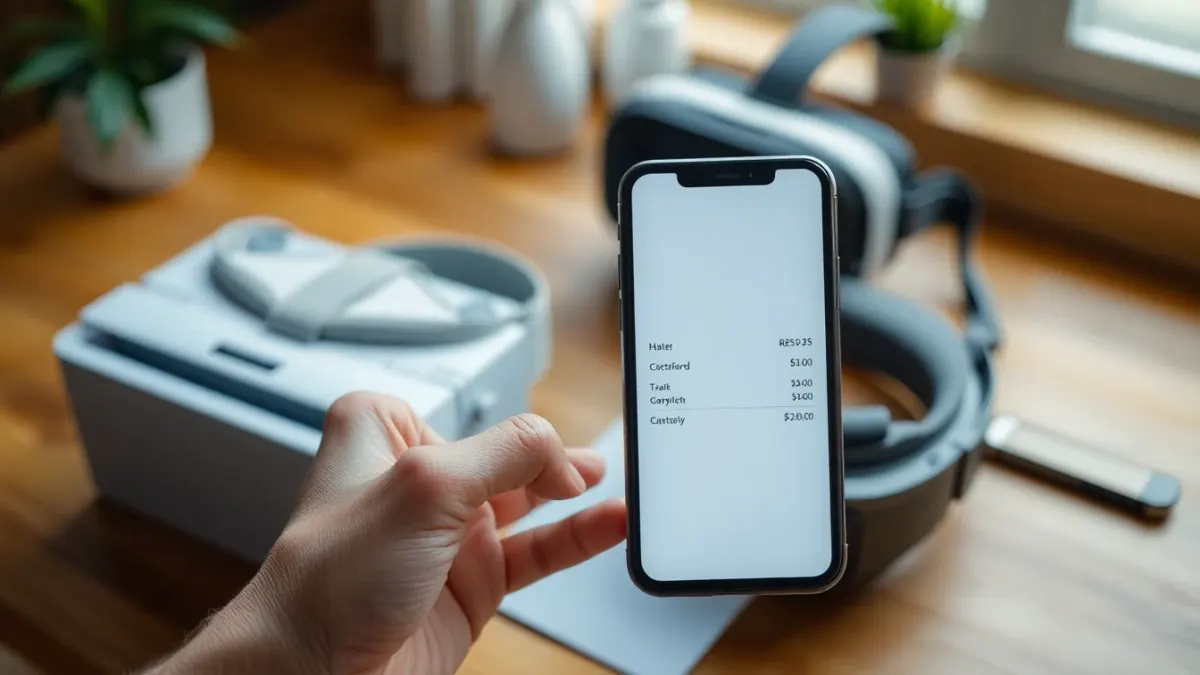
Some games are not for everybody, and horror is more personal than most. If you bought HAUNTED: Are You Alone? and decided it is too intense, did not fit your room or simply is not what you expected, you may be looking for how to get a HAUNTED refund on Meta Quest. The developer's support FAQ gives the basic route, and this article explains it plainly. One important point first: refunds are handled by Meta, not by the developer.
Who handles refunds
According to the support page, purchases are handled by the Meta Horizon Store. You can request a refund from your purchase history in the Meta Horizon app or on the Meta website, subject to Meta's refund policy. The terms of service say the same: payments, taxes and refunds are handled by Meta under Meta's terms and refund policy.
The developer does not process refunds and does not see your payment details. The privacy policy states that Meta processes your purchase, entitlement check and platform account information under Meta's own privacy policy.
How to start a refund request
The exact steps and the exact limits are Meta's to define, and they can change. In general:
- Open the Meta Horizon app on your phone or sign in on the Meta website.
- Find your purchase history in your account.
- Select HAUNTED: Are You Alone? from the list.
- Look for a refund or report-a-problem option and follow the prompts.
- Read Meta's refund policy for current conditions, such as time and playtime limits, because these are Meta's rules and I cannot state them here.
If you cannot find the option, check Meta's help centre for the current wording.
Be ready to explain
If Meta asks for a reason, keep it simple and honest. Common reasons include technical problems, not being comfortable with the content or buying by mistake. The game's content warning is clear that it is intense, so "too scary" is a legitimate personal reason, but it is Meta's decision whether to approve.
Try fixes first if the problem is technical
If your issue is technical, consider the quick fixes before requesting a refund:
- Monsters not lining up with walls: re-run Space Setup and restart the game
- Hands not detected: check the hand tracking setting and lighting
- Flashlight dark: shake it, it is by design
The support page covers these. If none helps, email the developer; they invite you to get in touch about bugs. A refund request and a support email are not mutually exclusive.
What happens to your progress
If you receive a refund, you will usually lose access to the game. Your progress is stored locally on the headset, and uninstalling removes it. So if you are unsure whether you want to keep playing, remember that returning later may mean starting from the beginning.
Think before you buy next time
You can avoid the situation with a few checks:
- Read the content warning: sudden loud sounds, flashing and darkened light, gore and intense jump scares.
- Check supported headsets: Quest 2, Pro, 3 and 3S.
- Make sure you have a clear play area.
- Check the age rating on the store page.
- Think honestly about whether intense horror suits you. Our guide on whether the game is too scary may help.
Gifts and shared accounts
If someone else bought the game for you or you use a family arrangement, the purchaser may need to be involved in the refund request. Check Meta's help pages for how gifts and shared accounts are handled; the sources do not describe it.
A polite note for developers' sake
If you refund because you hit a bug, a short message to the developer helps them fix it. Small studios rely on feedback. Email details of your headset, what happened and what you tried.
More on the game is on the HAUNTED page, and you can go to the official store listing.
FAQ
Who do I ask for a HAUNTED refund?
Meta. Purchases and refunds go through the Meta Horizon Store.
Where do I request it?
From your purchase history in the Meta Horizon app or on the Meta website.
Will the developer refund me directly?
The sources say refunds are handled by Meta under Meta's policy.
What if my issue is a bug?
Try the support fixes, then email the developer, and request a refund through Meta if needed.