Quest 3 vs Quest 3S for Mixed Reality Games: What Matters
Quest 3 vs Quest 3S for mixed reality games: what the two headsets share, where they differ in general, and what to check before buying for active play.
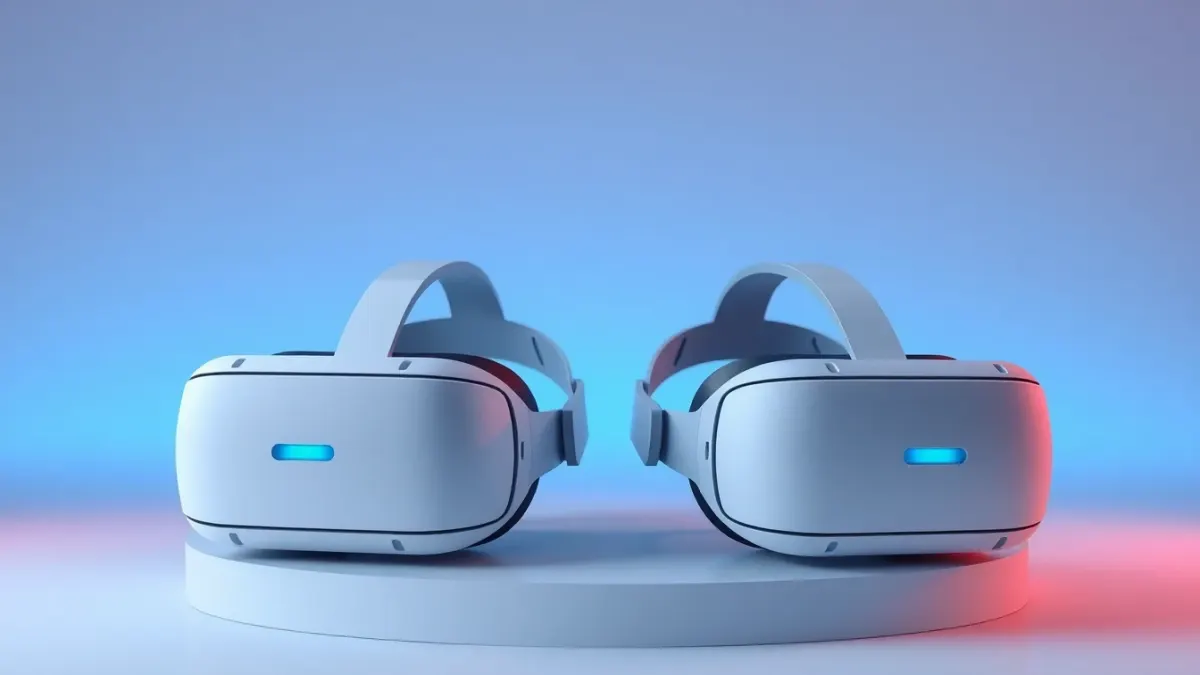
If your main interest is games that blend into your room, the comparison of Quest 3 vs Quest 3S for mixed reality is less dramatic than spec sheets suggest. Both headsets are built for mixed reality, and games like Laser Thief are designed for both. Still, there are differences worth knowing. This guide sticks to general, well-established points and avoids specifics that change with time, such as prices.
What they share
The most important fact for mixed reality: both headsets offer full-colour passthrough and room understanding. Those are the two things a mixed reality game needs to place objects convincingly in your space. Laser Thief lists Meta Quest 3 and Quest 3S as its supported headsets for exactly this reason.
Both are standalone headsets, so you can play without a PC, and both track your head and controllers with built-in sensors. Both run the same Meta Horizon Store, so the same games are available.
Where they generally differ
Without quoting figures that may age, the broad picture is:
- Quest 3 is the higher-end model, generally with the sharper, more refined lenses and display.
- Quest 3S is the more affordable model, aimed at making mixed reality accessible to more people.
The practical impact is mostly on visual crispness and optics. For an active game that is about movement and silhouettes rather than reading tiny text, many players find the difference less important than they expect.
Check the official Meta product pages for current specifications, storage options and prices, because these change.
What matters for active mixed reality play
Rather than debating specs, think about the things that affect fast, physical games:
- Comfort for movement. Fit and weight distribution matter when you crouch and crawl. Try to test fit if you can.
- Glasses. If you wear glasses, check spacer options and compatibility.
- Lighting and tracking. Both rely on cameras; neither works at its best in dim rooms.
- Storage. Games stay on the headset; choose a capacity you will not run out of.
- Battery. Active sessions are short, but keep a charger nearby.
What the game itself needs
Laser Thief needs three things: a Quest 3 or 3S, about 3 × 3 metres of clear floor and a one-time room setup (Space Setup). That is it. It stores progress locally on the headset, so you don't need an account for the game itself.
If a lasers-not-lining-up problem appears, the fix is usually to refresh room setup and restart the game, whichever headset you own.
Which should you buy?
If you want the best visual quality and have the budget, Quest 3 is the natural choice. If you want mixed reality games like Laser Thief at a lower entry price, the 3S gets you in. Neither is a wrong answer for this style of game. The best choice is the one you will actually use regularly.
Also consider used or refurbished options only from reputable sellers, and always check what is current on Meta's site before buying.
Think about your room, not just the headset
A bigger improvement to your experience than any spec bump is a tidy, well-lit play area. Spending ten minutes clearing the floor makes more difference to a game like Laser Thief than a nicer lens. Read more on the Laser Thief page.
Where to look for reliable details
Specifications, accessories and prices change, so rely on current sources: Meta's own product pages for the headsets, and each game's store listing for its requirements. For Laser Thief, the official listing and the game page both state the supported headsets. If a review claims a dramatic mixed-reality difference between the two, check the date and what exactly was tested; the experience also depends on lighting, room layout and your own eyesight. When in doubt, consider where you will play most: a bright, tidy room will do more for your mixed reality sessions than any single hardware detail.
FAQ
Does Laser Thief work on Quest 3S?
Yes. It is designed for both Meta Quest 3 and Quest 3S.
Do both headsets have colour passthrough?
Yes, both are built for full-colour mixed reality.
Which headset is better for active games?
Both work. Choose on comfort, budget and fit rather than on small visual differences.
Can I play Laser Thief on older Quest headsets?
The game relies on colour passthrough and room understanding, and is not offered for headsets without those features.