How to Prepare Your Room for Mixed Reality Games
A practical, ten-minute checklist to prepare your room for mixed reality games on Meta Quest, from clearing the floor to lighting and breakables.
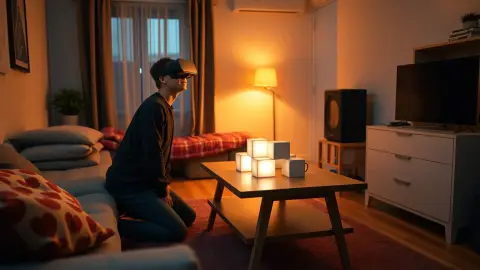
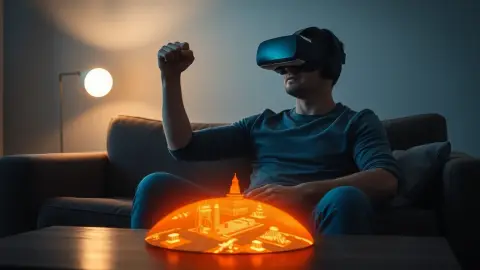
Mixed reality is the one kind of headset gaming where your actual room is part of the game, so preparing the room matters more than any setting in a menu. The good news: you can prepare your room for mixed reality games in about ten minutes, and once you have a routine it takes two. This checklist is written around Tank Avenger: Mixed Reality, which builds its battlefield from your real floor, table and walls, but it applies to any passthrough game.
Start with the floor
The floor is where tanks roll, so it needs to be clear. The game's support page suggests roughly 2 × 2 metres of clear floor, with a table or coffee table as an optional arena. Remove cables, shoes, bags, toys and anything you might trip on while looking at virtual objects.
Deal with fragile and valuable things
Think about where your hands and body will go, not where your eyes will look. Move lamps, glass, frames and plants out of arm's reach. If something cannot move, accept that you may need to play somewhere else. The game's terms say plainly to clear the play area of obstacles, cables and fragile objects.
Make the room readable for the headset
Passthrough and room capture work best when the headset can see clearly. That means:
- Turn the main lights on and open curtains if it is dusk.
- Avoid very bright windows right behind your play area.
- Keep mirrors and large glass in mind; reflective surfaces can confuse any camera-based system.
Tank Avenger's support advice says to keep the room well lit, which also helps you see real hazards.
Refresh the room scan
If you moved furniture while tidying, redo your headset's room setup before playing. Floor, walls and furniture should all be captured, otherwise the arena may not match what is really there. Then start the game fresh.
Think about other people
People and pets walk into rooms. Tell housemates you are about to play, close the door if you can, and keep children and animals out of the area. Our articles on pets and on kids cover this in more depth.
A tidy-up order that works
- Clear the floor and move the coffee table where you want your arena.
- Remove breakables and cables.
- Check overhead fans and lights.
- Switch the lights on.
- Refresh Space Setup if anything moved.
- Do a slow arms-out turn before putting the headset on.
Make it repeatable
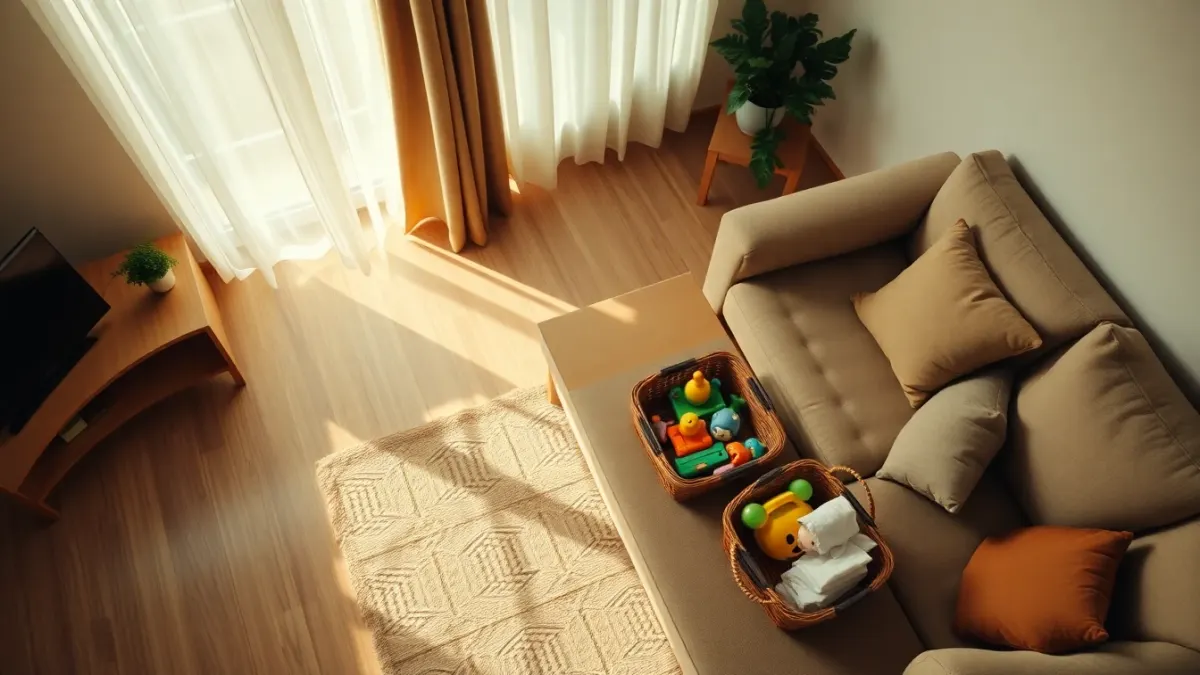
If you play often, decide on a fixed routine. Some players mark a spot on the rug with a small item they remember, others keep a basket by the sofa where the clutter goes. The goal is to remove the excuses not to play and also the temptation to skip safety checks.
When you are ready, the Tank Avenger page has the full overview of what you will be playing.
After you play
Put furniture back carefully; an arena you built around the coffee table may have moved it. If you shift things permanently, rescan the room next time.
Rooms that need extra thought
Not every room is a blank canvas. Open-plan spaces can have people wandering through, so agree on a quiet window. Rooms with a lot of glass, such as conservatories, can create glare and reflections. Small bedrooms often need a bed or chair moved. Kitchens and dining areas bring hard floors, sharp corners and breakables, so slow down and look twice.
If a room fails the checklist, that's useful information. Better to play in a different room, or use a table as the arena, than to hope for the best. The goal is simple: you should be able to forget about the real room while you play because you already made it safe.
FAQ
How do I prepare my room for a mixed reality game?
Clear the floor, move fragile items out of reach, light the room well, refresh your headset's room setup and check for people or pets before you start.
Should I rescan my room every time I play?
Not every time. Rescan when you move furniture, change rooms or notice the game's content not lining up.
Does lighting matter for mixed reality?
Yes. A well-lit room helps you see real obstacles, and the game's own advice is to keep the room well lit.
Can I play mixed reality in a cluttered room?
It is better not to. Clear obstacles first, because virtual objects do not protect you from real ones.