Best Lighting for Quest 3 Mixed Reality Games Like Laser Thief
Why room lighting matters for Quest 3 passthrough and tracking, and how to set up lamps and curtains so Laser Thief tracks your hands and head cleanly.
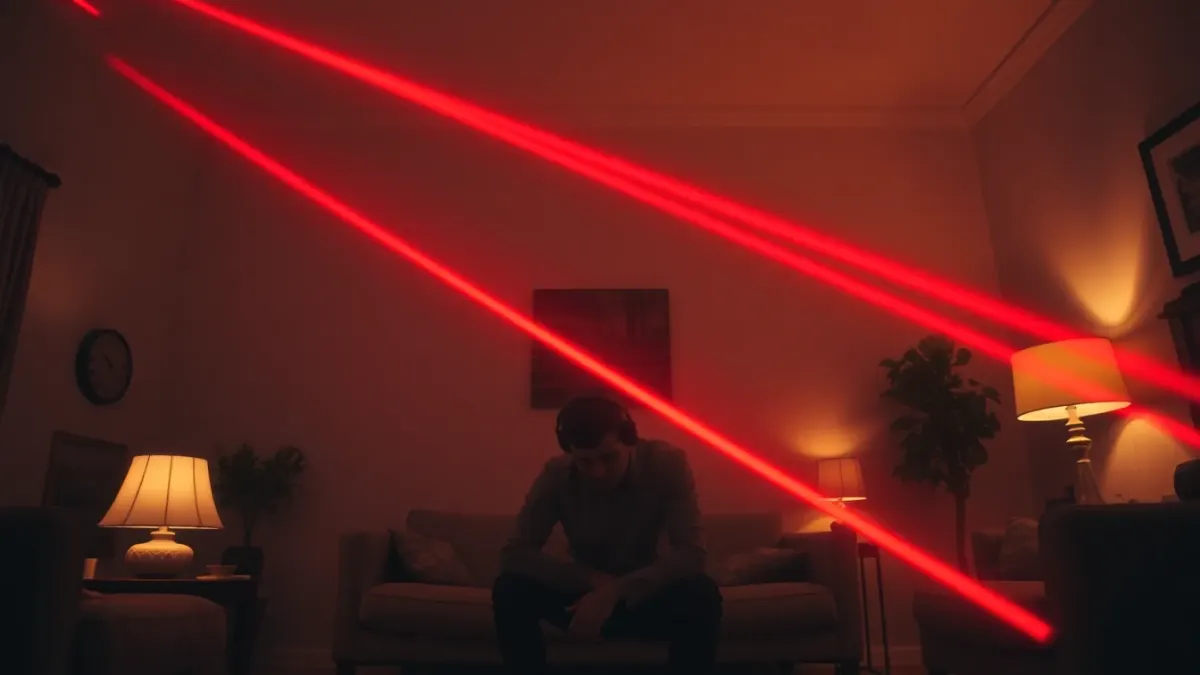
Lighting is the unglamorous setting that decides whether a mixed reality game feels sharp or sloppy. If you have ever lost tracking in a dim room, you already know. For Laser Thief, good lighting is not a nice extra: the game's support advice explicitly says it helps the headset track your position, and it is the first thing to check when lasers or your shield behave oddly.
Why light matters on Quest 3
Quest 3 and 3S show you the real world through colour passthrough cameras, and they track your head and controllers using sensors that rely on seeing the environment. In a very dark room there is less for those cameras to work with. The passthrough image gets grainy and the headset has a harder time knowing where you are. Laser Thief draws beams between your real walls, so any tracking wobble shows up immediately as a beam in the wrong place.
The goal: bright, even, soft
Aim for a room that feels comfortably lit, like you could read a magazine in any corner.
- Even beats bright. Several lamps spread around the room usually work better than one harsh ceiling spotlight.
- Avoid deep shadows in the play area, especially near the floor where you will be crawling.
- Soft light reads better than hard directional light, which can create strong shadow edges.
Things to avoid
- Direct sunlight through a window. Strong sun streaming in can wash out passthrough and cause tracking to struggle. Close blinds or curtains on bright days, or play when the sun is off that side of the house.
- A single bare bulb behind you. It casts your own shadow over the play area.
- Flickering or colour-changing smart lights. Disco mode is fun for a party but not for tracking. Set them to a steady white.
- Mirrors and glossy glass walls. They can confuse any camera-based system. If you have a big mirror in the room, consider covering it during play.
Evening play
Night sessions are when most people play, so it is worth making a "game lighting" preset. If you have smart bulbs, set a scene that raises the brightness to a steady, moderate level. If not, switch on two or three lamps in different corners. It will not be as atmospheric as a dark room, but the lasers still glow clearly against a lit scene, and you will see where the furniture is.
Match lighting to room setup
Run your headset's room setup in the lighting you will actually play in. A layout captured in sunlight and used at midnight is a mismatch waiting to happen. Our Space Setup guide explains the process.
Lighting and your shield
If you keep losing shield without touching a beam, lighting is on the shortlist of causes. The shield reacts to your head and hand positions as the headset tracks them, so poor tracking can mean the game thinks you are somewhere you are not. We cover the full checklist in why you lose shield without touching a beam.
A simple lighting checklist
- Curtains closed on bright days.
- Two or three soft lamps, evenly placed.
- No flickering lights.
- Controllers uncovered and their sensors unobstructed.
- Room setup done in the same lighting.
Then jump into Laser Thief and see whether the lasers settle where they belong.
FAQ
Does Quest 3 need a lot of light to track well?
It needs enough light for the cameras to see your room clearly. A comfortably lit room with soft, even lighting works well, while a very dark or very sunny one can hurt tracking.
Can I play Laser Thief in the dark?
The game's support advice recommends good lighting because it helps the headset track your position. A dark room also hides trip hazards from you when you lift the headset.
Is sunlight bad for the Quest 3?
Strong direct sunlight can affect tracking and passthrough quality, and you should also keep any headset's lenses out of direct sun. Close curtains during bright hours.
Do smart bulbs help?
They can, because you can save a steady, bright scene for gaming. Avoid any colour-cycling or flickering settings.