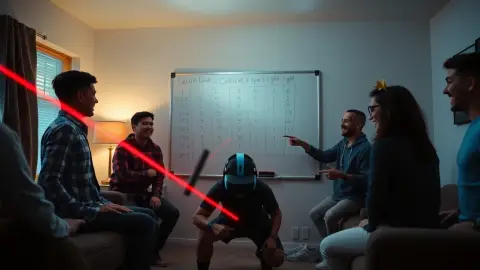
How Quest Tracking Works: Cameras, Light and Why It Matters
How Quest tracking works in plain English: cameras, sensors and lighting, plus what it means for active mixed reality games like Laser Thief.
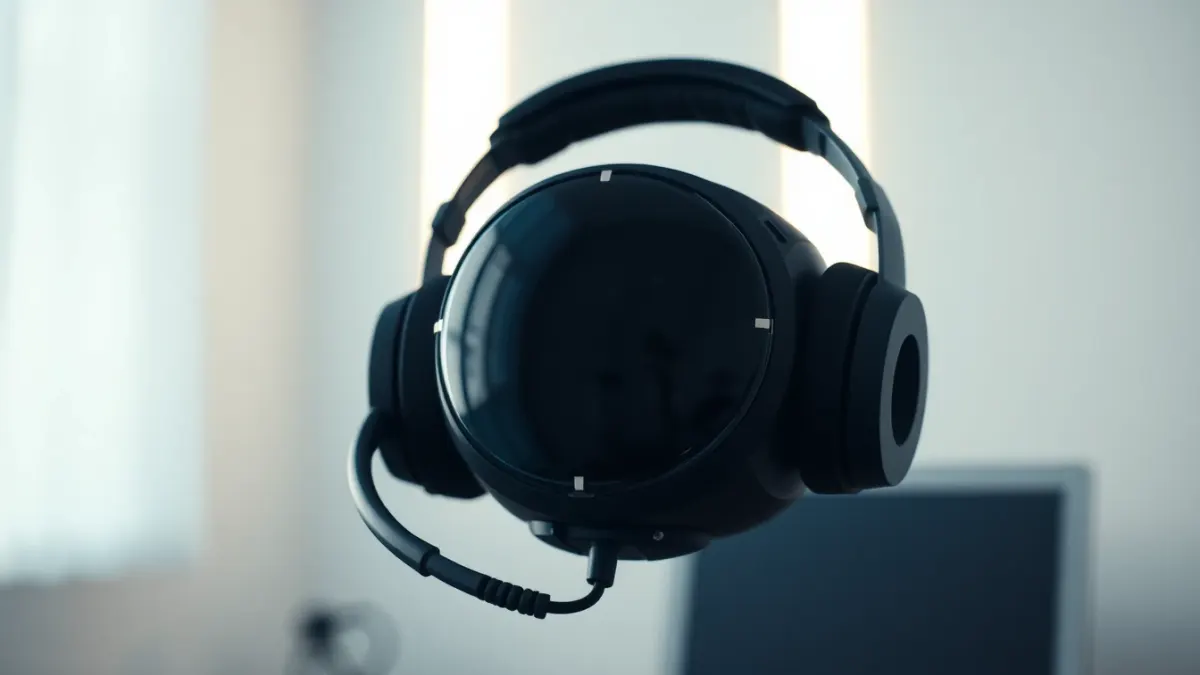
When a mixed reality game feels magical, it is because tracking is working quietly in the background. When it feels off, tracking is usually why. Understanding how Quest tracking works turns confusing glitches into easy fixes, especially in an active game like Laser Thief where your body is the controller.
The basics: cameras and sensors
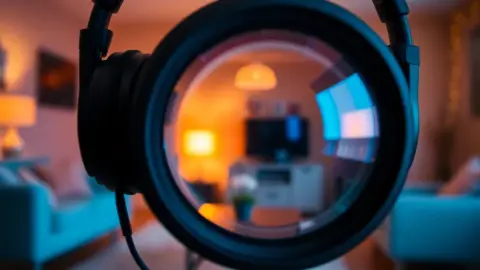
Meta Quest 3 and 3S track you from the inside out. Cameras on the headset watch the room, and motion sensors inside measure how the headset moves. By combining the two, the headset works out where it is and how it is oriented. It also tracks your controllers, and in mixed reality it understands the room layout captured during Space Setup.
No external sensors are required. That is why you can take the headset anywhere and play.
Why light matters
Cameras need something to see. In a dim room there are fewer visible features, so tracking has less to work with. In a brightly lit room, the headset can pick out edges, corners and textures much more reliably.
For the same reason, passthrough looks clearer in good light. Laser Thief's support page recommends good lighting for exactly this reason.
What confuses tracking
Typical trouble spots include:
- Very dark or flickering light.
- Large blank walls with few features.
- Mirrors and glossy surfaces that reflect misleading images.
- Direct bright sunlight causing glare.
- Covered or hidden controllers.
- Fast, jerky movement, which is harder to follow.
None of these breaks the game outright, but each can make beams feel misaligned or your shield behave oddly.
Symptoms and fixes
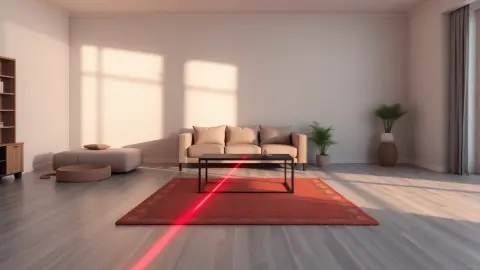
Lasers not lining up with your room. Re-run Space Setup, including floor, walls and large furniture, then restart the game.
Losing shield without touching a beam. Check lighting, make sure controllers aren't covered and move slowly and deliberately near beams. The shield reacts to head and hand positions as the headset tracks them.
Wobbly or drifting objects. Clean the cameras, improve lighting and restart.
Tips for active games
- Light the room evenly. Avoid one bright lamp and dark corners.
- Clean the front cameras. A smudge is a surprisingly big blind spot.
- Keep your hands visible. Avoid long periods with them behind your back.
- Move smoothly. It's better for both your balance and the tracker.
- Refresh room setup after changing furniture.
What tracking can't do
It can't read your mind or see through objects. It also isn't perfect; occasional hiccups happen. Good games are designed to forgive them, for example with a shield that shrinks gradually rather than one touch ending the run.
Privacy note
Tracking and passthrough processing happen on the headset through the platform. Laser Thief says it doesn't record, store or transmit passthrough camera images and never receives images of your surroundings, room layout or body movements.
Putting it together
Think of tracking as a partnership: the headset does its best, and you help with light, space and smooth movement. When both sides cooperate, the lasers feel like they're really in your room. See the game on the Laser Thief page.
A two-minute tracking health check
Before a long session, run a quick check. Turn on the main lights, wipe the front cameras with a soft cloth, and look slowly around the room. Wave your hands in front of the headset and watch that they follow smoothly. If anything lags or jitters, adjust the lighting or restart the headset. It takes two minutes and saves you from chasing mysterious shield losses later. If you moved furniture since your last session, repeat Space Setup now rather than when the lasers look wrong.
Why some rooms are easier than others
Rooms with varied textures, such as bookshelves, pictures and patterned rugs, give cameras plenty to follow. Very plain rooms with white walls and little furniture can be harder. If yours is plain, good lighting becomes even more important, and a few visible objects around the edges can help.
FAQ
Do I need base stations for Quest 3 tracking?
No. The headset tracks itself with built-in cameras and sensors.
Why does tracking get worse in the dark?
The cameras have fewer visual features to follow, so position estimates become less reliable.
How do I fix drifting or misaligned objects?
Improve lighting, clean the cameras, re-run Space Setup and restart the app.
Does Laser Thief send my room images anywhere?
It states that passthrough images and room layout are not recorded, stored or transmitted by the game.