Laser Thief Room Setup Guide for Quest 3 and 3S
Set up your room for Laser Thief on Quest 3 or 3S: clear play space, run Space Setup, light the room and avoid the usual alignment problems.
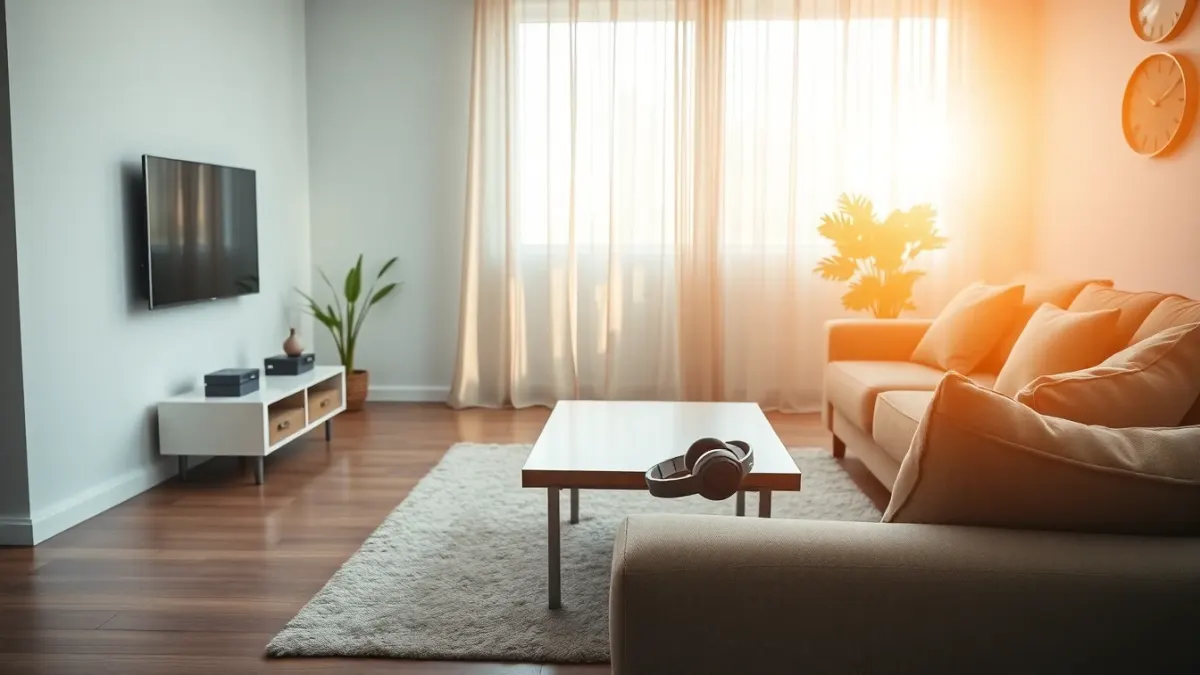
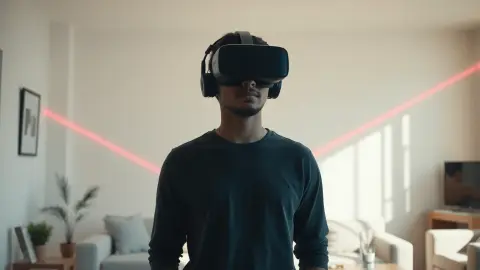
Laser Thief draws laser beams between your real walls and furniture, so your room is part of the game. A good Laser Thief room setup takes ten minutes and prevents most of the problems players run into. Here is the checklist.
What the game needs
The game is built for Meta Quest 3 and Quest 3S, using full-colour passthrough so the lasers look like they are really in your room. It recommends a clear area of about 3 × 3 metres (roughly 10 × 10 feet), and asks you to run your headset's Space Setup once so it can map beams and loot onto your floor, walls and large furniture.
Step 1: Clear the floor
Go through the room with a critical eye:
- Remove cables, shoes, toys and anything you could trip on.
- Move fragile objects out of arm's reach, since you will be reaching and stretching.
- Pets and other people should be elsewhere during play.
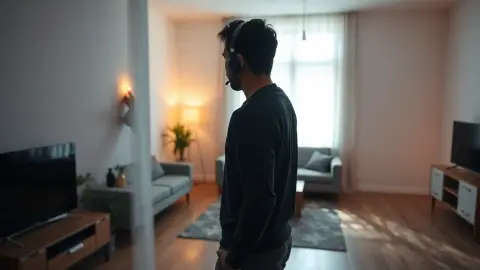
- Push furniture to the sides to create the open middle.
More room means wilder laser grids, as the game itself says. If your space is smaller it still works, but the patterns are designed around a space you can really move in. See our small room tips for working with less.
Step 2: Run Space Setup
On your headset, run Space Setup so that the floor, walls and large furniture are captured. The game uses this layout to place lasers and loot. If anything is missing, such as a big sofa not marked, the alignment will feel off.
Step 3: Light the room
A well-lit room helps the headset track your head and hand positions, which the shield reacts to. Turn on lights and open curtains, but avoid direct glare into the cameras.
Step 4: Check your footwear and clothing
Wear comfortable clothes you can squat and crawl in. Suitable footwear gives you grip; slippery socks on smooth floors can be a hazard.
Step 5: Do a boundary check
Keep your headset's boundary features enabled, as the game's terms recommend. Before starting, take a quick look around in passthrough to confirm nothing has been left on the floor.
Step 6: Stretch
Do a brief warm-up. Our stretching routine takes five minutes.
When you change the room
If you rearrange furniture, re-run Space Setup, then restart Laser Thief so it reads the new layout. This simple habit solves most "my lasers are in the wrong place" complaints. For more on alignment problems, see our troubleshooting guide.
Safety reminder
Virtual lasers do not protect you from real furniture. Stop immediately if you feel pain, dizziness, nausea or discomfort, and consult a doctor first if you have a condition affecting movement, balance or your heart.
More about the game on the Laser Thief page or the Meta Horizon Store.
Make the setup a habit
The best room setup is one you do not have to think about. Many players find it helps to treat it like a pre-flight checklist: floor clear, lights on, headset cameras clean, Space Setup current, quick stretch. Five items, under three minutes once you are used to it.
If you share the room with other people, tell them when you are about to play. The game's terms put the responsibility for the safety of people and pets around you on the player, and a quick heads-up costs nothing. Consider moving a chair into the doorway as a reminder for anyone walking in.
It also pays to pick a consistent play area. When the layout stays the same from session to session, you build a mental map of where the real walls and furniture are, and that map is what lets you step backwards or sideways without looking.
Finally, think about the surface under your feet. Hard floors give good grip with proper footwear, while thick rugs can catch toes during steps. If you have a rug, either roll it away for your sessions or make sure its edges are flat, since a curled corner is a classic trip hazard in a game where you are constantly stepping and crouching.
FAQ
How much space does Laser Thief need?
About 3 × 3 metres (10 × 10 feet) of clear floor is recommended.
Do I need to run Space Setup every time?
Run it once, and again whenever you rearrange the room. Then restart the game.
Which headsets work with Laser Thief?
Meta Quest 3 and Quest 3S.
Does lighting matter?
Yes. Good lighting helps the headset track your position, which the shield depends on.