Laser Thief Beginner Guide: Your First Heist on Quest 3
New to Laser Thief on Meta Quest 3 or 3S? This beginner guide covers room setup, the four core moves, the shield and how to survive your first levels.
If you have just installed Laser Thief and are wondering what to do first, this laser thief beginner guide is for you. The short version: clear your floor, run room setup, learn four moves (duck, dodge, crawl, reach) and treat your shield as the only resource that matters. Everything else is practice.
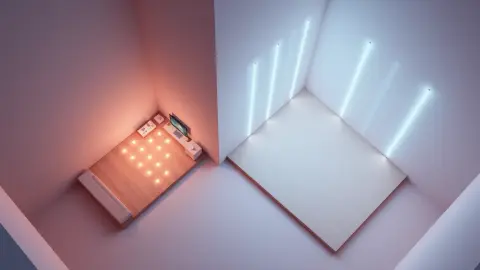
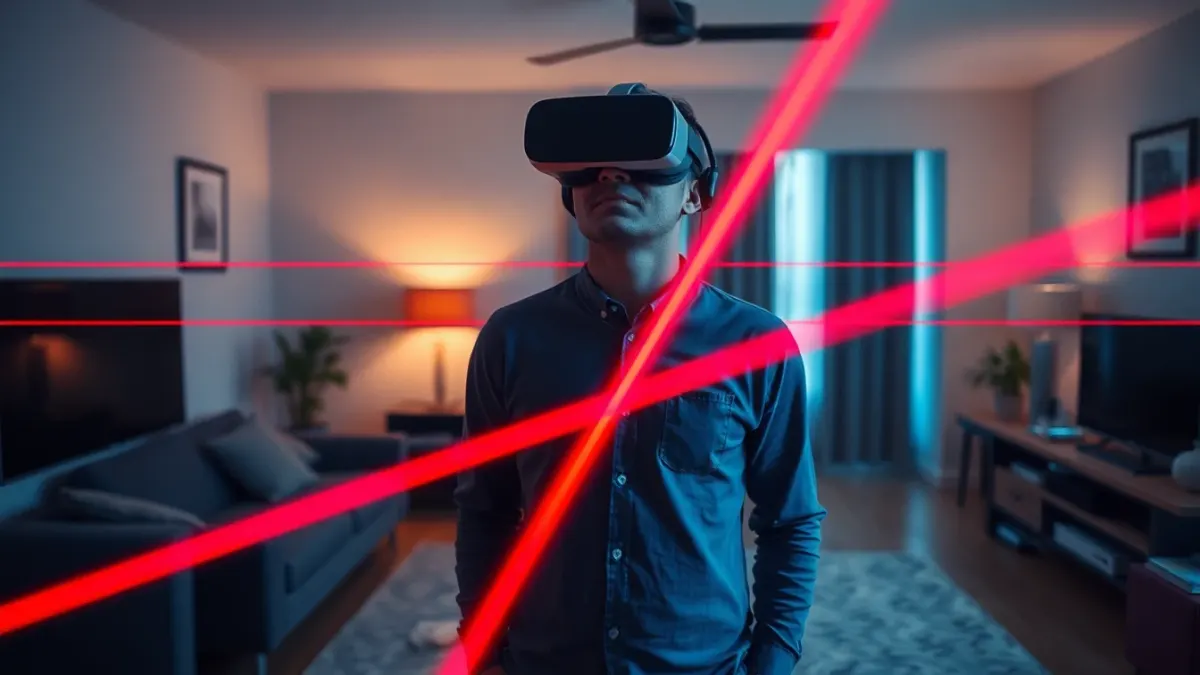
Laser Thief is a mixed-reality heist for Meta Quest 3 and Quest 3S. The headset's passthrough shows your real room, and the game draws laser grids between your actual walls and furniture. Your body is the controller, so your preparation matters more than in a typical headset game.
Before you press start
Do three things before your first level:
- Clear about 3 × 3 metres (roughly 10 × 10 feet) of floor. Move cables, shoes, pets and anything fragile. The game itself reminds you that virtual lasers will not protect you from real furniture.
- Run Space Setup on your headset. The game maps beams and loot to the floor, walls and large furniture you captured, so a current setup keeps everything lined up.
- Turn the lights on. A well-lit room helps the headset track your head and hands, which is what the shield reacts to.
If you want the full checklist, read our guide to setting up your room on the product page and the official support FAQ.
The four moves you need
The game asks for four physical skills:
- Duck when a beam crosses at chest height.
- Dodge by leaning, twisting or stepping through the gap.
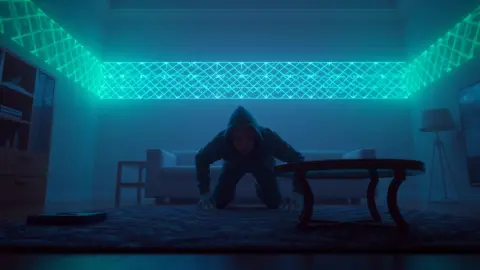
- Crawl as soon as the grid drops tight to the floor.
- Reach for the loot once the path is clear, keeping your hand out of the light.
Do not try to master all four at once. In your first levels, simply notice which move each pattern is asking for. The game is built so every level is a little harder than the last, which gives you time to learn.
Understand the shield
Brushing a laser makes your shield shrink. Run out of shield and the heist is over. That means a single clumsy swipe is not fatal, but sloppy play adds up. As a beginner, the best habit is to move slowly and deliberately near beams. Fast, panicky movement is how most accidental touches happen, and it also makes tracking harder.
Pick the right mode
Laser Thief has three modes, and a beginner should start in the calm ones:
- Story Mode takes you through seven worlds with a narrator commenting on your technique. This is your main path.
- Free Play gives you random levels with no clock. Use it to warm up and experiment.
- Bomb Mode gives you 120 seconds to grab as much loot as possible. Save it for after you have a feel for the moves.
Starting in Story Mode is the natural choice, with a few Free Play rounds first if you want to feel the movement without pressure.
A sensible first session
Keep your first session short, maybe 15 to 20 minutes. This is a physical game, and the support notes are clear that you will duck, crouch, crawl and stretch. Take a quick stretch beforehand, take breaks, and stop if anything hurts or you feel dizzy.
Within that session, aim for:
- A couple of Free Play levels to learn the feel.
- Story Mode levels in the first world, the Food world, where the lasers guard a kitchen's snacks.
- A deliberate pause between levels to reset your stance and breathe.
Common beginner mistakes
- Rushing. Speed comes after control.
- Standing too close to furniture. Leave yourself a buffer so a wild dodge does not end in a real bump.
- Staring only at the lasers. Watch the gaps and the loot, not just the beams.
- Forgetting to restart after moving furniture. Re-run room setup, then restart the game so it reads the new layout.
You can read more about the game on the Laser Thief product page, or head straight to the Meta Horizon Store listing.
FAQ
How long does it take to get good at Laser Thief?
There is no fixed timeline. Most improvement comes from controlled repetition, especially in Free Play, where there is no clock. Short regular sessions beat one exhausting marathon.
Do I need a lot of space to play Laser Thief?
The recommended area is about 3 × 3 metres (10 × 10 feet). The game works in smaller rooms, but the laser grids are designed around a space you can really move in.
Which headsets can I use for Laser Thief?
Laser Thief is designed for Meta Quest 3 and Quest 3S because it relies on colour passthrough and room understanding.
Is Laser Thief hard for beginners?
It starts approachable and gets harder level by level. Learn the four moves, protect your shield and play Story Mode in order, and the difficulty curve stays manageable.