Small Room or Big Room? How Play Area Size Shapes MR Games
How play area size shapes mixed reality games: what changes between a tight room and a roomy one, and how to make the most of the space you have.
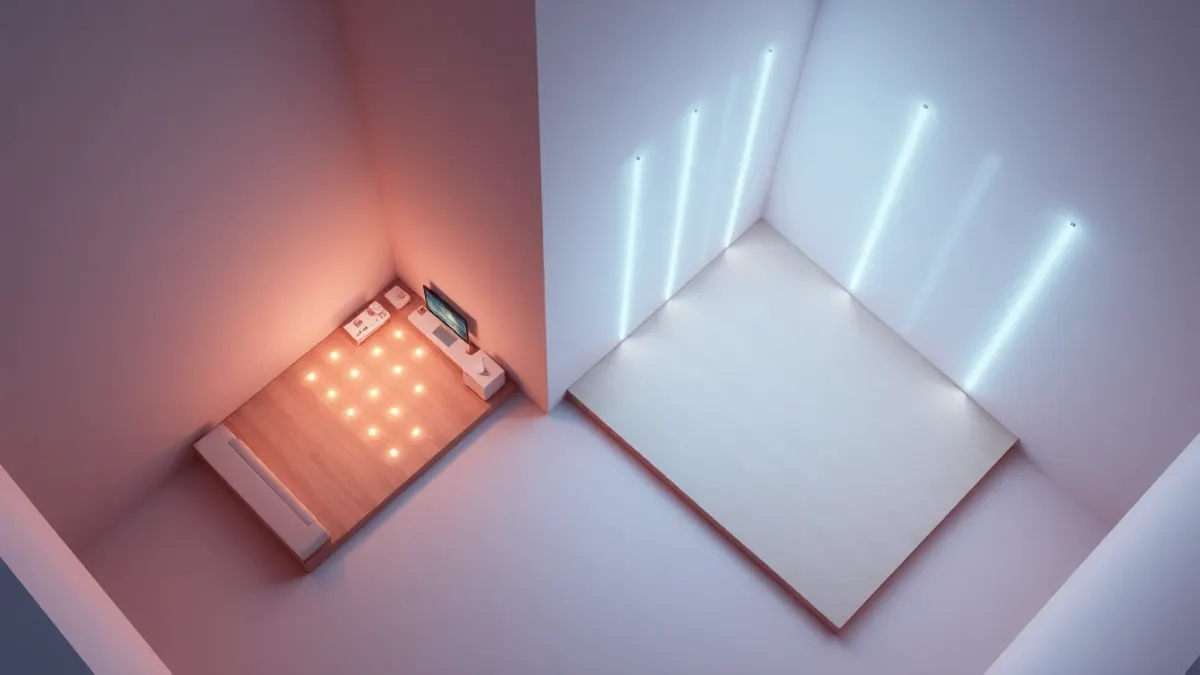
"How big does my room have to be?" is the most common question about physical mixed reality games. The honest answer is that play area size in mixed reality games shapes the experience more than it decides whether you can play. Here is what actually changes between a snug flat and a wide lounge, and how to adapt.
What the numbers mean
For Laser Thief, the recommendation is a clear area of about 3 × 3 metres, roughly 10 × 10 feet. The game works in smaller rooms, but its grids are designed around a space you can really move in. The page also notes that the more room you have, the wilder the laser grids get.
Note the word "clear". It is the usable floor that counts, not the room's total size.
What a small area changes
In a tight space:
- Moves are smaller. You'll sidestep rather than stride.
- Real furniture is closer. You need more caution around coffee tables and walls.
- Grids are more compact. The game reads your room layout and places beams accordingly.
- Fatigue can come quicker, because you turn and crouch more per square metre.
It's still playable, and many people enjoy the compact, precise feel.
What a large area changes
In a roomy space:
- Grids can be bigger and more dramatic.
- Movement feels freer, with wider steps and larger dodges.
- Less risk of bumping things, provided the area is truly clear.
- More room for onlookers to watch from a safe distance.
How the game adapts to your room
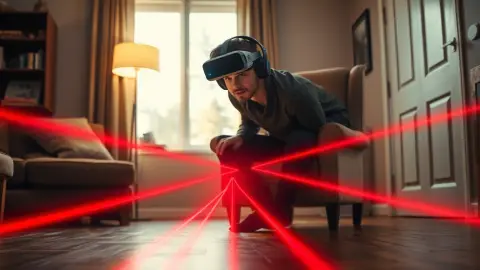
Laser Thief maps beams and loot to the room layout captured in your headset's Space Setup. That includes floor, walls and large furniture. So the experience is shaped by your actual space rather than a generic arena. If you rearrange the room, re-run the setup and restart the game.
Making a small space work
- Push furniture to the walls for the session.
- Remove rugs that slide and cables that trip.
- Open a door to an adjacent hallway only if it's safe and clear.
- Play a different room if another has more floor.
- Move slowly. Smaller space plus smaller steps equals fewer accidents.
Making a large space work
Large rooms often have hidden hazards: a lamp in the middle, a ceiling fan, a pet. Do a walk-through before each session. Larger spaces can also challenge tracking if lighting is uneven, so aim for consistent brightness.
When space is really limited
If you truly can't clear much floor, choose games that suit standing or seated play instead, and save active titles for when you can use a larger room, perhaps at a friend's place or a family room. Safety comes before any game.
A quick safety checklist
- Is the floor clear of shoes, toys and cables?
- Are breakables out of reach?
- Is the room well lit?
- Does everyone in the household know you're playing?
- Have you warmed up?
Virtual lasers don't protect you from real furniture, as the game's terms point out. For more setup detail, see the Laser Thief page.
Moving your play session, not your furniture
If rearranging a room is a hassle, consider a "pop-up" setup: a lightweight routine in which you move only two or three items before each session and put them back afterwards. Write the steps on a note: move the table, roll up the rug, close the door. Because the game reads your room layout from Space Setup, remember that moving furniture temporarily means the scan may no longer match. Either scan the cleared version of the room and keep it consistent, or accept that lasers may appear around furniture that is no longer there.
Thinking about height too
Floor area is only half of the story. Ceiling height, hanging lamps and shelves matter when you stretch and reach. Stand in the middle of your area, raise both arms and check there is nothing above or beside you. Then do the same while crouched. It takes a minute and prevents the classic accident of reaching into a light fitting.
FAQ
How much space does Laser Thief need?
About 3 × 3 metres (10 × 10 feet) of clear floor is recommended.
Can I play Laser Thief in a small room?
It works in smaller rooms, but the grids are designed for a space you can really move in.
Does the game adjust to my room?
It maps beams and loot to the layout captured in your headset's Space Setup.
Do I need to redo room setup if I move furniture?
Yes. Re-run it and restart the game so it reads the new layout.