Playing Laser Thief With Glasses on Quest 3: What to Know
Wearing glasses with Quest 3 or 3S for Laser Thief? Fit tips, how to avoid scratches and fogging, and when contacts might be easier for active play.
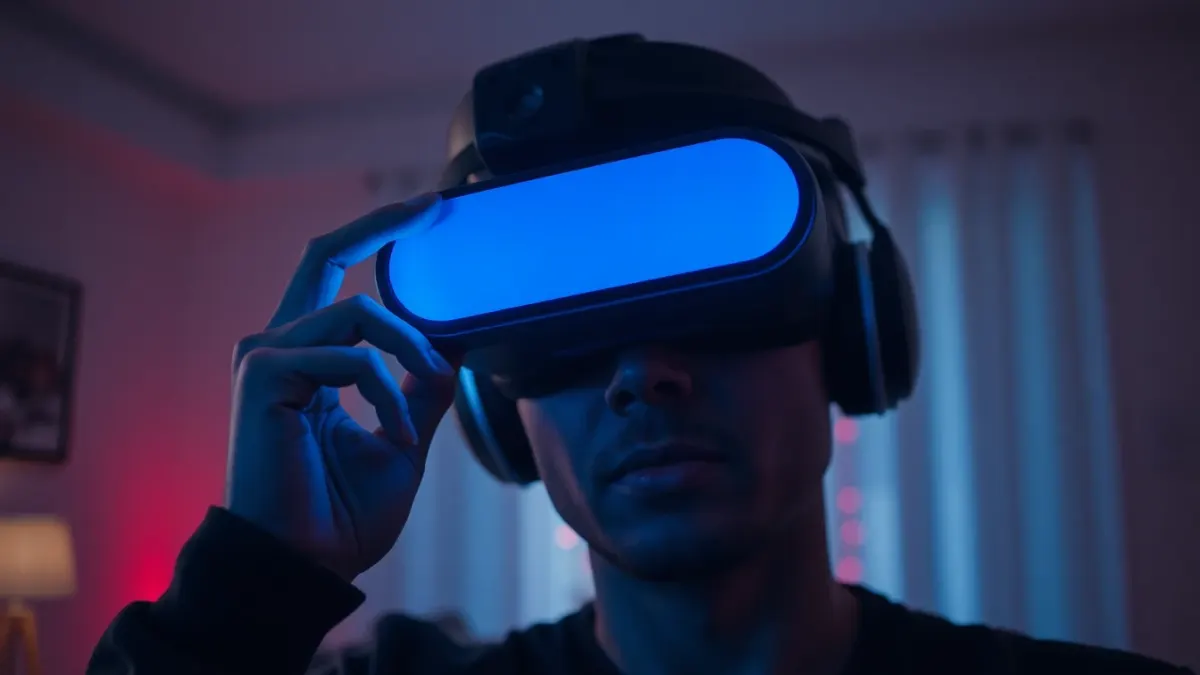
If you wear glasses, the big question before any active VR game is whether it will all stay on your face once you start ducking. Playing Laser Thief with glasses is possible for many people, but an active heist is a tougher test than a seated game. Here is how to set yourself up, with the caveat that Meta's own fit guidance for your headset should win any disagreement.
Why fit matters more in Laser Thief
You will duck, crouch, crawl and lean. Every one of those moves changes how the headset sits. A snug fit that feels fine standing still can slip when you drop to the floor, and a slipping headset means a blurry view, shifting passthrough and sometimes tracking trouble. That last one matters: the game's support advice ties good tracking to a clean, well-lit setup.
Getting a secure fit
- Adjust the head strap first, then the headset position, then check your glasses.
- Put the headset on carefully, sliding it over your glasses from the front and bottom rather than pulling the lenses against them.
- Check for pressure points on the bridge of your nose and temples. If it hurts in 30 seconds, it will be agony in 20 minutes.
- Do a test squat and a head shake before starting a level.
Glasses spacers and alternatives
Many headsets offer accessories designed for glasses wearers, such as spacers or prescription lens inserts. Look up what Meta recommends for your Quest model and choose accessories from reputable sources. Lens inserts remove the need to wear glasses inside the headset at all and can be a good fit for active games. If you are unsure, ask the store or Meta's support.
Protecting your lenses
Scratched lenses are annoying in VR and expensive to replace.
- Use a clean microfibre cloth.
- Avoid forcing a large frame into a small space.
- Keep the headset lenses out of direct sunlight, as with any headset.
- Wipe sweat from the facial interface so it doesn't run onto lenses. See headset hygiene tips.
Fogging
Heat from a workout can fog glasses or headset lenses. To help:
- Warm up gently rather than starting at full speed.
- Keep the room cool and ventilated.
- Let the headset breathe between rounds.
- Take breaks. Our guide on session length suggests when.
Contact lenses
For some players, contacts remove the fit problem completely. This is a personal choice for your eye health, so follow your optician's advice and take breaks if your eyes feel dry.
Do glasses affect tracking?
Not directly. The headset tracks your head position, not your eyes through your glasses. What affects tracking is a slipping fit, dirty cameras and poor room lighting. Re-check your room lighting first.
If it just does not work
Some face and frame combinations never feel comfortable. If your headset keeps moving, stop playing. Fix the fit with proper accessories or consult your optician about lens inserts. Safety first, as the terms of the game say: stop if you feel discomfort.
When it fits, you are ready to try the Laser Thief heist.
Testing your setup in three quick steps
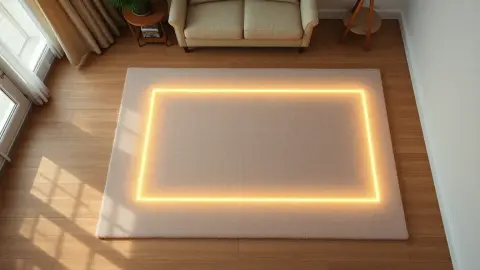
Before you commit to a full session, run a small test so you do not discover a problem halfway through a level. First, stand in the middle of the play square with the headset on and read something far away in passthrough to check the image is sharp. Second, nod, shake and tilt your head briskly and watch whether the headset or your frames shift. Third, do three slow squats and a lunge, then look at the lenses and your glasses for fogging or marks.
If any of the three steps fails, adjust the strap, the glasses position or your accessories and try again. Ten minutes of fitting is a good trade for a comfortable hour of ducking and dodging.
FAQ
Can I wear glasses with Quest 3?
Many people do. Fit varies by frame size and shape, so check Meta's guidance and consider glasses spacers or lens inserts.
Will glasses scratch my headset lenses?
They can if pressed against them. Adjust the fit carefully and consider spacers or inserts.
Do glasses affect Laser Thief tracking?
Not directly, but a slipping headset or dirty lenses can. Keep the fit secure and the room well lit.
Are contact lenses better for active VR?
For some people, yes, but follow your optician's advice.