Mirrors, Windows and Glass: Setting Up a Room for Mixed Reality
Mirrors, windows and glass doors can confuse a headset's cameras. How to handle reflective surfaces before playing Laser Thief on Quest 3 or 3S.
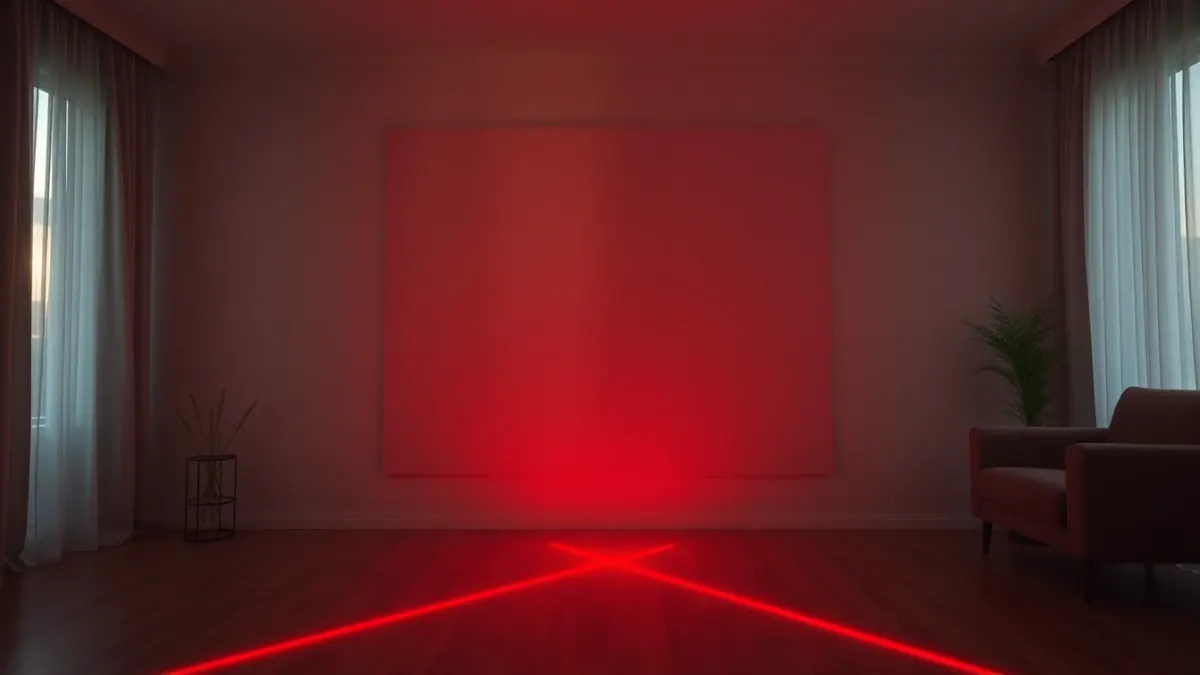
Mirrors, glass doors and big windows are lovely in a living room and awkward in a mixed reality one. Headsets like Quest 3 use cameras to understand your space, and reflective or transparent surfaces can give those cameras a confusing picture. If you want to play Laser Thief in a room with mirrors and windows, a few simple habits help. This is general guidance, so treat Meta's own setup instructions as the final word.
Why reflective surfaces are tricky
A camera-based headset looks at edges, textures and shapes to work out where things are. A mirror shows a second copy of the room that is not really there. A glass door can look like an opening, or vanish entirely. A window can flood the view with bright light that washes out detail. None of this means the game will not work; it means the headset has more chances to misjudge a surface.
Laser Thief maps beams and loot to the room you capture in Space Setup, so a mistake in that capture shows up as lasers sitting in odd places. Our article on lasers not lining up with the room covers the symptoms.
Step 1: cover or turn away what you can
The easiest fix is to remove the problem. Hang a plain sheet or blanket over a wall mirror while you play, or turn a freestanding mirror to face the wall. If the mirror is on a wardrobe door, close the door and cover it. A temporary cover takes a minute and can be taken down afterwards.
Step 2: manage windows and glass doors
For windows, closing curtains or blinds usually reduces harsh glare and gives the cameras steadier light. For glass doors, a light curtain or a taped-up sheet can stop you mistaking them for open space. Remember, too, that the glass is real: lasers cannot protect you from a real door. Keep your play square well clear of anything breakable.
Step 3: balance the lighting
Good lighting helps tracking, but harsh light from one side can be as unhelpful as darkness. Aim for even, bright light without strong glare. Our guide to lighting for Quest 3 mixed reality games goes through lamp placement and daylight in detail.
Step 4: run Space Setup after you make changes
Once the mirror is covered and the curtains are set, run your headset's Space Setup so the capture matches how the room will look while you play. If you scan with the mirror uncovered and then cover it, or the other way round, the saved room will not match. The Space Setup walkthrough explains the steps, and the explainer on what Space Setup is covers the idea behind it.
Step 5: check in passthrough
Before you start a level, look around in passthrough. Do the walls and big furniture appear where they should? Walk to the edges of your square and see whether the boundary feels right. If something looks off, fix it before you begin, because mid-level adjustments are annoying and risky.
When the room just will not cooperate
Some rooms are mostly glass or mirrors. If you cannot cover enough of it, try playing in another room, even a bedroom or hallway-end with fewer reflective surfaces, as long as it offers enough clear floor. See how much space the game needs to judge whether an alternative room works.
Quick checklist
- Mirrors covered or turned away.
- Curtains set to reduce glare, lights on and even.
- Glass doors and windows well outside the play square.
- Space Setup re-run after changes.
- Passthrough check before the first level.
Once the room is calm, you can enjoy the lasers on the Laser Thief page without the cameras second-guessing your reflection.
FAQ
Do mirrors break Quest 3 mixed reality?
Not necessarily, but they can confuse camera-based room understanding. Covering them while you play is a simple precaution.
Can I play Laser Thief near a window?
Yes, but harsh sunlight can wash out the cameras' view. Curtains or blinds help, and the play area should stay clear of the glass itself.
Do I need to redo Space Setup after covering a mirror?
It is a good idea, so the saved room matches how it looks during play.
Will glass doors cause problems?
They can be misread as openings, so cover them or keep your square well away from them.