Which Headsets Run Laser Thief? Quest 3 and 3S Explained
Laser Thief supported headsets explained: why it needs the colour passthrough and room understanding of Meta Quest 3 or 3S, and what that means for others.
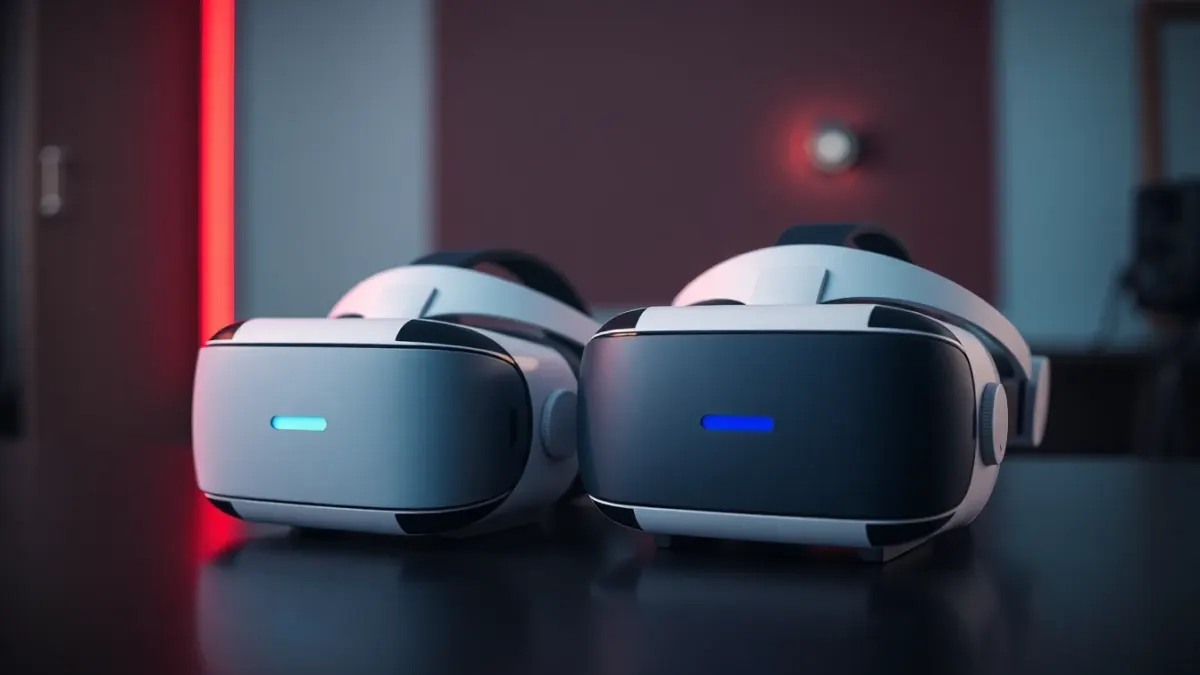
Before you buy any VR game, the first question is whether your headset will run it. For Laser Thief, supported headsets are clearly stated: it is designed for Meta Quest 3 and Meta Quest 3S. This article explains why those two, what the game needs from them, and what it means if you own something else.
The official answer
The game page and support FAQ say Laser Thief is designed for Meta Quest 3 and Meta Quest 3S. It relies on colour passthrough and room understanding to place laser beams and loot between your real walls and furniture. The support page adds that this is why it is not offered for headsets without these features.
What colour passthrough does
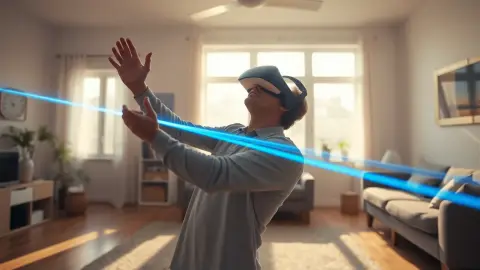
Passthrough means the headset's cameras show you the real world inside the headset. Colour passthrough does it in colour, which makes mixed reality convincing. In Laser Thief, the lasers appear to hang in your actual living room, and loot like a supercar appears parked on your actual couch. The game page says it is built for the full-colour passthrough so the lasers look like they are really in your room.
What room understanding does
Room understanding means the headset knows where your floor, walls and large furniture are, usually from a setup process called Space Setup. The game uses that layout to draw grids between your real walls. Our Space Setup guide shows how to get it right.
Quest 3 versus Quest 3S
Both are listed as supported. We won't compare their specifications or prices here because the game page does not, and hardware details change. From the game's perspective, what matters is that either gives it colour passthrough and room understanding. If you have a choice, check Meta's current product pages for differences in comfort, field of view and battery.
What about other headsets?
The game is not offered for headsets without colour passthrough and room understanding, according to the support FAQ. We therefore won't promise anything for other devices. If your headset isn't Quest 3 or 3S, check the store listing from your device before buying, because the store only lets you buy compatible apps.
Do I need a PC or cables?
The game page does not mention a PC requirement, and describes the game as a Meta Quest experience. Check the store listing for the current requirements. Whatever setup you have, keep cables out of the play area. See clearing your room safely.
What else do you need?
- About 3 × 3 metres of clear floor. See how much space it needs.
- A completed room setup.
- Good lighting. See lighting for Quest 3.
- Suitable footwear and a cleared area.
Where to buy
Purchases are handled through the Meta Horizon Store. You can find the game on the official store listing and read the overview on the Laser Thief page.
Before you buy: a short compatibility checklist
Rather than trusting memory, run through a few quick checks on the day you plan to purchase. Confirm which headset you are wearing by looking at its name in the Meta app or in the headset's settings. Open the store from that headset and search for the game, because the store shows what your device can actually install. Then make sure your software is up to date so room setup and passthrough behave as expected.
If you are thinking about upgrading a headset mainly to play this game, it is worth reading the rest of the requirements first: a clear floor area of about 3 × 3 metres, good lighting and a completed Space Setup. The hardware is only part of the picture, and the room matters just as much as the device.
FAQ
Does Laser Thief work on Quest 3?
Yes. It is designed for Meta Quest 3 and Meta Quest 3S.
Is Laser Thief on Quest 2?
The game is designed for Quest 3 and 3S, and is not offered for headsets without colour passthrough and room understanding. Check the store listing on your headset.
Why does it need colour passthrough?
It places laser beams and loot between your real walls and furniture, so it needs to show your room in colour and understand its layout.
Do I need a gaming PC?
The game page describes a Meta Quest experience and does not list a PC requirement. Check the store listing for current details.