Laser Thief Pre-Heist Checklist: Before Every Session
A short checklist to run before every Laser Thief session on Quest 3: headset, room, body, mode choice and house rules so the heist starts smoothly.
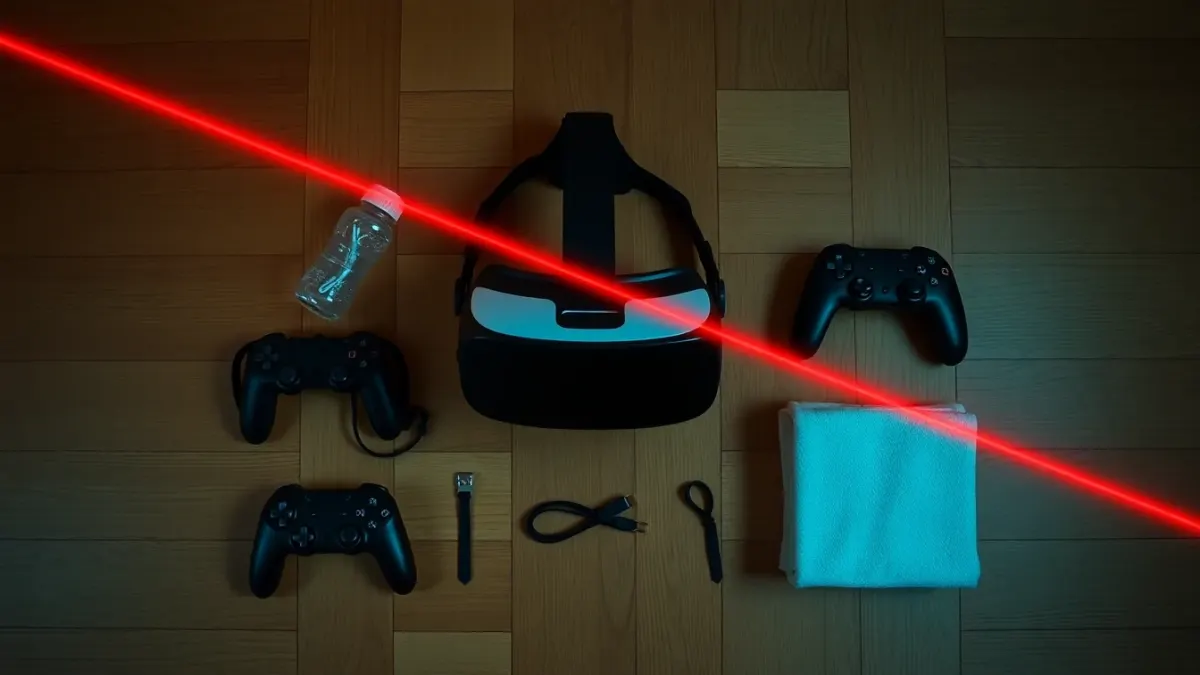
Pilots have a pre-flight checklist and thieves, apparently, should too. A Laser Thief checklist takes about three minutes, and it catches the small things that otherwise derail an evening: a dead controller battery, a bag in the middle of the floor, a headset that still has last night's smudges. Here is a routine you can run before every session.
The headset and controllers
Start with the kit, because everything else depends on it.
- Charge. A headset that dies in the middle of a level is more than an annoyance, since you may be mid-crawl. Check battery levels on the headset and both controllers.
- Lenses and cameras. Wipe the lenses with a clean microfibre cloth, and make sure the cameras on the front are not smudged. The passthrough picture is how the game places lasers in your room.
- Straps. Adjust the head strap so the headset stays put when you duck. Our glasses fit guide has a quick test for fit.
- Controllers. Wrist straps on, nothing covering the controllers. The support page notes that tracking suffers if controllers are covered.
The room
Spend a minute on the space, using the longer safe clearing guide if anything looks doubtful.
- Floor clear of cables, shoes, toys and bags.
- Low furniture moved or marked.
- Lights on and even, with no strong glare.
- Pets and people outside the square.
- Space Setup still matches the room. If you have moved furniture, re-run it, and see the rearranging furniture guide.
Your body
Treat it like any workout.
- A quick warm-up, even two minutes. The stretching routine can be trimmed down.
- Suitable footwear or grippy socks, as the terms recommend.
- Hair tied back, pockets empty.
- A drink within reach, just outside the square.
- A quick honest check: tired, unwell or sore? Pick a lighter session or skip today.
Choosing the mode
Pick the mode before you put the headset on, so you are not hunting through menus with one hand. Free Play gives random levels and no clock, which suits warm-ups and lazy evenings. Story Mode takes you through the seven worlds and suits a focused session. Bomb Mode is a 120-second dash best saved for when you are warmed up. The game modes explainer helps you choose.
Session limits
Decide how long you will play, and set a timer on your phone outside the square. For newcomers, fifteen to twenty minutes is plenty. Having a time set removes the temptation to keep going when you are tired, which is exactly when shield disappears and furniture gets bumped. See session length and breaks for how to adjust as you improve.
The house rules
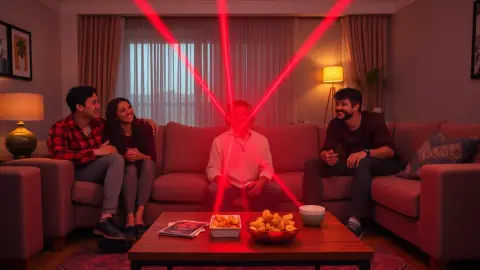
If you share your home, a verbal heads-up is part of the checklist. Tell the household you are about to play, agree where spectators sit, and decide who stops the session if something comes into the square. A quick line is enough: "Heist time, stay outside the cushions."
After the session
Close the loop with a thirty-second wrap-up. Wipe the headset's facial interface, put the controllers on charge and take a minute to cool down. The cool-down routine and hygiene guide cover the details.
The one-line version
Charge, clean, clear, warm up, pick a mode, set a timer. If you can say that in one breath, you are ready to enter the vault on the Laser Thief page.
Adapting the checklist to your home
A checklist only works if it fits your life, so trim it until it is something you will really do. Players in a dedicated spare room can leave the floor permanently clear and reduce the room section to a glance. Players who clear a living room every time may want to keep a small box nearby for cables and shoes, so the tidy-up is quick. Print it, pin it near the headset charger, or save it as a note on your phone.
Revisit the list after anything goes wrong. A bumped shin or a mid-level battery warning is a free lesson, and adding one line to the checklist keeps it from happening twice.
FAQ
What should I check before playing Laser Thief?
Battery levels, lens and camera cleanliness, the state of the floor, your Space Setup, and your own warm-up and footwear.
How long does a pre-session routine take?
Around three minutes once it becomes a habit.
Do I need to redo Space Setup every time?
No. Redo it when you move furniture or play in a different room, then restart the game.
Should I set a time limit?
It is a good idea. Fifteen to twenty minutes is a sensible start for beginners.